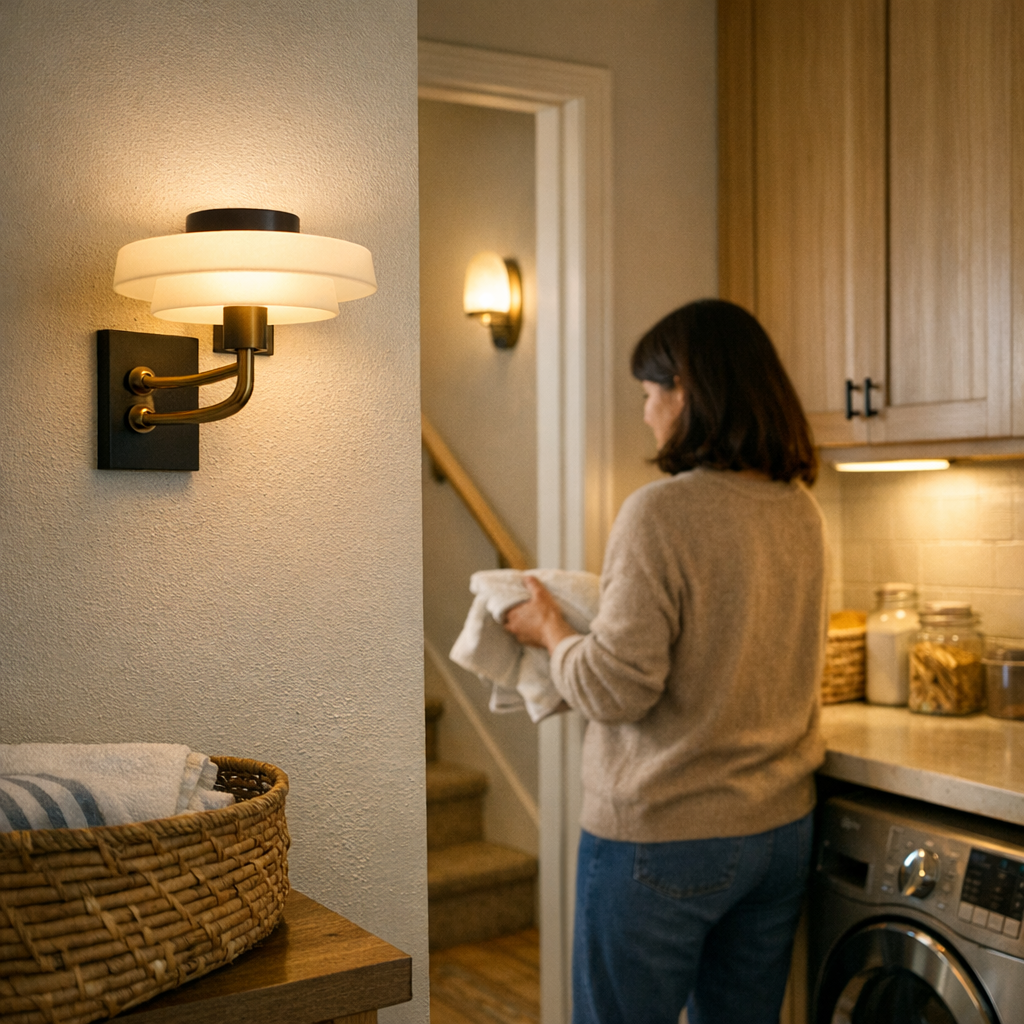
Category: Lighting & Work Setup

  • Why Even Diffusion Matters More Than Brightness in Under-Cabinet Lighting

    Under-cabinet lighting reveals its flaws quietly but relentlessly. Slice vegetables at dusk or wipe crumbs along the counter and the problem isn’t how bright the kitchen looks—it’s where the light fails. Shadows swallow the backsplash, glare bounces off polished counters, and entire stretches of workspace demand awkward body shifts just to check if they’re clean. The biggest friction point isn’t bulb wattage or fixture style; it’s the constant struggle with uneven light, forcing you to drag your hands, chopping boards, or bowls in search of a patch that’s reliably visible. In a kitchen used every day, the wrong lighting setup doesn’t just annoy once; it rewires your routines into workarounds.

    When “Bright Enough” Isn’t Useful: The Case for Even Spread

    What matters most in under-cabinet lighting isn’t how a space looks when you flip the switch—it’s how that lighting holds up after dozens of meals and late-night cleanups. Early on, you might think you’ve nailed it: LEDs seem strong, puck lights punch their circles of crisp light. But by the third or fourth week, patterns emerge: dark bands haunt the edge by the cutting board, glare rides the countertop lip, and small items seem to disappear unless you shift everything into a tiny “good” zone.

    This stumbling isn’t fixed by simply adding brighter bulbs. Spotty lighting creates gaps—places where crumbs collect unseen or knife tips vanish into shadow. Instead of moving freely, you become acutely aware of where the light lets you down, and every prep task starts to feel like moving pieces into sunbeams rather than working where you want.

    The Persistent Problem Zones: Corners, Edges, and Long Runs

    Where do these shadows and glares actually show up? In lived-in kitchens, it’s the corners tucked behind appliances, the far edge of a coffee station, or the deep bend near a microwave. At first, they blend into the room; over time, you catch yourself nudging bowls to the brightest patch or turning plates just so the glare doesn’t blind you mid-rinse. These problem zones aren’t random—they’re a direct result of narrow lighting patterns and the way cabinets cast their own shadows onto the tasks beneath.

    Long countertop runs without continuous lighting turn into a topography of low-lit valleys and bright ridges. Cabinets that aren’t matched with a wide, even wash create breaks in illumination, letting debris and missed stains build up in what looks like “clean space” from a distance. The inconvenience is subtle but constant: extra work that creeps into every cleaning and cooking routine.

    Puck Lights, Spots, and Why High-Lumen Isn’t the Solution

    Puck lights and spotlight-style fixtures promise intensity, but too often deliver hard-edged circles of light that exaggerate the problem. Walk into the kitchen at night—one spot is bright enough to cut through, but the rest fades away. High-lumen fixtures pull the eye, but they can’t overcome tight beams or poor diffusion; all the brilliance collapses into the middle zone, and the edges are left in gloom.

    Instead of boosting clarity, these setups demand you shift your cutting board, angle your hand, or lean dangerously close to the edge. On glossy counters, glare ricochets from the brightest spot but fails to lift the shadows in the corners. The daily impact? You’re always chasing the light, not supported by it.

    How Wide Diffusion Changes Your Daily Use

    Switching to an integrated LED bar with a generous diffuser transforms not just the look, but the rhythm of kitchen work. Light stretches evenly from cabinet face to backsplash, flooding the whole work surface instead of spotlighting a single tile. Vegetables get chopped in place, wipedowns actually reveal spills, and your hand stops hovering, searching for illumination.

    Placement is key: push a fixture up against the wall and you get half-shadows; install near the cabinet’s front edge and you light the full counter depth. Wide-angle diffusion matters most if your counters are glossy—the spread softens harsh bounce and replaces jagged glare with consistent visibility, no matter the time of day.

    Real-World Fixes—And What Actually Changes

    One kitchen swapped three puck lights for a single continuous six-foot LED bar, and the contrasts were immediate:

    • The once-shadowy gap by the stove became useable space, so simmering pans could be watched without leaning in.
    • Glare along the backsplash quieted, making it easier to spot splatters and cutting down on squinting during late cleanups.
    • No more dragging ingredients into an awkward spotlight—every corner, even by the sink and wall outlets, held steady visibility.

    The game-changer wasn’t higher wattage or more “power”—it was how the available light diffused and stretched. The kitchen stopped looking dramatic for photos, but started working better: fewer missed messes, less shifting, and no blind spots waiting to create tomorrow’s extra chore.

    Simple Tips for More Reliable Under-Cabinet Lighting

    • Use continuous light bars, not separated spots: Long LED runs with broad diffusers close every coverage gap—pucks leave dark seams almost by design.
    • Pull your lighting forward: Mount fixtures toward the cabinet’s front edge to brighten the full counter, not just cast light against the wall.
    • Always check for gloss and stray glare: On polished surfaces, adjust placement and diffuser width until reflected hotspots shrink or disappear.

    Each of these fixes attacks the silent micro-adjustments that slow down daily kitchen tasks—getting you from cleanup to comfort with less friction, not just more lumens.

    Why Wide, Even Spread Should Be Your Priority

    Kitchen usability depends on clear, shadow-free light exactly where routines happen—not just the feeling of overall brightness. Once the excitement of new fixtures wears down, routines get sharper: prepping, rinsing, cleaning, all without chasing after the light. A setup with wide, even diffusion stops the silent drift toward workarounds and lets you move as if lighting barely needs thinking about.

    For any space where repeated action matters, prioritize lighting that stretches evenly and covers real task zones—not just what looks good on the ceiling. The difference is visible every time you notice no more edge shadows or wasted movement. Find more real-world solutions at LightHelper.
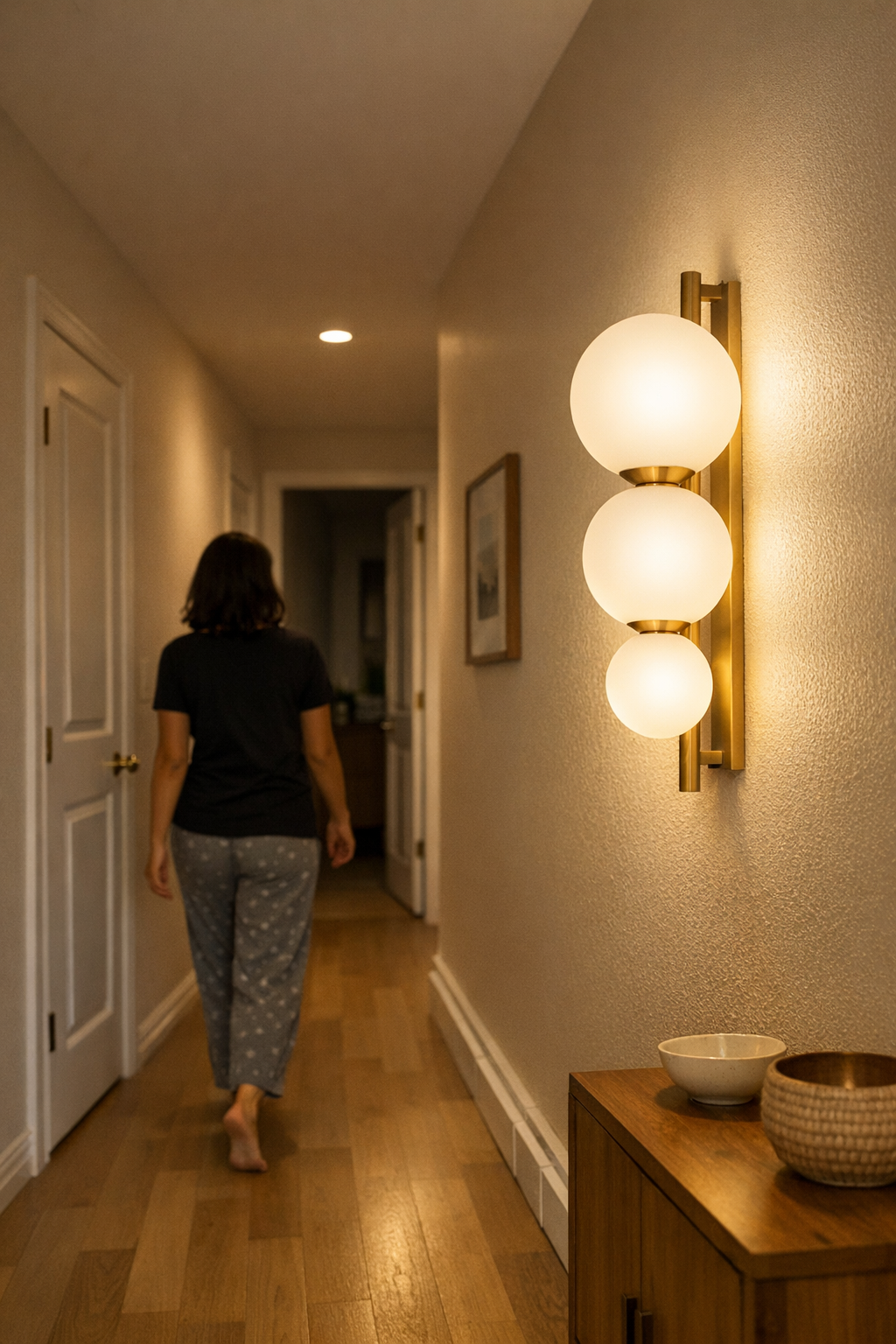

  • How Proper Support Transforms Hallway Lighting Safety and Usability

    Hallway lighting failures don’t really announce themselves until the rest of the house goes dark. During the day, flush-mount panels and wall lights can look clean, maybe even finished. But at 2 a.m., that “minimal” install turns on you: exposed cords lie directly in the path, glare bursts across a glossy closet door, and a dim strip fails to cover the hallway edge where your foot lands first. What seemed resolved in daylight now drags you into the middle of the night routine—sidestepping hazards you approved yourself. The weak spot is clear: a hallway is a pressure test for lighting and its support, especially when your eyes, feet, and patience are half-awake.

    How Small Flaws Turn into Daily Friction

    You can’t tell on install day how a cable run or mounting bracket will shape your next hundred crossings. Maybe the cord hugs the wall—until it shifts loose after the third round of cleaning. Maybe the fixture looks balanced in CAD but leaves a gap where the hallway narrows. The difference barely registers at first, but two weeks later, your heel catches a loop, or an unlit patch greets every late walk. These snags aren’t just ugly. They slip into your routine, changing how you move, tugging at your focus, and turning a hallway into a silent obstacle course. The missteps you accept during the day quietly accumulate into nightly friction.

    None of this is theoretical. Shadows pooling by a closed room, a flash where light hits the wrong angle, or a cable that migrates just enough for toes and vacuums to find it—these shape the way you move long after you stop thinking about aesthetics. No install looks good enough if you’re still side-stepping old problems with every step after dark.

    The Core of Dependable Hallway Lighting

    Dependable hallway lighting comes from three essentials:

    • Even, non-glaring illumination from entry to end
    • Cables routed, locked, and hidden—never just “straightened”
    • Stable mounting that doesn’t shift with use or cleaning

    If even one fails, routine use exposes it. A fixture can look minimal and sharp on day one, but if its cable sags or the mount loosens after a month, the setup fails its real test. Hallways aren’t display spaces—they’re working routes, repeatedly cleaned, crowded, and crossed. “Looks good” only matters if, after the tenth vacuum or hurried walk, no old risk has crept back in. Minimalism means nothing if the cable dips into traffic or lighting falls short of the far corner where footing matters.

    What “Clean” Setup Means After Dark

    Aisle lights, wall sconces, or slim LED bars might sell on “finished” looks, but the real difference only shows with use:

    • A cable that’s just tucked away at install rarely stays that way. A half-fixed wire migrates, lets shadows creep back, and becomes the most visible detail in the house after dusk.
    • A setup with all cables channeled behind a baseboard, all fixings stable and out of hand-level sight, doesn’t just look put together—it never asks for a second thought with every pass, even on cleaning days or late-night walks.

    Nighttime reveals the failures. Does the cable stay locked down week after week? Does the light still hit the whole walkway, or did a bracket slip just enough to throw a shadow by the door? “Minimal” only works if the whole structure resists daily disruption. A tidy edge at install is nothing if the job unravels six days later.

    Recognizing Problems in Daily Use

    The gap between “clean enough” and reliable becomes concrete, not abstract. Have you found yourself nudging a cord back after every cleaning? Noticed the same three feet of dimness along the baseboard late every night? Stepped gently to keep from waking someone, only to trip over a hidden cable? These aren’t one-offs—they’re what most hallway lighting delivers when support logic fails. What could be out of mind instead becomes routine irritation. It’s not until you have to dodge your own lighting for the third time in a week that the difference becomes unavoidable.

    Real-World Example: When a Support Change Makes All the Difference

    Consider a hallway where a basic plug-in light trailed its cord loosely by the door. By day, it seemed passable—just out of the way. By week three, it had slipped enough to catch a foot or broom, while glare fired off the closet door and left one end in shadow. The small inconveniences grew until fixing it was unavoidable. Swapping in a bracketed LED bar, running the wire tight through a baseboard channel, and mounting the fixture above eye-line ended the hassle overnight. Weeks later: no cord in the way, no cleaning-day resets, no patchy darkness. The right support—not just the right light—quietly erased the problem.

    Tips That Last—Not Just for Day One

    Choose the Right Light, Then Support It Properly

    Mount indirect or frosted fixtures near any reflective surface. Glossy closet doors or mirrors fire back harsh glare when you skip diffusion or precise positioning. Prioritize control over glow.

    Don’t settle for “tidy”—lock every cable in place. Cord channels and baseboard tracks solve long-term hassle, not just short-term neatness. Even one loose cord loop increases the risk that cables will reappear or move. Add wall clips in every transition and check stability after a week—the real test of setup comes with repeated use.

    Plug-in fixtures demand real anchoring. Months of cleaning, rearranging, or even regular walking work every unsecured cord loose. Hardwired lights or firmly bracketed installs beat visual fixes by actually surviving your routines. If you have to nudge or tuck after every pass, the support isn’t good enough.

    Function Over “Finished Look”

    The brightest or prettiest light means nothing if the cable you hid last weekend slips back into traffic on Monday. Good mounting and cable management erase risk, not just appearance. The goal isn’t a perfect “look,” but a setup you never need to notice again. When the hallway’s best feature is that you move without thought—no glare, no trip, no reset—your lighting and its support are actually working. Every home is unique, but one pattern repeats everywhere: strong support outlasts any first impression. If something in your lighting routine needs regular correction, look below the fixture—and reinforce what keeps your hallway working for you, not against you.

    http://www.lightsupport.myshopify.com

  • How Power Brick Placement Shapes Your Desk’s Workflow and Clarity

    A desk that looks organized at first glance can still drain your flow. Out of sight—just under the monitor stand or trailing behind your keyboard—the usual tangle of power bricks and cables doesn’t just clutter the view. It breaks momentum mid-task, snags your sleeve as you reach for a notebook, and can force awkward pauses just to plug something in when your schedule doesn’t allow for lost seconds. That invisible mess is what trips up even the most “tidy” setups, especially once deadlines stack up and quick resets matter more than surfaces staying picture-perfect.

    The Hidden Cost of Exposed Power Bricks

    Leaving power bricks and loose cables exposed feels convenient until it doesn’t. The clean surface solves nothing if plugging in a phone means diving under the monitor, or if a cable snag derails your focus during a tight video call. If most of your workday is spent shuffling between keyboard, notebook, and quick device charges, that supposed flexibility quickly reveals itself as mid-session friction—fumbling for the right cord or brushing dust off an adapter you just tripped over. Each random cable in reach is a small interruption; after a week, the time spent untangling is no longer small, and the dust creeping into your working area means cleaning isn’t a single action but a constant, low-level drag.

    The physical clutter bleeds into functional clutter. Every stray adapter under your elbow is one more thing you have to work around, not just look at. The difference between a desk organized for the camera and a desk organized for rapid, repeated work is clearest when you try to move fast—and realize the “tidy” setup actually slows you just as much.

    Containing Clutter vs. Creating Access Struggles

    Putting cables in a box sounds final. Real use says otherwise. Cable management boxes and under-desk trays can sweep away all the visible mess in minutes. No more desktop chaos, just clear surface. But for anyone who swaps devices often, every new plug becomes a two-handed chore—push back the chair, pop the lid, wrangle the cable. A sealed box fixes visual disorder but slows down daily changes. Under-desk trays are better for fixed setups but come with their own interruption: now “plugging in” means reaching beneath the desk, hunting along a tray’s tangle—made worse if your desk is already shallow and your knees are fighting for space.

    Leaving everything exposed is easy—until the cords spill out over the weekend and creep toward your working area. As the week goes on, plug-and-play becomes plug-and-wrestle, adapters multiply, and dust gathers in quiet rebellion. The temptation is to put off fixing it, which usually means the mess steals a chunk of your attention next time a deadline hits. Box it up, and you risk making every plug swap a chore. Leave it out, and the surface never really feels yours.

    Where Friction Shows Up, For Real

    The interruptions sting most during normal work—not during tidy-up sessions. You’re prepping a screen share, laptop on low battery, and reaching for a charger turns into fishing the cord from a maze of unused adapters. Or you sit down, try to clear your notebook beside the keyboard, and a power brick blocks the perfect spot—nudging you back into rearrange mode.

    Every shared desk worsens the tangle. Other people’s cables wind around yours, turning every device swap into a guessing game. Whose is whose? The urge to blame, clean, or simply push everything away never fully disappears—and after a few sessions, the “organized” appearance turns into functional confusion.

    Testing a Real Fix: The Under-Desk Tray Shift

    Genuine usability starts when you forget about cables entirely unless you need them. Trying box after box that required both hands or extra contortions, the fix wasn’t a prettier lid—but a slim under-desk tray at the desk’s rear. All bricks and most strips left the floor, lifted off the leg space. Every cable detoured into the tray except for a single, short cord set aside for quick device swaps—on purpose, out of the main mess.

    This change stopped the daily drift of clutter toward the edge of the keyboard. There was no longer a guessing game about which power brick was safe to unplug, or the silent dread of running over a charging cord with the chair. Cleanup took literal seconds: a vacuum swept under the desk with no tangles left to coax out of the way. By midweek, re-entering the space took less time—no last-second reset, nothing tugging at your eyes (or ankles) before you got started.

    The win went beyond surface cleanliness—it was the end of all those small, routine detours. No detours to duck a cable after every break. No hesitation reaching for the right cord. No mental note scribbled somewhere to finally “fix the mess”—because the mess didn’t have a way to return if the structure stayed in place.

    When Desk Structure and Workflow Actually Line Up

    There’s no perfect, one-and-done fix for power brick sprawl—but the right structure absorbs the friction before it creeps into daily routines. Installing a routed tray or channel is a single investment that repays itself every work week, especially if your space is compact, shared, or sees heavy device turnover. Layout decisions—what stays within reach, what disappears under-desk, where adapters cluster—matter whenever every minute or inch of clear space becomes valuable again. The true payoff is visible not during setup, but in the reduction of clean-ups, fewer untangles, and smoother session resets over months, not just days.

    Practical Tells and Everyday Tweaks

    • If you plug/unplug often: Skip the sealed cable box for everyday cords. Keep active plugs tethered visibly and close at hand; push only the always-connected bricks out of regular reach.
    • For shallow or standing desks: Use low-profile channels under the surface. These keep bricks hidden without squeezing out leg space or forcing knee contortions just to swap plugs.
    • Notice dust beside or under trays: That’s your signal for a scheduled reset—spend five minutes monthly and prevent the creep back to cable chaos.
    • Shared spaces: Label or color tag important cables, but remember: structure trumps labeling. A communal under-desk tray keeps adapters from fighting for every inch of working surface.

    FAQ: Small Choices, Big Improvements

    Does containing cables slow down active device switching?
    It can—if the system buries everything. The key is open channel ends, sliding access, or trays that keep daily-use adapters easy to reach. Think: hide what you rarely touch, spotlight what changes constantly.

    What if there’s no space for an under-desk tray?
    Try a compact desktop dock, a cable clip on the desk’s backside, or a magnetic strip. These give you most of the visual gain (and cleaner reach path) without taking up precious legroom or desk depth.

    How often should you reset the setup?
    For ever-changing gear, plan a brief reset monthly—untangle, wipe dust, check if a brick wandered off. Setups that rarely change can coast for months, but the routine check stops slow drift back to chaos.

    Why Weak Points on Your Desk Multiply Fast

    The true usability of your workstation is set by its weak spots, not its high points. A single cable cluster or brick pile can fracture focus, slow your reset, or pile on small frustrations mid-session. Creating a structure that actually matches your plug-unplug habits doesn’t just tidy the view—it chops out those routine disruptions that steal minutes and momentum all week. Thoughtful containment is not about perfection; it’s about stopping the slow return of friction in real use and making each reset less of a chore.

    Browse more practical workstation solutions at WorkBasic.

  • How Thoughtful Lighting Placement Transforms Everyday Home Comfort

    The gaps in indoor lighting aren’t revealed by outright failure—they show up again and again in moments you can’t ignore: toe-catching shadows on a stair turn, glare that bounces off the bathroom mirror, or kitchen counters that stay dim no matter how “bright” the fixture claims to be. It’s rarely a dramatic outage; it’s the small, accumulating frictions—hesitating before a dark corner, angling your face just to see clearly, feeling the hallway dissolve at night. These moments add up, turning routine movement into a series of micro-adjustments. Lighting that looks finished on day one can undermine confidence day after day, especially when every basic routine starts depending on workarounds.

    When “Bright Enough” Isn’t Useful Enough

    The ceiling light flicks on. At first glance, the room glows. But after a few days, another problem takes over: hallways that snare your feet in shifting shadows, stairwells that leave each second step in partial gloom, or corners that always seem just a little uncertain. “Bright” isn’t the issue—the problem is where the light actually lands. A glossy stairwell might appear safe from below, but the upper turn remains dark every night. Even the newest fixtures can flood the ceiling yet leave the first step or railing in ambiguous shadow. The distinction becomes clear fast: there’s a visible gap between a space that seems illuminated and one that truly supports confident movement.

    Everyday Example: Shadow at the Stair Turn

    Night after night, heading upstairs shows it: the hallway fixture bathes the top wall in light, but halfway up the stairs, the turn drops away into dimness. There’s no crisis—just a pause, a slowed step, and a mental reminder to go carefully because the light never seems to follow you where it’s most needed. Over time, this isn’t just a quirk. It’s ongoing friction, all because the fixture was chosen for coverage, not for how people actually move through the space.

    Mirror Glare and Surface Shadows: Where Lighting Interrupts Routine

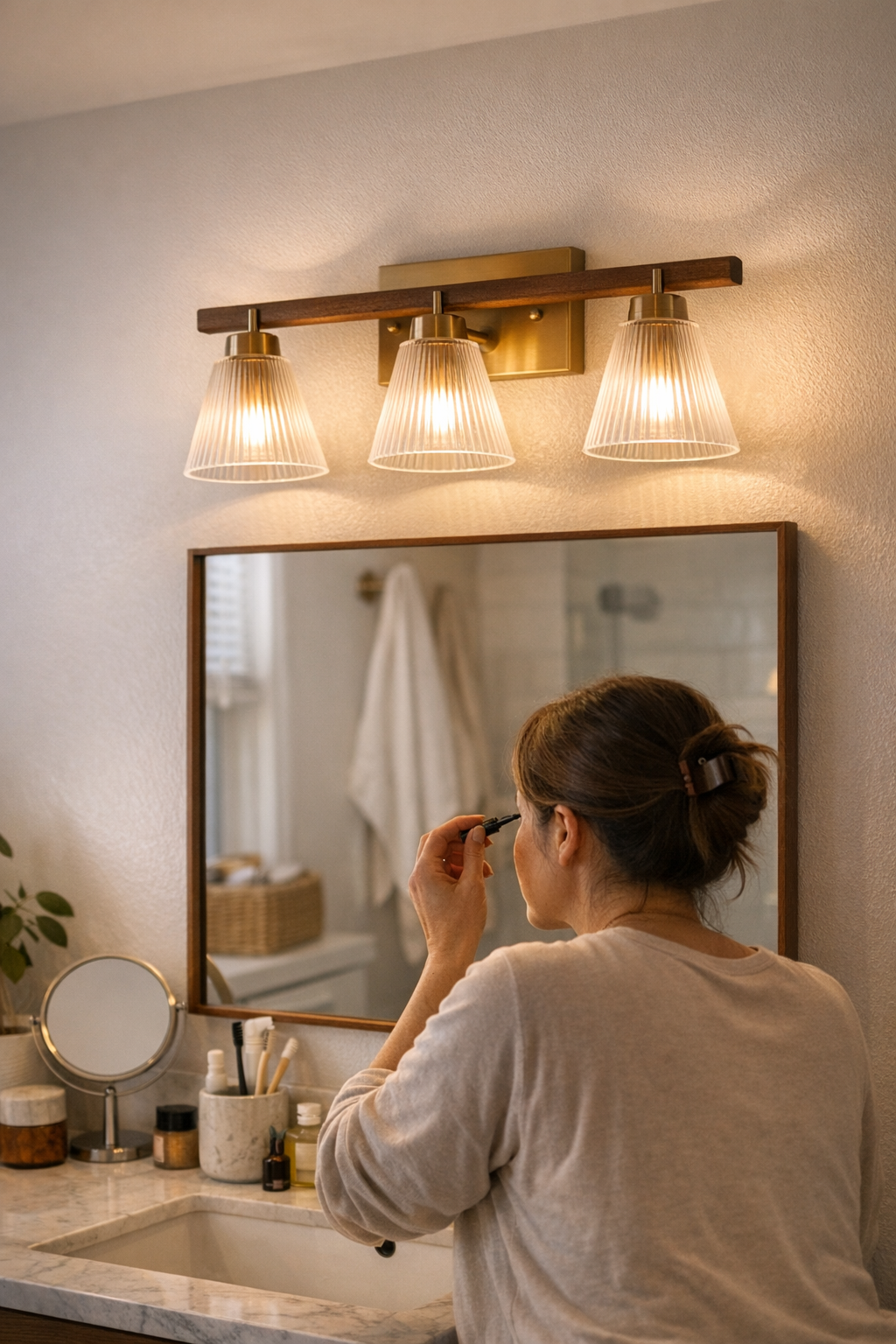
    The bathroom mirror exposes lighting mistakes fast. An overhead fixture creates uneven, lopsided shadows you end up working around every morning—leaning closer, tilting your head, or dodging glare spots to shave or apply makeup. Each small workaround reminds you that “enough brightness” isn’t the same as usable clarity. The same issue repeats in kitchens and laundry rooms. A common ceiling light often leaves the counter edge or back shelf in near-shadow—right where you need to prepare meals or spot clean laundry stains. Narrow laundry zones hide dim baskets, shadowed racks, and overlooked items, reminding you that a fixture that simply looks bright can still leave daily tasks incomplete.

    Fixing Mirror Shadows: A Simple Shift with Major Impact

    Switching from a sole ceiling fixture over the mirror to two wall-mounted lights on either side does more than change appearances—it erases deep shadows, lights both sides of the face evenly, and lets you see what you’re doing without angling for the “good spot.” Suddenly, morning routines become steady. No more compensation, no more half-lit faces—a practical, visible relief that upgrades the routine far more than just swapping a bulb.

    Hidden Frustrations: Recognizing the Signs of Mismatched Lighting

    Most lighting failures don’t shout—they repeat, day after day, as quiet interruptions:

    • Switching on the closet light but still reaching for your phone flashlight to see inside
    • Crossing a hallway only to be momentarily blinded by glare, then lose track of the wall edge as shadows move
    • Pausing at the same spot on the stairs each night because you don’t fully trust what you can’t see
    • Routinely leaning toward the window in broad daylight just to finish a simple task that the “main” fixture ignores

    These aren’t trivial glitches. They show up at the same points, every day, because the installed fixture lights the air, not the real task, path, or surface. Over time, these repeated annoyances chip away at movement confidence, making a finished space feel unfinished in use.

    The Role of Fixture Type, Rating, and Placement

    Lighting isn’t about filling ceiling real estate or following symmetry—it’s about how each fixture behaves under real use:

    • Flush-mount and semi-flush mount fixtures: In low-ceiling areas, flush-mounts stay out of the way but may push shadows into corners, leaving edges hard to read. Semi-flush fixtures offer more spread but can highlight dust or cast glare if badly placed.
    • Corridor and stair lighting: If fixtures line up with the walking path, movement feels natural. Place them poorly and every crossing means slowing down or squinting into uneven light.
    • Damp-rated bathroom and laundry fixtures: Ordinary lighting succumbs to moisture—contacts corrode, flickers increase, reliability slides. Damp-rated options resist these stress points, reducing both distraction and unnecessary replacements.
    • Under-cabinet and task lighting: These shift the workspace from “visually there” to “usable now.” Chopping, reading, folding, or sorting each become simpler because the light focuses on hands, tools, and work lines, not just the floor or far wall.

    The practical lesson: thoughtful selection and placement eliminate blind spots and hesitation. Surface, step, and pathway all become as visible as the ceiling itself.

    When Lighting Planning Ignores How Rooms Are Actually Used

    It’s tempting to focus on appearances, centering a “good” fixture in a room and calling it done. But the mismatch appears fast: weeks later, you’re still side-stepping a dim corner or automatically shifting baskets to catch better light. A bright overhead in a laundry closet lights the ceiling perfectly but leaves storage shelves in partial darkness. In a hallway, a poorly placed sconce glares at eye level, while walking paths after dark stay shadowed. Even new flush-mounts can send light everywhere except where you need it most—in your hands, on your feet, along the moving path.

    The space that keeps demanding workarounds is sending a warning. It doesn’t matter how modern the fixture looks. If the light doesn’t match routines, even expensive improvements start to feel like daily mismatches—unfinished work that only multiplies with use.

    Practical Tips for Smoother Movement and Fewer Shadows

    Audit your routines for a week: where do you slow down, shift your angle, or reach for alternative light? These moments aren’t random—they signal mismatched or misplaced fixtures. To diagnose problems before buying, stand where you’ll actually work and see how the shadows fall at the hour you really need the light. Kitchen prep? Check edge shadow. Laundry sorting? Find the shelf dead zone. And for bathroom or laundry spaces that fog up, choose damp-rated fixtures from the start—it’s the easiest way to avoid recurring malfunction and replacements that disrupt routines.

    Lighting that Keeps Up With the Real Day-to-Day

    Effective indoor lighting isn’t just about making a space “lit.” It’s about whether stair treads, countertop edges, mirrors, and movement paths stay practical and clear every day, not just when the room is empty. What looks like a minor annoyance—pausing at a stair, leaning at the mirror, double-checking a shelf—signals the kind of repeated mismatch that drains comfort and speed from daily life. Change the fixture, reposition the light, switch to a damp-rated or task-specific option, and see how much less you’re forced to hesitate or compensate. A genuinely usable home leaves routines uninterrupted—you simply move, see, and get on with things as if the lighting isn’t there at all. That’s the kind of ease most “good-looking” setups miss, but it’s the only test that matters in real use.

    Find the right indoor-lighting solutions for every routine at LightHelper.

  • How Accessories Transform Your Workspace Lighting for Daily Reliability

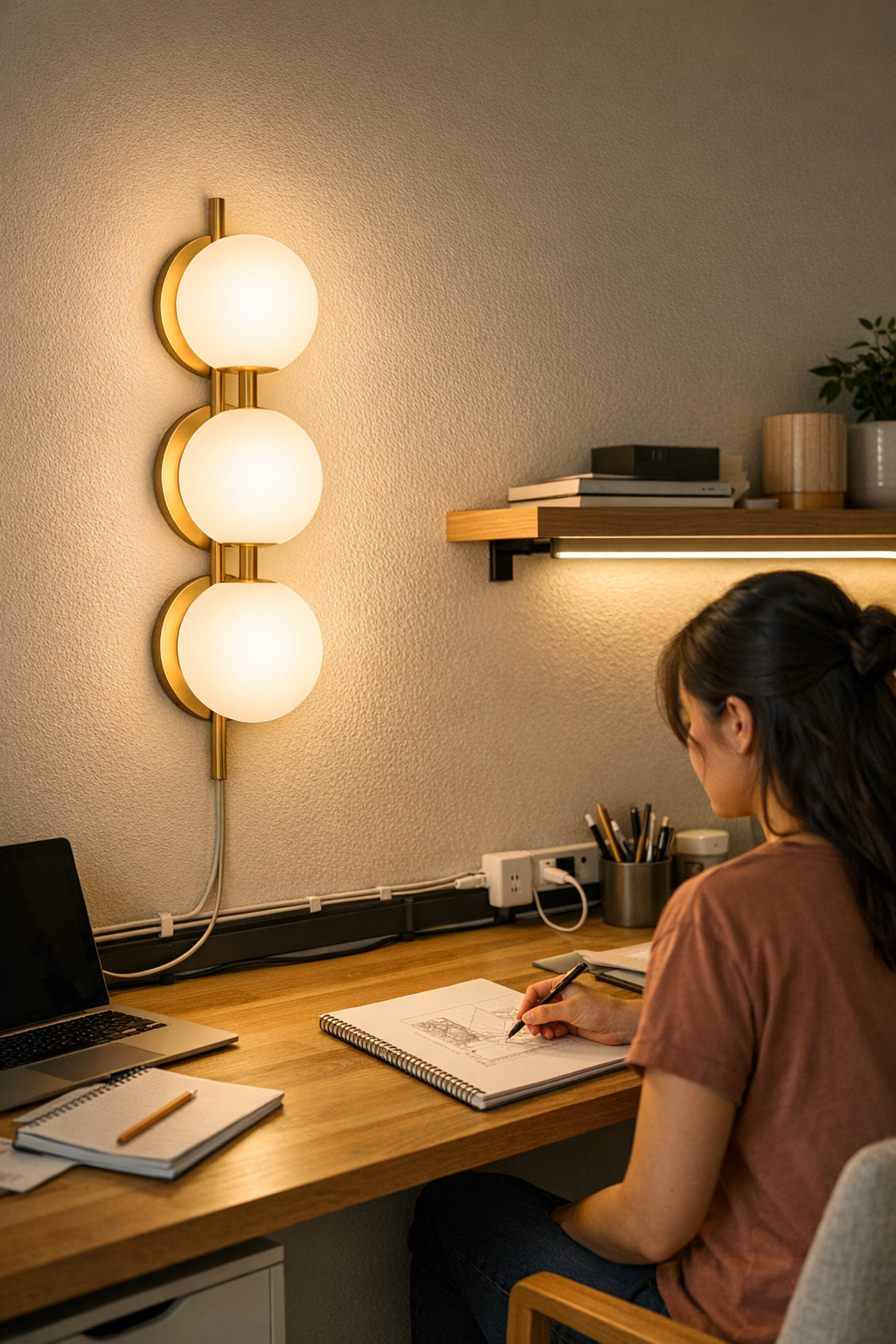
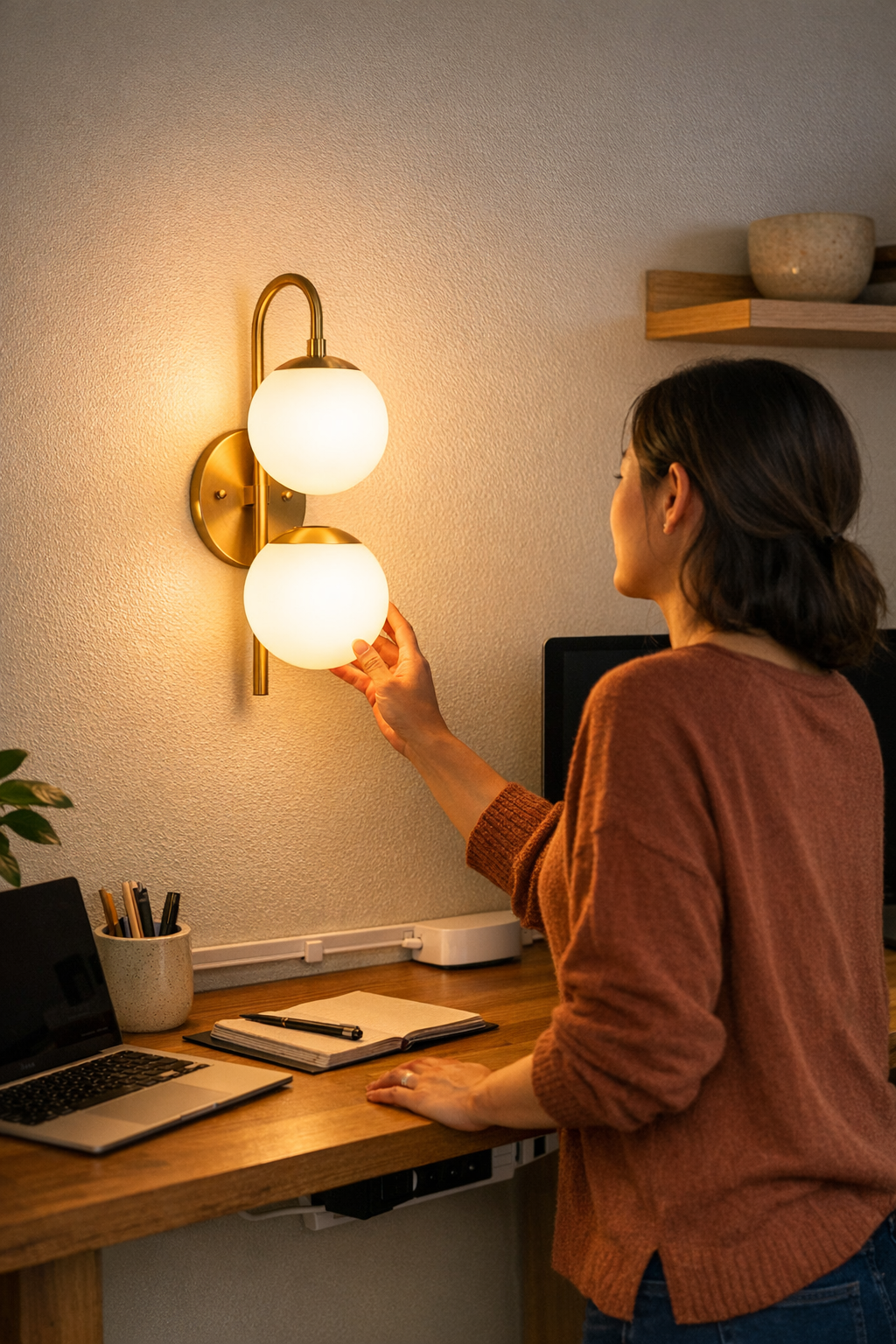
    A lighting setup can look clean—cables hidden, brackets tight, desk surface bare—but as soon as you start working, flaws show themselves fast. You shift a lamp just once, and suddenly the cord slips back into view, dragging across the keyboard. After a morning of switching devices or sharing a table, one bracket loses tension, the lamp drifts sideways, and the “neat” arrangement starts breaking your focus with every fix. The promise of a tidy space collapses under real use: exposed wires reappear, arms sag, glare returns, and your attention divides between your work and the setup that was supposed to disappear into the background. This is where lighting that looked finished starts to fail, not because of how it appears, but because of how it holds up to daily adjustment, device swaps, and the pressure of shared or changing surfaces.

    When Neat Becomes Nuisance: The Reality of Everyday Use

    An out-of-the-box setup always looks resolved. But a desk that runs all day—papers moving, devices plugging in, two people sharing—quickly exposes hidden weaknesses. That cable you tucked out of sight one morning is sliding over papers by lunch. A lamp’s adjustable arm, solid at first, now drifts out of position, its beam skipping past your notes and onto the closed laptop. Instead of “set and forget,” you end up repeating the same corrections: fishing for cords, recentering brackets, shifting under-shelf lights that miss the work edge. The pain point isn’t a single failure. It’s the steady, daily drag of tiny distractions that pile up and break your routine again and again.

    Everyday Distractions: The Small Setup Fails That Add Up

    What should take no thought—adjusting for focus, moving a lamp, plugging in a device—turns into low-level friction:

    • Cable creep: Slide a lamp once and its cord gradually covers the work area, coiling where your wrist needs to move.
    • Drifting angles: A tired bracket fails, and light shifts off your reading zone, leaving the brightest spot shining on empty surface.
    • Direct glare: An unshielded fixture hits your eye line instead of illuminating the desk, forcing you to squint or move.
    • Shared desk chaos: Two users, one long surface: overlapping cables, lamps colliding, every device swap demanding five minutes of cable rescue and resetting angles.

    The Real Difference: Support Accessories that Hold Up

    The downfall of most setups isn’t inadequate lighting power or bad style—it’s flimsy support. The overlooked part of any layout is how well brackets hold position, cable guides stay fixed, and adapters fit without straining the system. Well-matched accessories set the line between a workspace that flows and one that pulls you out to fix it, every hour.

    Cable Guides and Channels: Calm at the Desk’s Edge

    Take two identical setups: one with cables loose, the other with a slim channel holding them to the desk’s edge. Without a guide, any lamp adjustment sends the cord snaking toward your keyboard or coiling across notepads—constant annoyance, always visible, always in the way. With a cable channel pinning the line out of reach, you adjust lights all day and never see the cord, never knock it with your wrist, never unplug the lamp by mistake. The effect is barely visible, but every motion is cleaner.

    Brackets that Stay Where You Left Them

    Most people tolerate a bracket that slowly sags or shifts after each use. Only with a proper, tensioned bracket does the difference stand out—a lamp placed for reading stays steady for hours. No re-aiming, no repeated leaning. Only when a wobbly arm goes back into service do you realize how much it disrupted your day before.

    Real World Scenes: Shared Tables, Busy Surfaces, and Device Juggling

    Picture two people carving out space on a shared table. One plugs in a monitor, another sketches. Halfway through the afternoon, extra plugs fight for one adapter. A bracket that loosens sends a lamp beaming across both workspaces, or cables droop into reference books below. When the support is weak, someone winds up managing chaos instead of making progress—untangling, moving lamps, even blocking out glare with a notebook just to keep going.

    Swap in solid brackets and cable guides, and the dynamic changes. Cables hug the edge instead of claiming working space. Lamps serve one spot, then move for the next person without dragging wires through the middle. The distinction is clear—lighting stops being a daily project, and the entire setup reverts to what it should be: invisible and stable, letting work take front stage.

    Repeat Annoyance: The Cost of Skipping Structural Support

    Many accept minor clutter as the price of a clean setup. But if you ever move a lamp, share a desk, or swap cords, the mess builds relentlessly:

    • Extension cords sneak across walkways and block quick movement.
    • Power adapters overload a single shelf—just charging a device jams the whole arrangement.
    • Under-shelf lighting slides, and now the reading edge is shadowed instead of bright.

    These aren’t headline failures, but they chip away at focus and comfort: minutes lost rerouting cables, awkward stretches to get light where it’s needed, and the pressure to keep adjusting what should simply work.

    One Small Fix, Lasting Improvement

    For weeks, an extension cord dangled under my reading shelf, always slipping into view. Swapping in a slim cable channel and a bracket that actually held its angle, everything shifted—lamp where I wanted, no wires to adjust, glare finally gone. I could work without pause, the setup staying put whether I switched books or devices, so the friction of “tidying up the lighting” vanished. The gain isn’t only visual. The space felt faster, less fragile, and finally resolved in real daily use.

    How to Tell When Your Setup Needs Help

    Looks can deceive. If these patterns show up, it’s the structural support—not the fixture—that falls short:

    • Frequent cord shifting or needing to move objects just to adjust a lamp.
    • Surprise glare at certain hours, even after “fixing” the layout.
    • Dim main work edges or tangled cables growing harder to ignore midday.
    • Noticing brackets and wires more than the light itself.

    If any of these are familiar, your setup isn’t matching the way you actually use the space. Small, silent upgrades—brackets that hold, guides that anchor, adapters that fit—turn daily interruptions into routines that run smooth in the background, not the foreground.

    Why Subtle Structural Help Matters

    The best lighting and support don’t call attention to themselves. When brackets, channels, and guides are matched to your actual workflow, you notice the work—not the lamp moving, not the cable clutter, not the daily feeling that something’s just off. It’s the invisible support that separates setups that look finished from those you can actually live with, adapt, and trust not to break your flow.

    In spaces where surfaces get busy, gear moves, or people share a zone, the right supports aren’t extras—they’re the baseline for lighting that really works, every time you sit down.

    http://www.lightsupport.myshopify.com

  • How Organized Outlet Zones Enhance Focus and Workflow Efficiency

    The hidden drain on focus: outlet area chaos

    Sit at any desk that looks clean at eight a.m.—and chances are you’ll still feel the friction hours later: a foot tangling in cable loops under the edge, your hand fishing for a charger lost behind adapters, a power brick nudging your chair-wheel. The hidden mess below or behind the desktop silently chips away at real productivity. An untamed outlet area isn’t just cosmetic: it creates constant, minor interruptions—cord snags, blocked plugs, a power strip you have to hunt for—dragging your focus out of any workflow that depends on quick device switches and uncluttered movement.

    Why the outlet zone matters more as the day unfolds

    Clear desktops give a false sense of readiness. Cables and charging bricks barely register until you reach for a new device, move your chair, or try to charge mid-task. Suddenly you’re leaning awkwardly, rerouting a mouse cable, or nudging power bricks with your foot. It’s never dramatic—just enough to break your rhythm or make you scoot your chair sideways again. By mid-morning, cables that started tidy have crept into your legroom, adapters have shifted against your wheels, and reach zones become a patchwork of small obstacles.

    It’s not about perfection—just about stopping repeated resets

    Forget catalog-worthy setups; what matters is whether today’s arrangement holds up when the work ramps up. A cluttered outlet area means seconds lost untangling, scanning for a plug, or yanking a charger out. Taken one at a time, these “micro-resets” are invisible. Stacked into each cycle of sitting, switching devices, refocusing, they start to rewrite the whole feel of your routine. The real goal isn’t visual tidiness—it’s sparing yourself the daily rework that piles up every hour you use the space.

    Visible order vs. actual workflow: the cable tray tradeoff

    Standard fixes—under-desk cable trays, cable boxes, bundled velcro ties—can clear the deck for a photo. But swap a device on short notice or need an unexpected charger? Suddenly you’re stooping under the desk, contorting arms around tray edges, or blindly tugging wires mid-video call. A hidden cable tray soothes the eye—until you need to change something fast and the access points fight back.

    Leave everything exposed and every device swap is instant, but chaos piles up: cords slide onto the desk, slack pools in your chair path, and the space you thought you saved gets claimed by clutter all over again. The gain in speed creates a slipstream for disorder that invades each task change.

    The balance: less visible mess, no access delay

    The real struggle is between keeping clutter hidden and still making function fast. If hidden storage slows you down, or open access leaves you on cleanup duty, that friction always comes back in repeated use. Every desk eventually finds its own balance—but the right spot isn’t chosen by the first visual impression. It’s revealed over days of real work: which solution resists drift, which creates new annoyance by the second or third reset?

    Clutter becomes friction: real breakdowns from everyday routines

    The cracks show up midweek. Where the chair rolls into a loose charging cable, where an adapter brick blocks your feet, or where changing just one notebook charger makes a whole tray sag and scatter. Let it happen once, and you’ll tolerate it. By the third or fourth round—you catch yourself walking more carefully, reaching more hesitantly, or pulling the whole tray loose by accident. The memory of these small breakdowns starts to steer how you act at your desk.

    If your day means switching between keyboard and sketchbook, swapping a tablet for a laptop, or alternating between sitting and perch-stool—these friction points multiply fast. What started as an organized desk at breakfast usually slides by lunch: shifted cables, a landscape of adapters, and less room for even simple moves like sliding in a notebook next to the keyboard.

    Do your setup decisions survive repeated use?

    The strongest setups aren’t the ones that look best just after a reset—they’re the ones that can survive the chaos of three, four, or five device swaps, the rush to recable for a call, or opening a new charger at the last minute. When your supposed improvement forces you to crawl or hunt each time, it’s not working for you. The actual test isn’t the nine a.m. surface—it’s the three p.m. reality after you’ve hit every little snag.

    The small change that finally “quieted” the outlet zone

    Real improvement came from a small, structural tweak: mounting the power strip under the main surface but near the seated reach zone—not visually prominent, but no longer out of the way when switching chargers. Cable slack secured in a shallow tray at the front edge kept connectors off the floor but accessible without crouching or searching. Now plugs are always a reach away—no bending, crawling, or randomly tugging on cords under the desk. The adapters stop flowing underfoot, and cable friction fades out of your routine.

    This kind of fix barely registers first thing in the morning. By midweek, it’s unmistakable—no more tripping on loops, no adapters rolling around, and the reset at the end of a session is a five-second sweep instead of a run of untangling and plugging everything back in. The outlet area starts to disappear from your attention—until you try skipping the fix and realize the old friction creeps in again fast.

    A minor fix, but the daily routine shifts

    Designing with routine in mind ended the tedious cable dance: laptop swaps, notebook recharges, a quick conversion of the whole surface before a call—none of them bring back the old interruptions. Focus lasts longer; the desk lets you flow from one setup to the next, and reset isn’t a chore you dread each time.

    Quick Q&A: Real-world cable management answers

    What’s the fastest way to keep the outlet area neat but usable?
    Mount your power strip under the desk ledge but in arm’s reach, and anchor cable slack in a tray just ahead of your knees. You’ll avoid both surface mess and under-desk tangles, so every outlet is reachable without twisting, kneeling, or tracing cables by hand.

    Do cable trays or boxes work well for frequent device swaps?
    Only if you can actually reach and see what you need. If a tray is placed too deep or packed too tightly, even unplugging a laptop becomes a slow puzzle. Aim for trays that let you grab a plug without rearranging the bundle or guessing which cord is which—access always beats invisibility if you swap gear more than once a day.

    Why do scattered cables hurt focus so much?
    Every visible adapter or dangling cord is a cue to pause: you double-check elbow clearances, adjust your chair path, or take extra care moving between keyboard and notebook. A handful per week is minor. Dozens, every session, shave minutes and energy from focus before you even notice it’s happening.

    More than tidiness—movement and focus without the hidden reset

    The “quiet” outlet zone does more than look good. Your motions are freer, switching gear doesn’t kick up a reset, and the desk finally matches the rhythm of real work. The real breakthrough isn’t just visual order—it’s removing that constant, low-level struggle so your workspace keeps up with your routines instead of creating new friction points. Task-switching gets lighter, surfaces stay genuinely workable, and cleaning up no longer means starting over. Most setups fail not because they look messy, but because they hide problems that reappear by the second or third cycle of real use. Only by noticing where friction sneaks back in does steady improvement actually take hold.

    Explore the full WorkBasic collection

  • Why Lighting Designed for Real Homes Solves Everyday Shadow Problems

    The ceiling fixture you installed looks bright enough at first glance. But a week later, you slow your step at the stair landing, sensing the drop-off just outside the light’s reach, or you find yourself craning forward at the bathroom mirror to escape a slice of shadow that never seems to move. Rooms lit with a single flush or semi-flush mount might pass the “does this look bright?” test—but in daily use, uneven distribution, shadow lines, and sudden glare start to interfere with actual tasks. These aren’t dramatic failures; they’re the minor, repeated obstacles that quietly build up when lighting gets picked for the wrong reason—appearance, spec sheet, or quick installation—while real movement and sightlines go ignored.

    The Everyday Cost of “Easy” Lighting Installs

    The biggest lighting mistakes reveal themselves through routine—walking the same hallway after sunset, reaching for the edge of a work surface, or glancing at the mirror and seeing one half of your face almost vanish. That soft shadow by the stair edge or muddled corner in the laundry isn’t an accident of bad luck or “cheap fixtures”—it’s what happens when the fixture type and placement never matched what you actually do. Hallways and stairwells, in particular, seem fine until you reach for a handrail or turn a corner and realize you’re moving slower, feeling for edges the light doesn’t quite reach.

    Hallways nearly always reveal the shortcut. The typical flush-mount ceiling light offers broad, central brightness—but only from certain angles. Stand at a corridor turn or pause before the stairs: the center zone is lit, but the side walls melt into gray, and the floor’s edge feels half-guessed. It’s in these subtle moments—turning sideways to see where the hallway bends or catching your foot on a barely-visible tread—that the gap between “enough light” and “usable light” becomes hard to ignore.

    Where Light Lands: The Real Test Isn’t on Paper

    Brightness specs and catalog mockups fade as soon as real conditions step in. The width of a corridor, open doorways, or a row of backpack hooks instantly redirect, block, or cast new shadows across a space. The central fixture, perfectly balanced in an empty room, starts to falter when a shelf or closet interrupts its spread. Suddenly, crossing that hallway means one side of your body is well-lit and the other fades into obscurity, especially in the evening or when the sun shifts. The supposed “bright fix” leaves you moving more carefully—side-stepping shadow pools, glancing down for missed steps, or hesitating at the far end of a poorly-lit run.

    Bathrooms and Mirrors: Shadow Problems That Don’t Leave

    An overhead bathroom fixture lights the room but rarely helps at the mirror. Half your reflection slips under a shadow line, and rotating the fitting or swapping bulbs never quite fixes it. Every morning, you lean or twist—one shoulder in glare, the other in murk—just to get even lighting for shaving or checking details. That imbalance becomes habit. You stop expecting clarity until you try another bathroom set up right—vanity lighting flanking the mirror, shadows neutralized, every feature visible. The upgrade isn’t “extra”—it’s what’s actually needed for the space to work, every day.

    Pairing Placement with Purpose

    Strong lighting setups are never just about wattage or appearance—they hinge on whether each routine action is actually visible and comfortable from every angle that gets regular use. For a corridor, sticking with just a flush mount creates a tunnel with lit and unlit zones. Adding a wall sconce or two at walking height, even halfway down the hallway, breaks up the darkness, defines the stair edges, and smooths the transition between rooms. Suddenly, movement is steady, corners are mapped at a glance, and you stop inching along once the sun sets or you cross from a brighter zone into these in-between spaces.

    Task Zones: Lighting That Keeps Up With What You Actually Do

    In laundry rooms, mudrooms, and utility spaces, these differences stand out fastest. A single fixture in the center can never fully cover counters, nooks, or the spot where you always sort clothes. Try folding laundry during a cloudy afternoon: the far edge of the counter blurs, detergent bottles hide in a persistent shadow, and you find yourself shifting the wash basket into the limited beam—over and over. Or, stepping from laundry into a mudroom, you lose track of the landing as light falls off before your foot finds the threshold. Each time you reach for more light without thinking, the inadequacy of the setup becomes unavoidable.

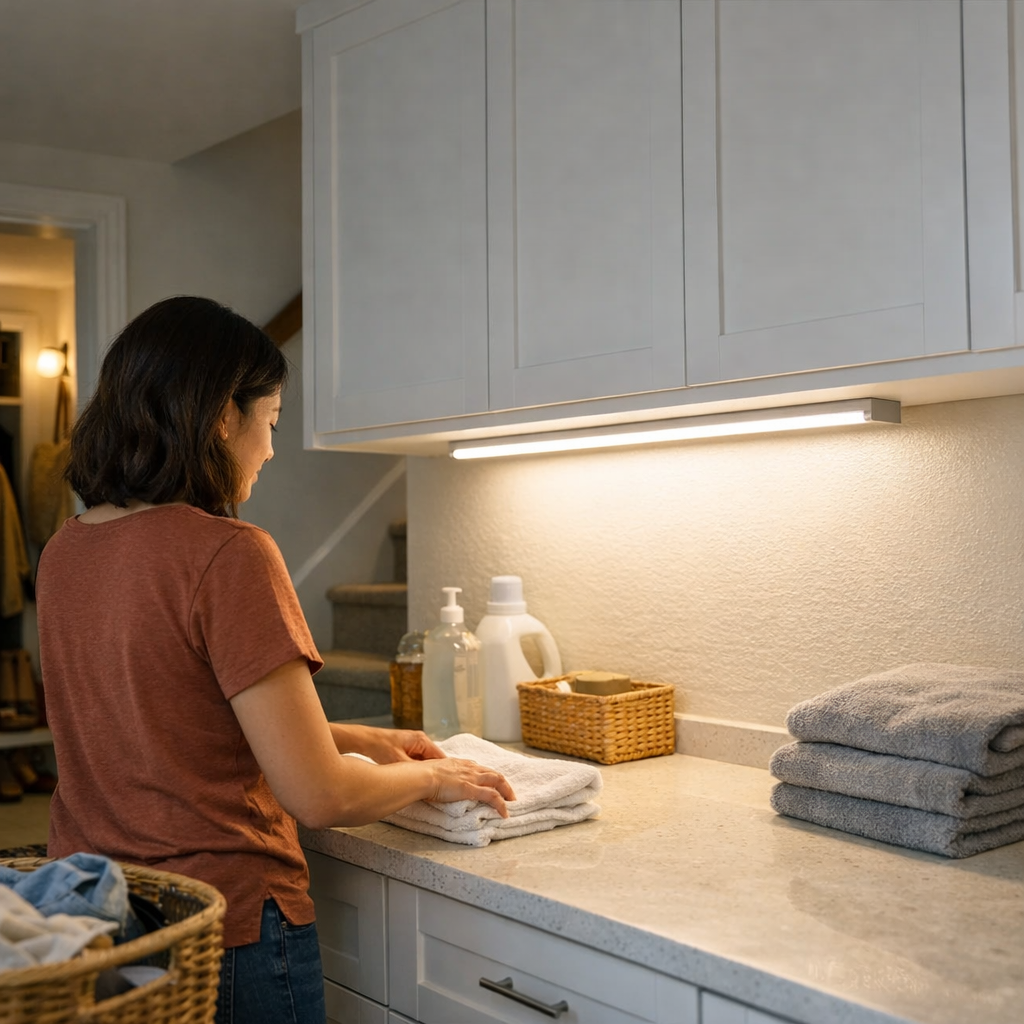
    Improvement isn’t about dumping more brightness in. Mounting a damp-rated, low-profile LED strip beneath an upper cabinet or along the back edge of a work surface wipes out the stubborn dead zone instantly—no extra fixture clutter, just precision. Every part of the counter lights up, lost corners reappear, and moving quickly between tasks means fewer stumbles or missed spots, especially when daylight is weak or nonexistent. The change is practical and ongoing, not decorative: visibility meets the shape of what you actually do.

    Why the Wrong Fixture Feels Good—Until It Doesn’t

    Poor lighting rarely fails all at once—its cost accumulates invisibly, through small repeated inconveniences. One fixture in the ceiling ignores blocked sightlines, problem corners, or areas where your routine piles up. Over weeks, you unconsciously brace yourself: squinting at the same dark counter, nudging a basket for better visibility, memorizing a shadowed stair edge where you keep slowing down. The “done” look wears thin, and the feeling of a truly finished, usable room never arrives.

    Lighting wants to be a one-and-done job. But living spaces evolve: furniture shifts, routines change, sightlines get blocked that weren’t an issue when you unpacked the fixtures. The result isn’t total darkness—it’s the quieter frustration of moving and working around persistent, avoidable blind spots.

    Targeted Lighting: Small Shifts, Large Relief

    You don’t always have to start over. The fix is usually targeted—placing light where struggle repeats, not where it’s easiest to wire or where bare bulbs make the gallery shot. One wall sconce at hallway height breaks up the gloom that a flush mount leaves untouched. A single under-cabinet damp-rated strip turns “search and fumble” into obvious, visible order in a laundry room or next to a utility sink. The right solution doesn’t chase brightness—it follows the path of actual movement and use, shaping the light around the routines that expose friction every day.

    Real-World Lighting Checks Worth Trying

    1. Walk your entire route—after dark. Before picking placements, take each main path—across the hall, up the stairs, over to the laundry—at night. Wherever you slow down, stretch your stride, or lean for clarity, that’s a sign the lighting shape needs changing, whether by adding a sconce at eye-height or placing a strip along a work edge. These points aren’t decoration—they’re navigation cues built into the structure of the space.

    2. In work areas, always pick damp-rated fixtures. Utility rooms and near-sink counters collect invisible moisture from splashes, washing machines, and steam. Regular fixtures corrode or dim sooner—while a damp-rated LED keeps its steady spread. The difference isn’t theoretical: it’s fixtures that keep lighting your routine instead of failing quietly after months of use.

    Lighting That Follows Your Routine—Not Just the Floor Plan

    The best lighting setups don’t compete with how you actually use the room—they adapt to it. “Easy” isn’t just a fast ceiling mount or the most “modern” surface cluster: it’s installing lighting that tracks each movement path, exposes every edge, and never leaves you working around shadow traps or squinting across uneven surfaces. A flush mount matches a low ceiling; a sconce adds definition along a wall run; a hardwired task strip clears the blind spots beneath cabinets. Over time, it’s these decisions—tied to layout, routine, and repeated friction—that turn stubborn inconvenience into seamless, safe use. Not once, but every single day.

    Lighting that respects the lived-in structure of your home clears up the small, costly annoyances that never make it to the punch list but undermine every routine. The fix isn’t more light—it’s targeted clarity, placed where you need it, lasting as long as you need. Practical, every-angle visibility always wins over empty wattage.

    http://www.lighthelper.myshopify.com

  • Why Proper Accessories Make Your Lighting Setup Last Without Fuss

    If you’ve ever juggled tangled cables under your desk, nudged a lamp that won’t hold its angle, or shifted in your chair only to get a sudden glare straight in your eyes, you know the setup is losing ground. A lighting system that starts off looking sharp often breaks down in quiet, practical ways: brackets that slip after a few routine bumps, cords that work themselves into your line of sight, supports that promise stability but deliver a maintenance routine instead. What stands out isn’t failure in the dramatic sense, but a slow buildup of inconvenience—spaces that look fine once, but force tweaks and workarounds with every use. This is where the real test of lighting support shows up: not in first impressions, but in how every lamp, cable, and bracket survives the repetition of daily life.

    Where Lighting Support Reveals Its Weak Points

    Most indoor lighting doesn’t fail with a snap; it slides into nuisance. Brackets loosen in ways you don’t notice until the lamp drifts for the third time in a week. Glare returns, creeping back as a fixture slips just a few degrees out of position, dictating where you have to sit. One power cord, safely ignored on install day, becomes an unswept obstacle—gathering dust, snagging feet, blocking a storage drawer. These are not small details if you’re forced to notice them again and again: a lamp that realigns itself overnight, a cord that never stays put, or a bracket that asks for daily attention. These minor failures accumulate, turning a would-be effortless room into a checklist of small corrections.

    Genuine lighting comfort depends on eliminating these recurring frictions, not just masking them. The moment a setup demands frequent nudges or awkward workarounds, it’s exposing the support pieces that aren’t measuring up. When the fixes become habit, the support is failing in its most basic job: making the lighting invisible in use, not just attractive in photos.

    The Real Role of Brackets, Channels, and Connectors

    It’s easy to treat cable guides and brackets as afterthoughts, but anyone forced to reposition a lamp over and over knows otherwise. These are not just finishing touches—they decide whether your lighting setup can withstand reality. A channel that actually fits your cable path keeps cords anchored, invisible, and out of the sweep zone. Brackets sized for the real weight and motion of your fixture prevent drift and tilt, holding the line when life gets messy.

    Accessories that only fit in theory quickly add new problems. Cords start to cut through work zones, plug areas become jammed and awkward, supports sag against repeated use, and outlets turn into points of conflict. The right question isn’t just whether a piece fits the hardware—it’s whether, three months and ten rearrangements later, it’s making less work instead of more.

    Simple Mistakes Compound Over Time

    Leave a single cord untethered and it becomes the line you’re always nudging aside, the one person in the room eventually trips over. A screw that seems snug enough lets the lamp sag two millimeters at a time. These flaws aren’t visible at the start, and they’re rarely shown in product images, but once exposed, they dominate daily use. Fixing them after the setup is lived-in often means strip-and-redo—not a job anyone wants after the third week.

    Scenes From Real-World Use

    The Desk Lamp Dilemma: Cord Control in Shared Spaces

    Picture a shared desk with two lamps, both installed the same afternoon. One cord barely routes behind anything, drooping under the surface, gathering dust, and forced to detour around other equipment. The other lamp’s cord is channeled tightly along desk edges and clipped behind the leg. By the second week, the loose cord is getting knocked around by keyboards, sleeves, and stray chargers; every bump makes it more visible and more in the way. Cleaning means lifting, repositioning, undoing the tangle—turning five minutes into a maintenance session. The cord that’s anchored stays silent, invisible, and largely forgotten, even as devices get swapped in and out. Cleanup is a non-event, the lamp never tips, and the working area actually stays clear—so you notice the surface itself, not the next obstacle.

    Under-Cabinet Lighting: Cleanup or Cable Tangle?

    LED strips under cabinets do wonders for workspace clarity—until the power cable starts falling into view, nudged by a passing hand or the next time you slide a toaster back into position. That cable, which seemed “fine” on install day, quickly becomes a magnet for crumbs, water, and extra clutter. It pulls the whole strip sideways during quick wipes or lurches up with the wrong drawer pull. Compare this to a setup with a bracketed strip and a cord fed through a raceway anchored along the wall: daily cleanup never means tiptoeing around exposed wires, and no bump or cleaning rag pulls the light out of place. The difference isn’t aesthetic—it’s that the system disappears into function. The only thing that moves is what you want to move, not your lighting or its hardware.

    Small Adjustments Make Daily Life Smoother

    Clearing the Path: Floor Lamps and Cable Raceway

    Ignore a dangling cord behind a floor lamp and you force yourself into a daily routine of sidesteps, snags, or “quick” realignments. After anchoring that same cord along the baseboard with a low-profile raceway, you stop noticing it entirely: the lamp stays rooted, nothing tugs underfoot, and your movement pattern shifts back to natural, not reactive. It’s a quiet fix—one that only calls attention to itself because life without it meant constant, invisible interruption.

    When a Clean Look Isn’t Enough

    A setup can look magazine-ready right after you finish the install, but if the bracket sags after one accidental knock, if glare creeps back along the edge, or if the “tidy” cable path falls across where you actually need to reach, the surface feels less usable by the week. Support that works only for appearances solves nothing: the real win is when you forget the lighting hardware exists at all because it never fights your routine.

    Quick Tips for Real-World Lighting Support

    • Right after install, stress-test for drift and tug: Deliberately nudge cords, tap fixtures, and check if brackets hold. Small failures now will become daily annoyances later.
    • Map cleanup and access paths before finishing up: Will wiping, sweeping, or shifting gear knock cords loose or rattle supports? Adjust anchor points before letting the system settle in.
    • Anticipate changes: If you know your routine, layout, or device count will shift, use mounting hardware and cable guides that adjust easily. Overcommitting to a fixed path now almost guarantees a future headache.

    What Lasts Beyond Day One

    Lighting that works isn’t just working now—it holds up after the tenth cleaning, the fifth layout change, and the hundredth small bump. That means cords stay anchored, brackets stay locked, and surfaces stay free for the actual work, not side chores. The setups worth keeping solve friction others don’t notice until they become the next problem to fix. The ultimate reward is this: not a showpiece room, but a background that’s finally out of your way—all day, every day.

    Find lighting support solutions built for real, repeated use, not just first impressions: LightSupport

  • Balancing Hidden Power Zones with Easy Cable Access for Better Workflow

    The idea of a “hidden power zone” sounds perfect: cables vanish, surfaces clear, focus returns. But the illusion fades quickly for anyone who actually works at a desk for hours, especially if you switch between more than two devices in a day. A spotless desk doesn’t erase the friction that emerges as soon as you need to swap chargers, connect headphones, or recharge a phone mid-call. Every time you crawl under the desk or grope along a mounting rail during a crunch, the setup built for calm instead interrupts your workflow—costing momentum, dropping your pace, and occasionally scraping a knuckle for your trouble, all just to find a charger you used an hour ago.

    When “Out of Sight” Isn’t Out of Mind

    The clean-desk effect feels great at first. USB hubs, adapters, and charging bricks disappear into a cable box or tray. The only things left on the surface: keyboard, notebook, laptop, maybe a coffee. It’s the order you always wanted—at least until real life starts layering in: a phone that needs charging during a meeting, headphones for a video call, swapping a secondary laptop in and out. Suddenly, every change means finding the right cable, reaching under the desk, or fishing for the charger that slipped just out of view. The desk looks organized, but your work rhythm is interrupted by constant mini-searches, awkward angles, and enough minor setbacks that “tidy” stops feeling efficient and starts feeling like maintenance.

    Static setups imagine static routines. But work isn’t mechanical—devices cycle in and out, charging needs shift, and unplanned demands show up. What started as a well-ordered, cable-free surface turns into a barrier: one that quietly slows access and nudges you to do less, or plug in less, simply to avoid breaking your stride.

    How Hidden Power Zones Play Out in Real-World Routines

    Picture a call that runs over: Just as you’re screen-sharing, the laptop battery flags a warning. The charger? Secured in a cable box behind or beneath the desk—visible only if you duck down and fumble with cables by feel. You try to keep talking, but end up sliding off your chair, hunting half-blind for the right plug, praying nothing unclips. The moment you needed to stay locked in, you’re knocked off track by the system designed to keep things clean.

    Or a midday device shuffle: You bounce from typing, to handwritten notes, to an iPad session. Every switch means bending under the edge: searching for a different adapter, brushing shirt sleeves on under-desk trays, bumping knees on boxes that claimed unused space three inches ago. The desktop remains picture-perfect, but your work switches from smooth to stuttered—never enough hassle to revolt, always just enough to slow down.

    Setup vs. Use: When Visual Clarity Costs Working Speed

    Cable trays and boxes under the desk work well if your gear never moves—one monitor, docked laptop, no unplanned swaps. Legs swing free, the floor stays clear, and nothing trails below to collect dust or trip on. But few desks remain this simple for long.

    Change is the breaking point. Add a visiting laptop, run out of battery on a tablet, or re-prioritize devices by afternoon, and the “invisible” setup turns into an obstacle course. A sixty-second interruption, endured five times a day, compounds quickly—and the tradeoff between a spotless look and felt usability becomes glaring every time you duck or stall.

    Small Frustrations That Stack Up

    Knuckles clip against mounting rails. Fingers stumble over indistinguishable plugs. Cables slip behind trays, requiring a knees-on-the-floor rescue. These aren’t major breakdowns—but they stack. The result isn’t outrage, just resignation: the low-level friction that nudges you to leave a device unplugged, or to let headphones charge “later,” sacrificing usefulness for simplicity you only see, not feel.

    What Actually Solved the Problem: Shifting the Zone, Not the Vision

    The answer isn’t hiding more—it’s shifting access. Moving the main cable box from where your knees want to swing (deep underside, desk rear) to an edge, front, or side rail within arm’s reach changed everything. The cables stayed off the main surface—desk still looks streamlined—but mid-task cord swaps now happen with a short lean instead of a full dive. No more crawling, no more awkward wrist scraping; just grab, plug, and continue, almost without breaking attention.

    The “hidden” system can still work—if access matches reality. With this adjustment, power and connectivity remained technically invisible, but now usable. The drag faded: fewer forgotten charges, fewer routines disrupted, and less temptation to bypass the system “just this once” out of impatience.

    Carving Out Access Without Giving Up Calm

    Not every cable solution benefits from full concealment. The goal isn’t visual perfection—it’s frictionless movement. For dense desks, or when under-desk storage begins cannibalizing legroom, trying “reachable but not in-the-way” is usually the better path. Well-placed cable clips, half-length trays, side-mounted boxes, or surface organizers keep clutter down without making daily reach a struggle. Especially with limited desk depth or high task switching, the decision isn’t hide vs. show—it’s what lets you actually work without slowdowns or micro-injuries from repeated odd angles.

    Real usability surfaces fast. If you’re ending most days with an irritated knee, or skipping one more plug-in to avoid the hassle, the invisible fix has become its own problem. Let routine dictate placement—not just how you want the finished desk to look after a reset.

    Quick Q&A: Sorting Calm from Complication

    Is under-desk cable management always the solution?

    No. If your gear and connections rarely move, an under-desk tray or box might be close to perfect. But any setup with daily device swaps, rotating hardware, or frequent re-plugs will benefit more from a flexible approach: side-mounts, edge-access boxes, or surface cable clips all lower the wall between intent and action.

    How can you tell if your cable setup is interfering with your work?

    Watch for the patterns: hesitation before plugging in, finding yourself kneeling mid-task, or extra pauses hunted for cable ends. If you repeatedly dodge connecting something or change your work position just for access, the setup is built for show, not for real use. Smooth doesn’t mean perfect—it means not noticing the process at all.

    What about legroom and movement?

    Every under-desk addition takes its toll in tight quarters. If trays, organizers, or boxes crowd your knees or feet, or cut into the arc your legs naturally follow, irritation multiplies by hour. Even moving an organizer by a single inch—or switching from a full tray to shallow-mount clips—can stop the slow creep of discomfort that derails a long session.

    Everyday Calm Comes from Everyday Ease

    The organized “after” photo isn’t the goal—effortless action is. The signal you chose well: one-motion cable swaps, no awkward screenshifts, shuffling between keyboard and notebook without snagging on under-desk storage, devices charging where your hand naturally lands. Build for flow, not just for looks. When cable management adapts to real-life patterns, not only does the desk look calm—it acts calm, project after project.

    For workstations that need to switch gears, charge fast, and host new hardware without a major rearrange, comfort comes from fitting structure to action, not the other way around. The best setup isn’t one you notice—it’s the one that never slows you down. Explore the full WorkBasic collection

  • How Thoughtful Lighting Choices Enhance Safety and Comfort Indoors

    The most damaging lighting problems don’t call attention—they creep in as awkward moments and small friction: you fumble keys in a bright-looking hallway but miss what drops in dim edges; you wipe a spotless bathroom mirror, but half your face blurs in uneven glare. Most people blame bulbs or ignore the discomfort. But week after week, it’s the wrong fixture or weak placement that turns “illuminated” rooms into daily hassle zones. The issue isn’t how bright your space appears when empty—the real test is what the lighting does to your movement, routines, and comfort when you actually use the room.

    When “Bright Enough” Isn’t Actually Usable

    A ceiling flush mount or a slim panel can fill an entryway or laundry room with general light, and on first glance, you might think the job’s done. But walk the space carrying laundry or keys, and gaps become obvious:

    • Shadows stretch across tile and wood where you need to spot small dropped items.
    • Direct glare bounces off shiny door handles or appliance fronts right as you reach for them.
    • The mirror over your sink splits your face in high contrast—bright on one side, dim on the other—making shaving or makeup a guessing game.
    • Stair treads blur at the riser, especially at night, so you tread softer, always slightly second-guessing your footing.

    These aren’t rare accidents. They’re the reason you lean in, pause, or unconsciously angle yourself several times a day—annoying enough to notice once named.

    Why Fixture Type and Placement Shape Real Movement

    Lighting only does its job when matched to real patterns of movement and use—not just the volume of the room. Flush and panel ceiling lights fill the ceiling and upper air, but leave edges and surfaces where you need focus in the lurch. Semi-flush fixtures add interest, but rarely reach far enough into corners. When all light comes from above, expect blind spots: the zone by the fridge, the shadowed space across a countertop, or the dark stretch at the bottom stair landing. You sense it in the way you reach forward for more light, hesitate before a sharp turn, or dart back to flip another switch. Each small compromise adds up, cluttering routines and dulling comfort.

    Common Frustrations in Repeated-Use Spaces

    Hallways and Entryways: Chasing Shadows

    Single central ceiling fixtures turn people and bags into moving shadow-makers. By late afternoon, strong floor shadows swallow mail or shoes near the wall. Juggling laundry or groceries, you block even more of the light, leaving the path patchy just when you’re least focused.

    The real upgrade: Add a well-placed wall sconce halfway down the walkway. Instantly, shadow pools flatten out. Now, you can spot everything on the run, not just in the main beam. It’s about neutralizing the hassle, not just decorating the passage.

    Stairways: Edges that Disappear

    Ceiling fixtures pour light from above, but stair safety depends on visible edges and turns. Most nights, overhead lights leave risers half in shadow, with the turn at the landing half-guessed. The friction isn’t just a stumble risk—it’s the background tension of not quite trusting your footing in the home you know best. A wall sconce repositioned near the stair turn quietly anchors the edge of every step. You feel the difference instantly, even more across a year of late-night climbs.

    Mirrors and Sinks: Half-Lit Faces, Missed Details

    Overhead lights in baths and vanities love to cast symmetrical pools on the floor, while the mirror splits your reflection. One side is washed out; the other, in shadow. You tilt, shuffle, or twist for better light—turning fast routines into a series of small workarounds. Adding sconces beside or above the mirror evens out skin tones and detail, so you stop compensating and simply see what you’re doing.

    Under-Cabinet and Task Zones: When Work Surfaces Vanish

    Prepping a snack or sorting laundry, even “bright” rooms can swallow the counter edge or lose the basin in dull patchiness. If the main light’s behind you, you’re working in your own shadow by default. Task and under-cabinet lights exist for these moments—targeted beams that fill in what ceiling fixtures ignore, turning awkward, crouched work into plain, visible action.

    Spotting Signs That Your Lighting Setup Is Missing the Mark

    Consistently noticing any of the following hints your space needs more than swapping bulbs:

    • Stubby shadow patches in corners, especially after dusk
    • Repeated need to lean, tilt, or squint for clarity—at mirrors, stoves, or hallway niches
    • Floor edges and steps that visually collapse after dark
    • Glare zones bouncing off glossy tile, sink fixtures, or even picture frames
    • Hesitation about what’s on the floor or what you missed on a surface

    These are signals—not just inconveniences—that your fixture type and placement aren’t mapping to real life in the room.

    Layering Solutions for Safer, More Comfortable Spaces

    The best upgrades have nothing to do with oversaturating a space in light. They’re about targeting tension points and backing up ceiling lights with smarter zones:

    • Sconces midway down corridors take out the “shadow traps” and make crossings unbroken.
    • Mirror-edge or vanity lights undo the facial split, so routine grooming or checks don’t require contortion.
    • Under-cabinet task lights keep prep or folding surfaces useable, even when standing between the ceiling fixture and your own work.
    • Damp-rated fixtures block the slow, silent wear of steam and drips in baths and laundry—not a detail you want to discover the hard way.

    Each fix rewires your path through the room: fewer slowdowns, less eye strain, and a routine you stop having to pause, dodge, or correct mid-move.

    Two Fast, Real-World Tips

    1. Walk your routes at night with only overhead lighting. Carry what you usually do—bags, a basket, your phone. Notice where shadows slow you or details fade. Those marks are your real priority areas for adding targeted light, not just “extra” illumination.

    2. Before you buy, check for low-key moisture. Even infrequently used bathrooms or half-finished laundry zones collect condensation. A single damp-rated fixture is usually all it takes to stay ahead of early rust or flicker down the line.

    The Practical Difference: Lighting That Supports, Not Interrupts

    The rooms that work best don’t just look bright—they help you move, see, and work without constant compensation. Fixing the dark landing, the mirror glare, the lost countertop edge isn’t about style; it’s the secret to routines that flow, day after day. The next step always feels clear, the next task less of a hunt. Details win out over broad gloss. And the difference, once you feel it, is hard to ignore.

    For indoor fixtures that make every room easier and safer to use, explore LightHelper.