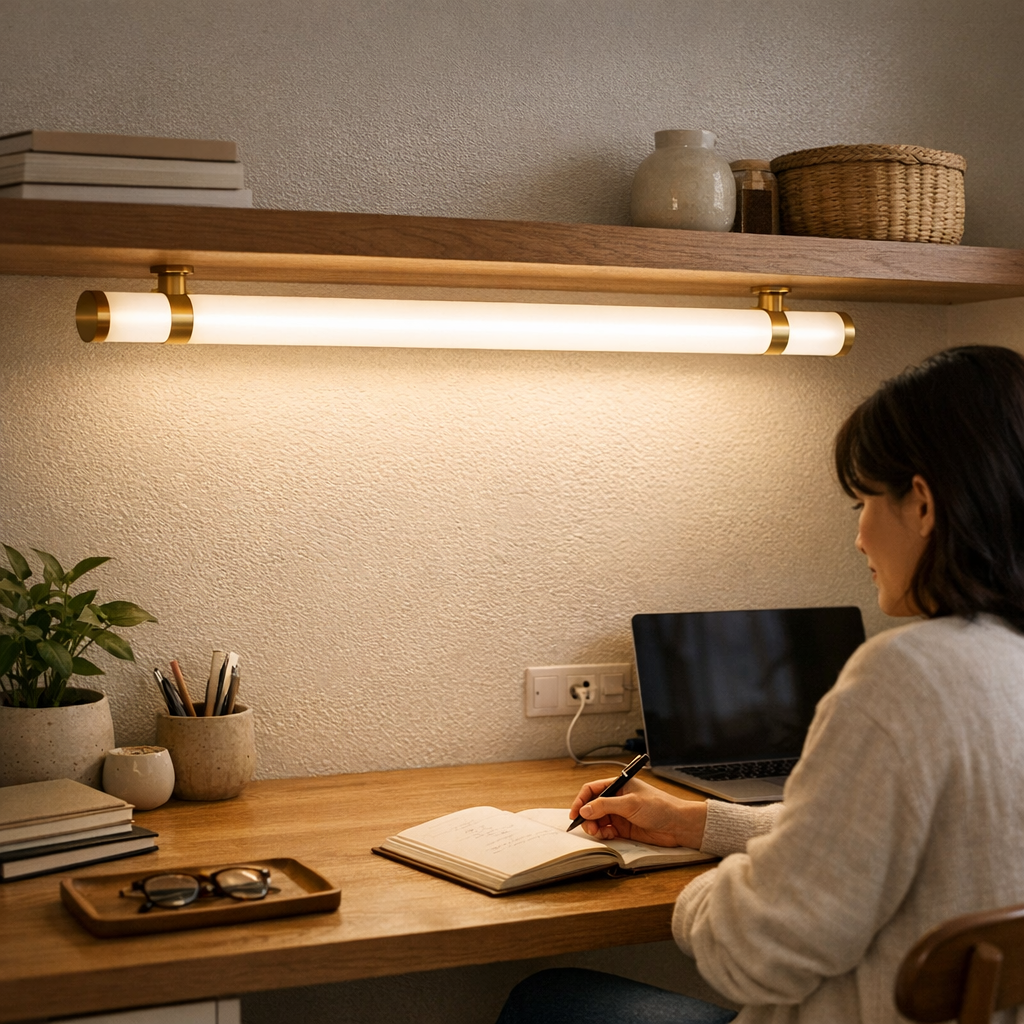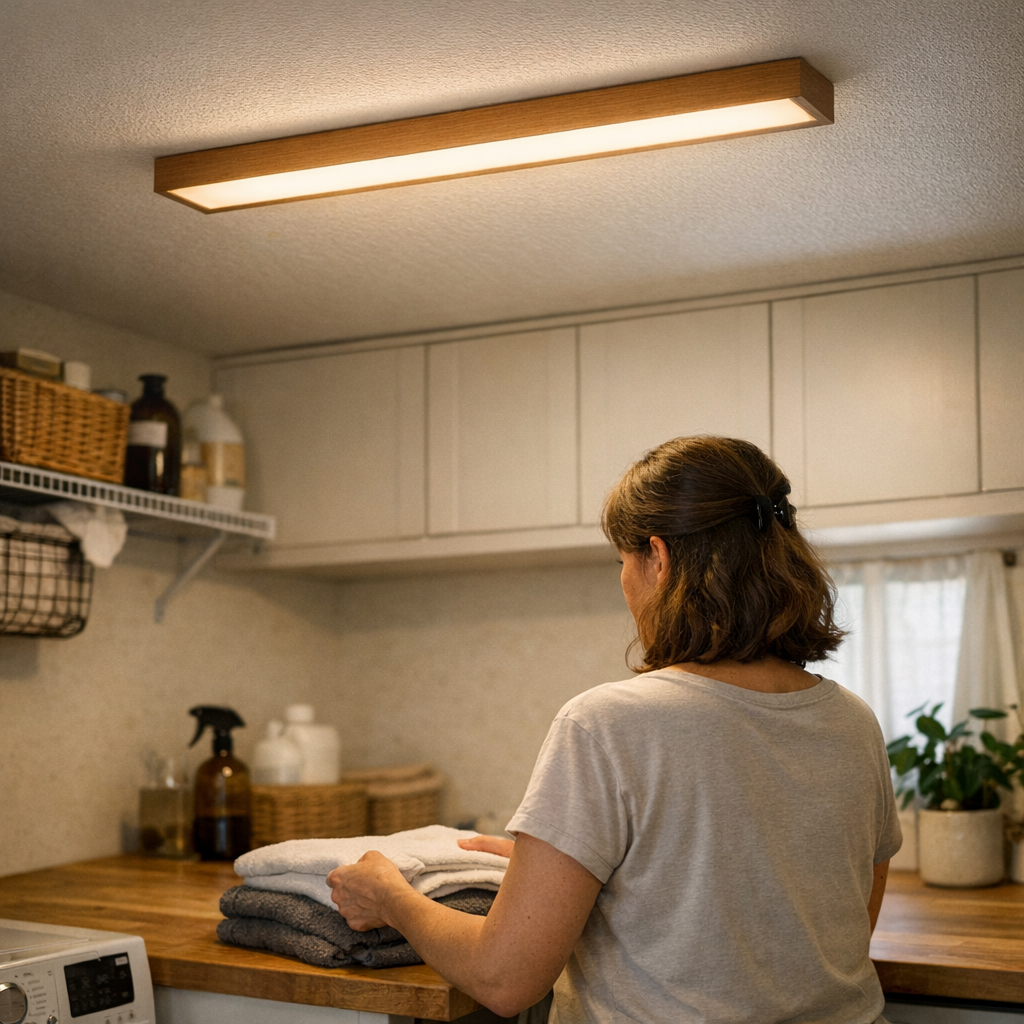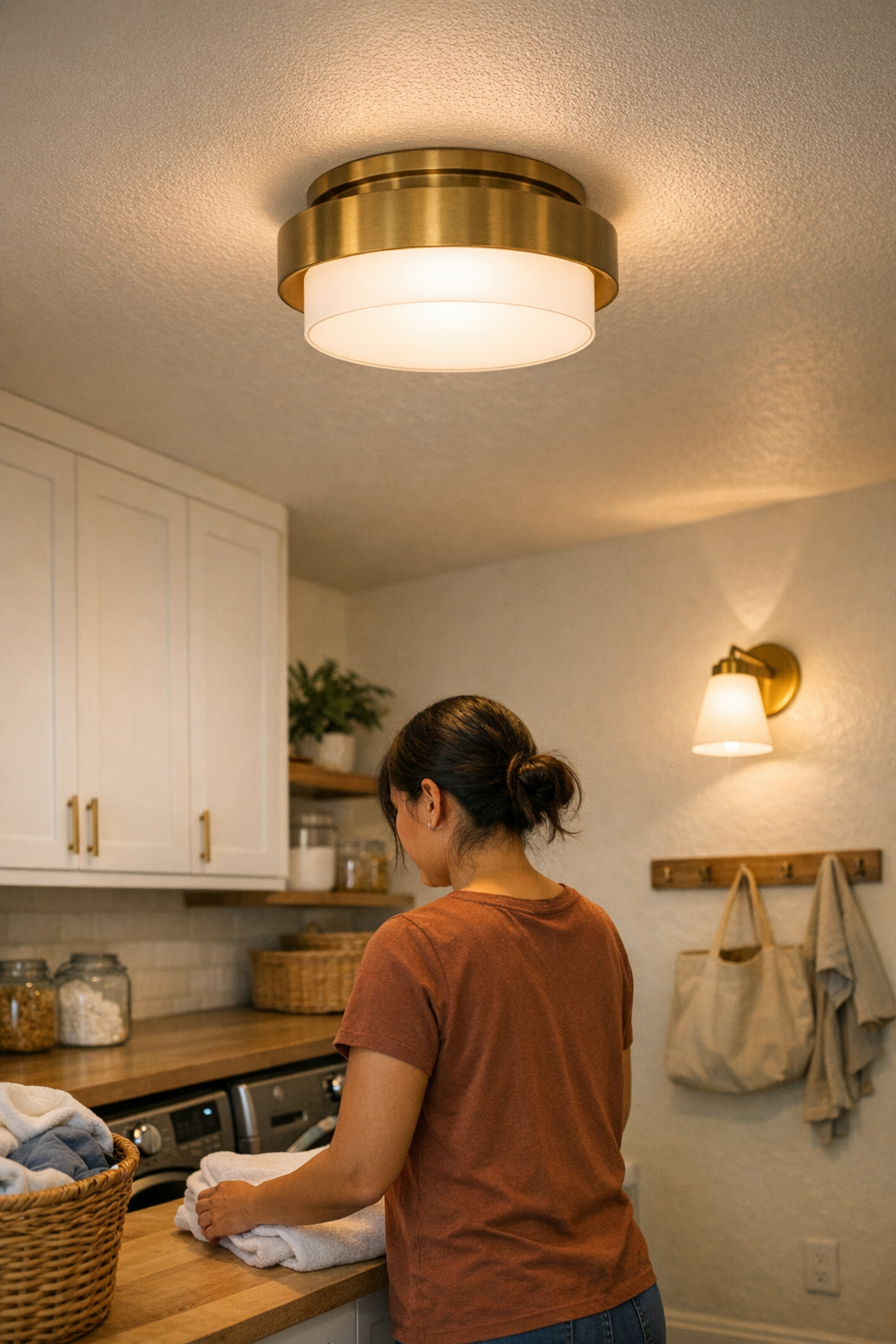
Most homes look bright enough—until you actually use the space. By the third week of laundry, you’re still squinting at care labels under the flush-mount ceiling light. In the bathroom, your reflection turns patchy, forcing you to squint, lean sideways, or angle your chin. Working at the kitchen counter? You have to chase circles of shadow, blocking glare with your forearm just to find the cutting board’s edge. The ceiling may look fully lit, but daily routines reveal the same flaw: output poured everywhere, with visibility and comfort left behind.
When “Brighter” Doesn’t Mean “Better”: Subtle Frustrations Add Up
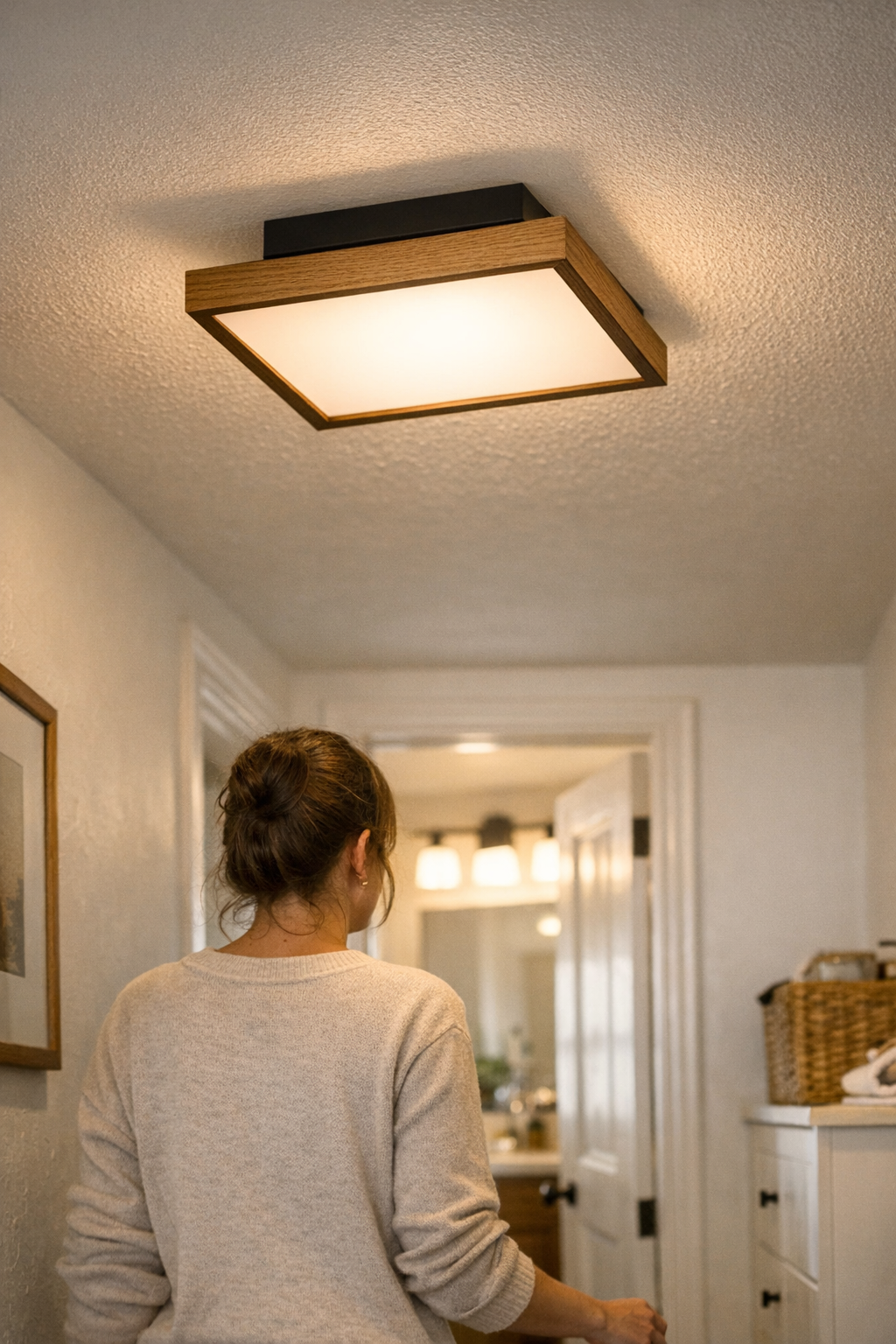
It’s easy to believe a single overhead can handle the whole room—flush mounts, modern panels, a dramatic fixture in the hallway. But every routine exposes what that ceiling light misses. Machine controls in the laundry room glare unreadably, especially on cool metal tops. Kitchen counters go from gleaming to divided: one half is over-bright, the other shaded. After another squeeze on the stair landing, you blink reflexively, mapping out your next step by feel, not sight.
Discomfort isn’t dramatic. It creeps in: you rub your eyes, nudge paperwork under the brightest patch, turn your head to dodge a flash in the mirror. Corners in the utility room stay unrested. Glare bounces mercilessly off tile on damp mornings. Instead of fixing the imbalance, you compensate—avoiding certain spots, adjusting your path, or simply living with routine annoyance that stacks up over time and slows even simple tasks.
How Overhead Fixtures Create Invisible Obstacles
Overhead lights claim to “fill the room,” but their weaknesses show when you have to move, read, or look closely. Everyday use puts the failures in sharp relief:
- Stairway handrails glare back at you on the landing, right where certainty should be highest—forcing caution where movement should be fluid.
- Bathroom mirrors offer a clear face—until you step in close, when a bolt of direct glare makes you look away, blurring detail when you need it most.
- Kitchen and laundry counters end up split in two: one side in shadow, the other reflecting overhead light straight into your eyes, pushing you to awkward angles and disrupting the routine.
- Hallways look fine up high, but the path ahead blurs, with one flank darkening and the other glaring, making every walk feel off-balance.
If you find yourself shifting, squinting, or hesitating in a “well-lit” area, the lighting isn’t just an aesthetic failure—it’s a daily obstacle, leading to missed steps, misread labels, or constant micro-adjustments that sap time and comfort.
The Limitation of Single Fixtures: Shadows and Glare No Matter the Wattage
Turning up the brightness or installing a more powerful panel rarely solves the problem. Instead, it trades one kind of discomfort for another: new shadows on the wall, cutting glare across surfaces, or leaving corners as dim as before. Every exaggerated hot spot is a reminder that spread matters more than raw output. The result: ordinary tasks feel disrupted, not just underwhelming.
Adding more light without direction just pushes the friction around the room. Streaks of light dance across folded laundry or slice the bathroom mirror, and “improvements” in one task zone create shadows or reflection zones somewhere else. It builds into a loop—each new bulb or brighter fixture leaves a new blind spot, especially noticeable during repetitive tasks: hunting for that product label, carrying groceries, leaning in for a closer look, or walking the same darkened path night after night.
Real-World Scenes: Where Lighting Frictions Repeat
Stairways and Landings: Navigating Shadows, Not Just Brightness
Picture a steep stairwell, lit only by an overhead bulb. You take the turn, hand on the rail, and harsh light leaps off the surface, making the next step fuzzier, not clearer. On a damp morning, reflections build, requiring you to step with extra care. Over time, you shift your weight defensively and look away from the “lit” step—subconsciously confirming that the space may look bright, but doesn’t actually guide safe movement.
Mirror Zones and Bathroom Sinks: Uneven Lighting Where Clarity Matters
Main ceiling lights face the mirror directly, but their glare splits your reflection down the middle. Attempting to shave or apply makeup, you find each side of your face unevenly lit, one flashed to white, the other falling away. Frustration follows as you sidestep, lean, or even cup your hand to block the strongest beam, proving that more overhead light doesn’t equal clarity or comfort for daily routines.
Work Surfaces and Counters: The Shadow Keeps Coming Back
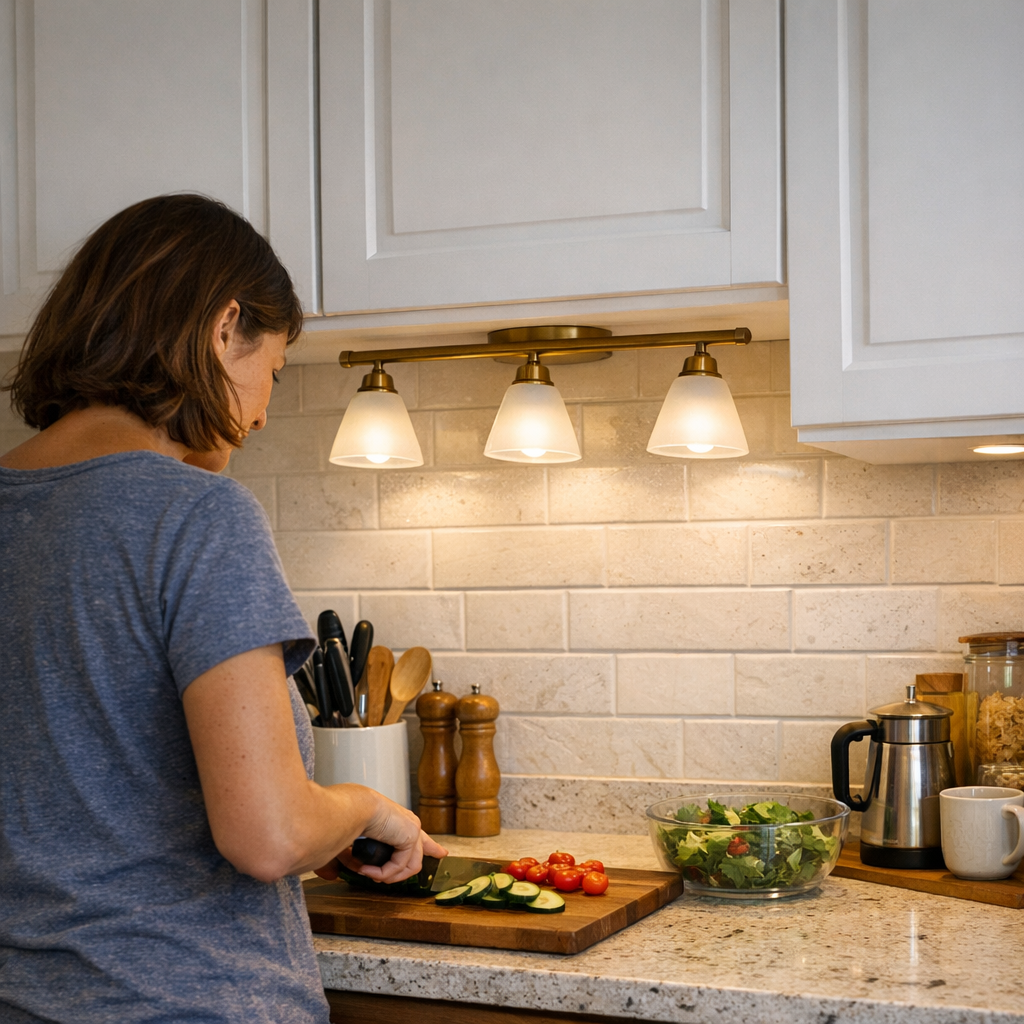
Overhead lighting sets up counter work for failure. You reach for detergent or chop vegetables and end up chasing “good” lighting across a glossy surface. A single flush mount leaves an unmistakable stripe down the middle—a distracting stripe of glare edged with shadow. Tasks slow down as you shift everything (and yourself) to avoid the least usable spots. “Full brightness” at the ceiling, but the real work surface is still unpredictable.
Practical Fixes: It’s About Direction and Diffusion, Not Just Output
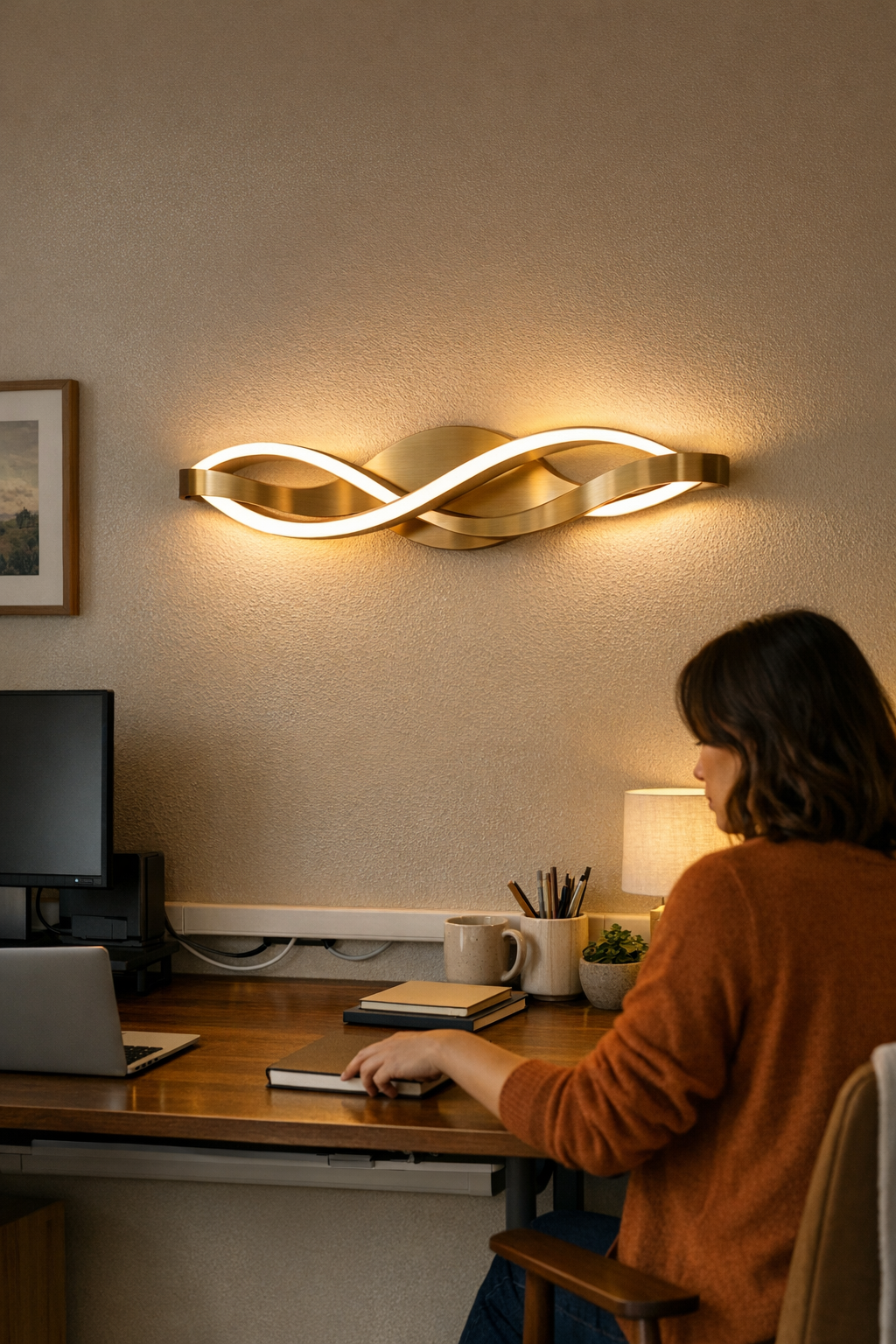
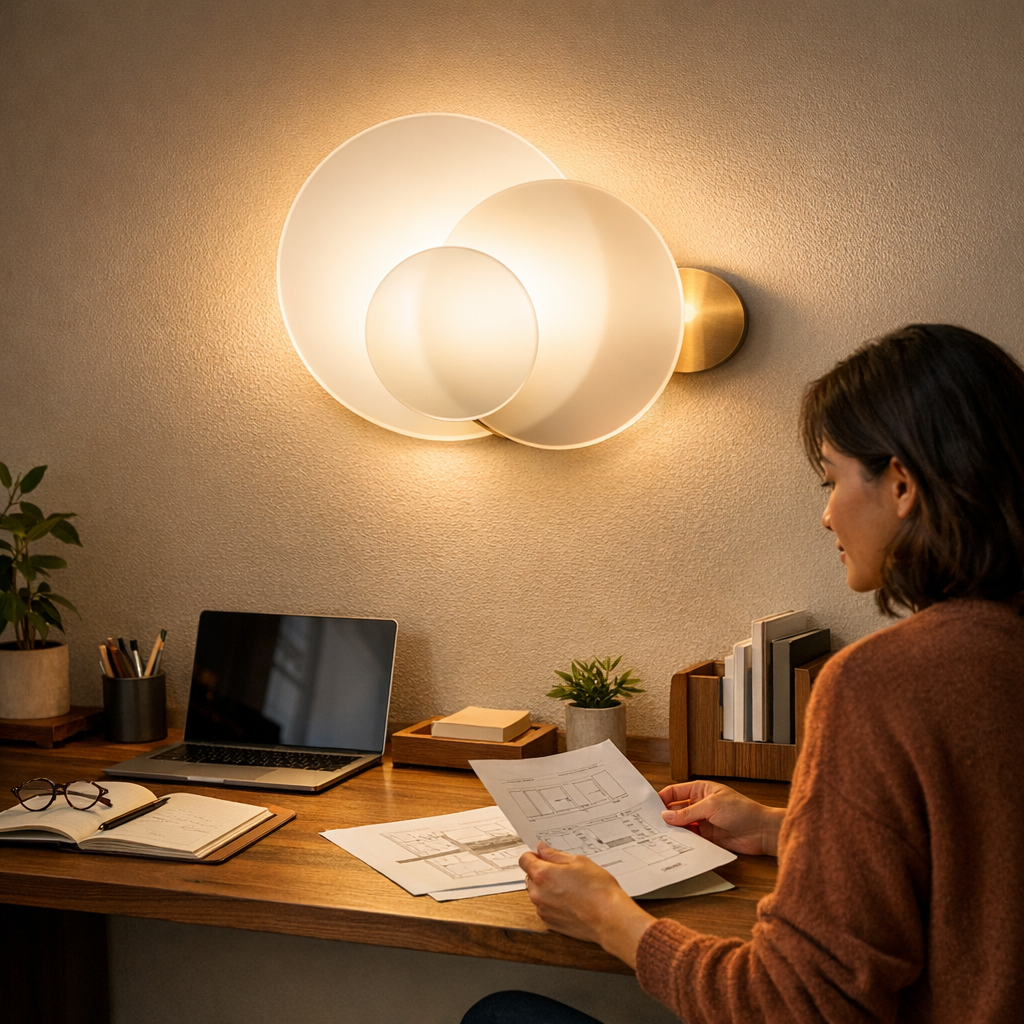
Routine discomfort doesn’t fade with a brighter bulb. The breakthrough is using fixtures that shape and direct the light, not just flood the space. A frosted panel in the stairwell quiets the reflections and weakens shadow bands. Add a low-glare wall sconce at the stair turn: suddenly, every step is outlined, the handrail is visible rather than blinding, and you move naturally without hesitation. These aren’t visual upgrades—they’re functional corrections.
Wall sconces, hardwired task lighting, and well-placed under-cabinet strips don’t layer on luxury; they clear repetitive obstacles. The right light at the mirror, the landing, or above the laundry counter means you stop working around the fixture and start working in the space. Shadow edges smooth out, reflections stay muted, and glare no longer dictates your route or pace.
Layering, Not Multiplying: A Smarter Approach to Everyday Lighting
“Just add more lights” is a trap. Layered lighting—soft overhead for the whole room, wall-mounted or under-cabinet for surfaces and faces—actually reduces hotspots and makes every area more predictable to use. Doubling up on overheads multiplies glare. The real solutions use lower-output fixtures, aimed to break up shadow and deliver visibility right where your eyes need it. Work counters, walking paths, and mirrors all stay equally accessible—without trading one problem for another.
Use this quick test: If you routinely squint, reposition, or adapt your whole task around a stripe of shadow or a reflected flash, your setup isn’t serving you. Real upgrades mean matching fixture type and placement to repeated trouble spots, not ceiling voids. Frosted panels for damp rooms, directional sconces for stair turns, and diffused under-cabinet strips for counters tame the friction fast—without overloading the space.
The Difference You Feel After Changing the Lighting
Shifting from glare-heavy overheads to layered, diffused fixtures changes how you use every room—quietly but repeatedly. You move through stairways and halls without pausing or glancing away. Faces in mirrors appear evenly and naturally, making routines faster and less strained. Counters are simply usable, not battlegrounds for shadow versus glare. The most visible difference? Fewer stalls, squints, or detours in the middle of habits that ought to be simple. Good lighting leaves a space feeling clear, routine-friendly—and no longer something you have to work around.
Track your lighting setbacks: wherever you change your behavior or hesitate in a supposedly “bright” space, that’s where a smarter fixture or better position will actually make a difference—every single day.
Find practical indoor lighting that makes daily use more comfortable and reliable at LightHelper.