Calm Pets, Everyday Friction: What Actually Gets in the Way of Daily Care?
The reality of pet care isn’t the rare mess or the nervous pet—it’s the grind of small hold-ups that undercut every routine. Even with a calm, easygoing dog or quietly settled cat, the core friction isn’t about big failures. It’s the moment when you reach to wipe a bowl and realize the cleaning cloth is missing, or you bend down to refill water and run into a block of clutter, turning a basic task into another round of shuffling. In homes that look organized, these “almost fixed” setups keep tripping daily care, quietly stretching two-minute resets into long, scattered chores. This is the difference CalmPetSupply addresses: not with decorative solutions, but by reading real daily patterns and removing friction at the start.
Where Calm Hides Setup Mistakes
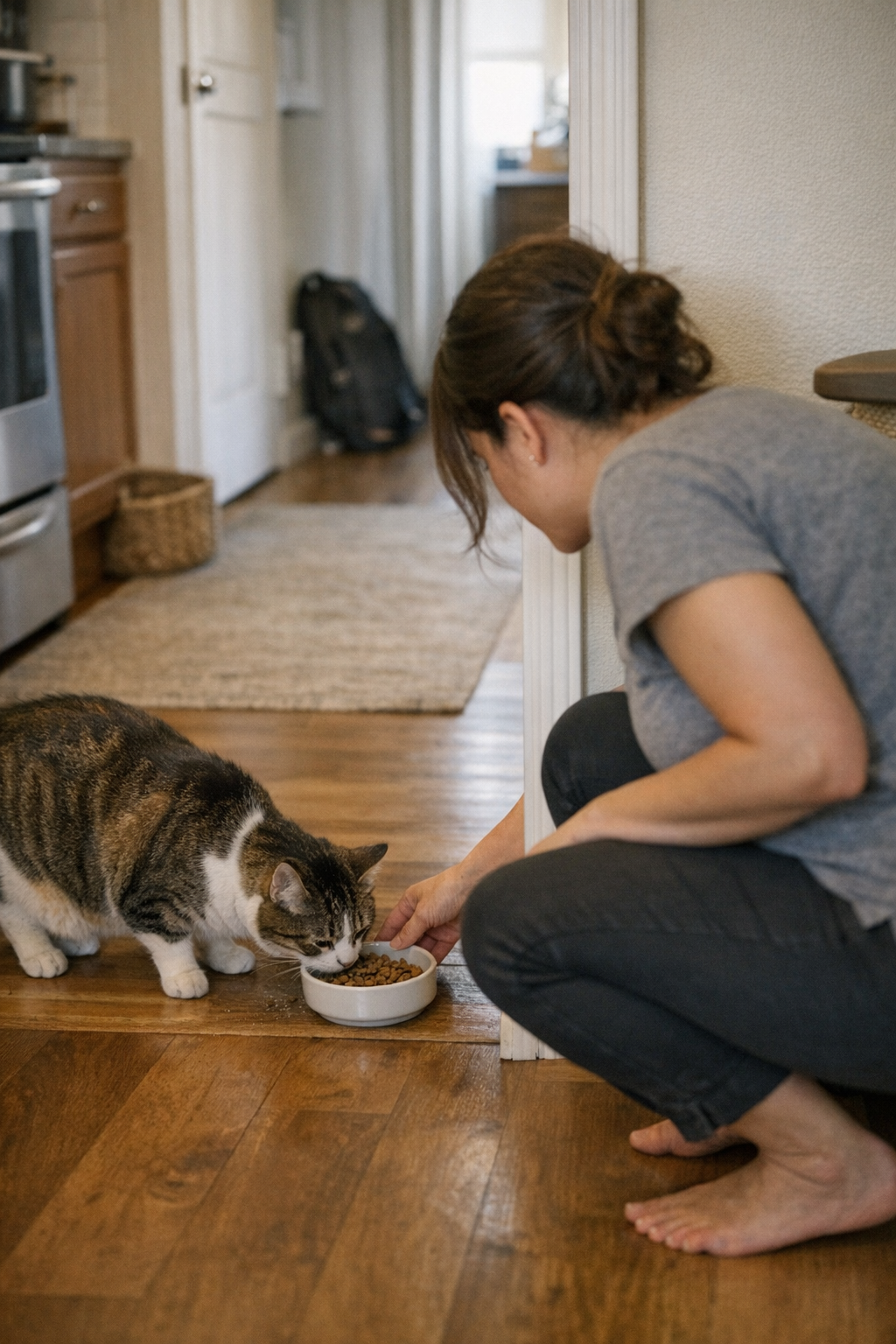
A relaxed pet will sit patiently as you kneel in front of the feeding area, but that patience often conceals the gaps in your setup. The bowl seems clean, but you spot a coffee mug parked in its space. The brush is almost always there—except when it isn’t, and the memory of leaving it by the couch flashes only as your hand lands on an empty spot. Routine feels calm, but at the exact moment you need a tool, the setup fails to follow suit.
Instead of crisis, these are the small slip-ups that stall the day. “The supplies are here!”—yes, but the cloth is a room away, so the wiping waits. The towel is somewhere “obvious,” if that means somewhere you’re not. As the pet’s behavior stays smooth, your own routine takes the hit, bogged down by small but repeated roadblocks.
Real Scenes: Small Delays, Bigger Drag
- Mealtime Reset: You feed the pet, want to clean the bowl, and—no cloth. It’s with the laundry, so cleaning is skipped. Next time, you’re scraping dried kibble off the rim, spending longer than you meant and feeling one more thing left half-done.
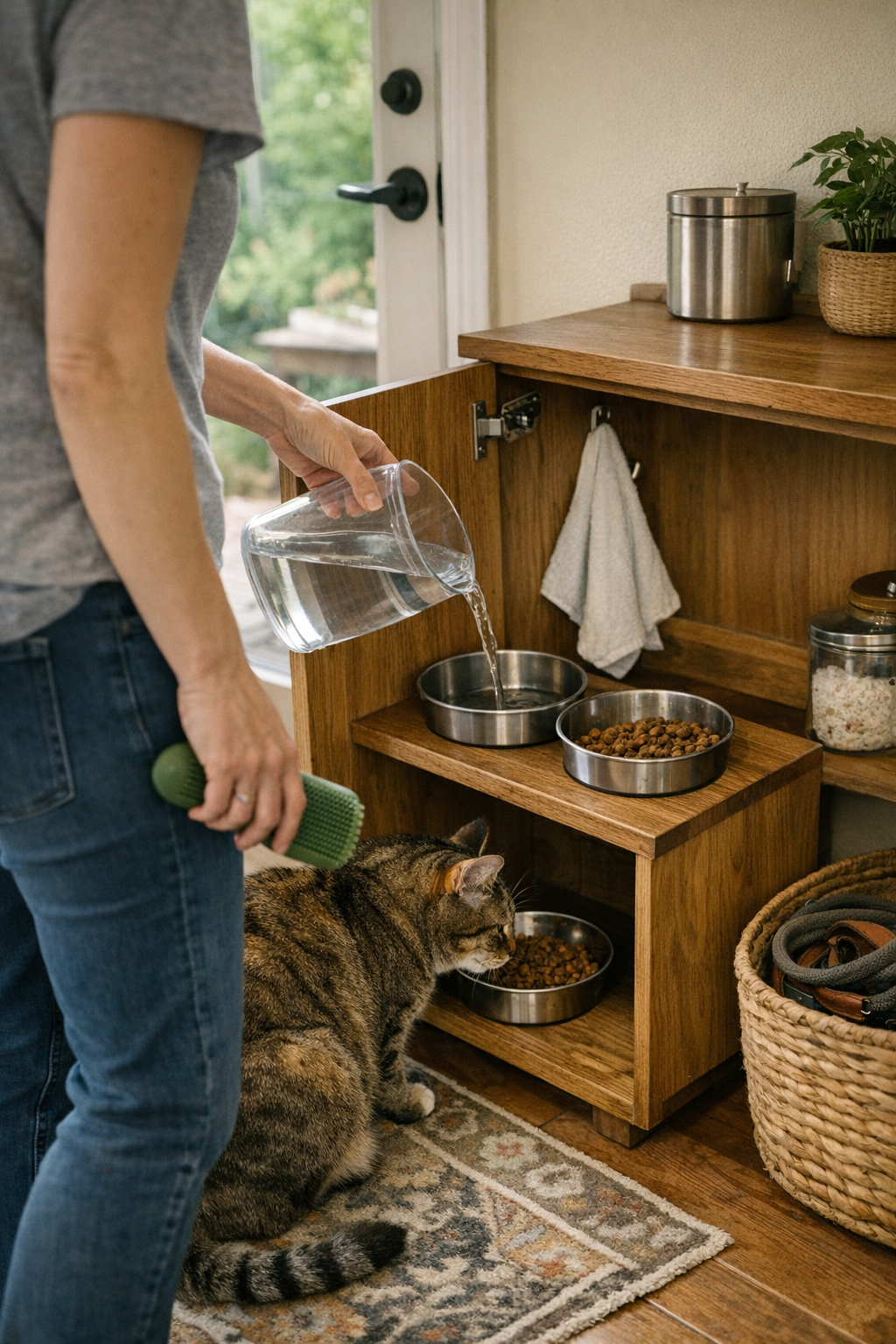
- Water Refill Interruptions: The bowl’s almost dry, but the refill bottle is behind stacks of cleaning products. A quick task becomes a shuffle through a cupboard, a spill, a sigh, and more minutes lost—all for what should have been a clean, fast refill.
- Grooming Tool Shuffle: Brushing before bed gets paused—again. The brush isn’t by the rest station but tucked near the sofa from last night’s quick touch-up. You skip it, reminding yourself to look tomorrow, already picturing the fur that will collect by morning.
The Hidden Cost: Routine Friction Accumulates
Each abandoned reset and every mislaid tool compounds—energy drops, jobs pile, and “neat enough” turns to unworkable. Morning order masks the slow build of dried food on bowl edges and crumbs under mats. The kit that was “easy to grab” ends up buried after three days of not returning it to the right place. Calm pets keep the mood steady, but under the surface, you’re retracing steps, undoing tangled routines, and feeling every shortcut boomerang later in the week.
These broken setups don’t blow up—they drag on. Minutes melt away repeating actions: shifting bowls, wiping after the fact, hunting for a cloth instead of just using it. Over the course of a week, what started as “fine” becomes a low-level frustration that makes pet care heavier than it should be.
Function or Visuals: What Matters in Routine Ease?
A space can look organized while making every reset harder. Bowls stacked neatly in a crate impress guests, but now you unstack and restack for one quick cleaning, slowing down the whole process. Cloths stashed in deep drawers vanish in the moment they’re needed. Everything appears under control, but the smooth routine you want stays just out of reach. New setups might feel like an improvement for a few days, but when the week grinds on, the friction returns—often stronger, now harder to ignore.
A Simple Fix: Closing the Loop on Small Delays
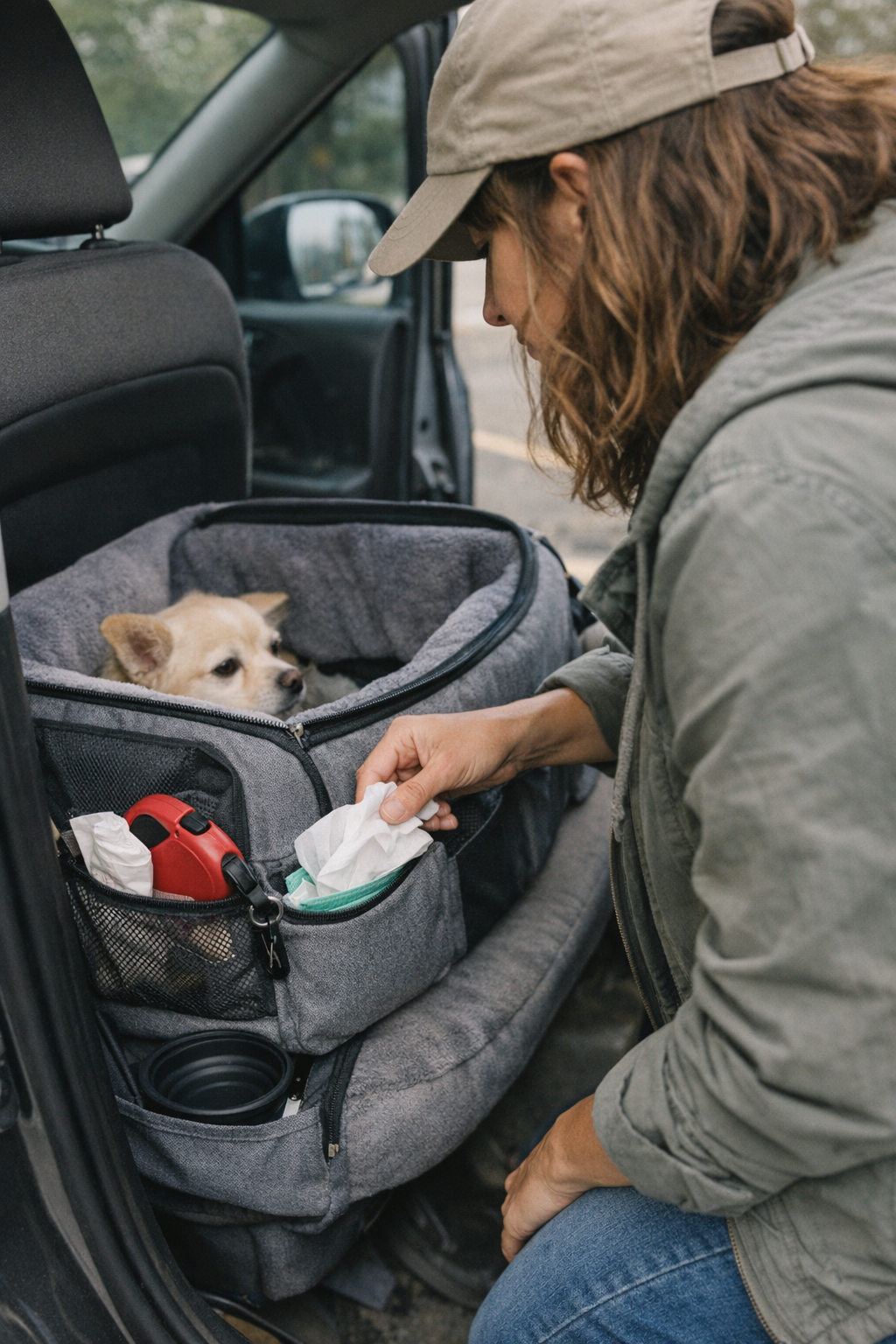
The fastest wins in pet care come from making key items unmissable at the moment you need them. Hanging a towel hook right inside the food cabinet means any bowl wipe is a zero-effort step—not a side quest. You’re not scheduling cleaning, just doing it on the fly, avoiding buildup and streamlining resets. When bowls, refill bottles, wipes, and brushes each have their own spot, the slow trickle of missed spots and setup drag finally lets up.
This isn’t about making routines perfect—just smooth enough that friction falls away. The setup stays in sync with how the day actually unfolds, instead of demanding you double back or stretch out tasks you’d rather finish fast.
Observing Friction in Your Routine
Notice where your own flow breaks down, not just where clutter builds. Where are you repeatedly searching or delaying resets? If wipes drift out of zone, or grooming brushes never land where you use them, the cool surface order is hiding hidden drag. The early warning isn’t mess—it’s one too many small trips, one too many hunt-and-retrieve pauses, and one too many jobs that wait until later because a tool’s just out of reach.
The Difference Between Tidy and Easy-To-Use
A calm pet makes the house feel easier. But the real test is what happens when energy drops and schedules compress. Does your setup bend with you—or break? True function isn’t about hiding items or keeping appearances, it’s about trimming every wasted step from the routine: tools in reach, cleanups fast, no doubling back, no missed basics recirculating every day. The shift happens not with a big redesign, but when what you need is right there, ready for another round.
When reset friction drops, the real calm isn’t just in your pet’s posture—it’s in the way your own day keeps moving, clutter recedes, and resets no longer feel like interruptions you dread or delay.
Explore tools and tips for easier pet care routines at CalmPetSupply.