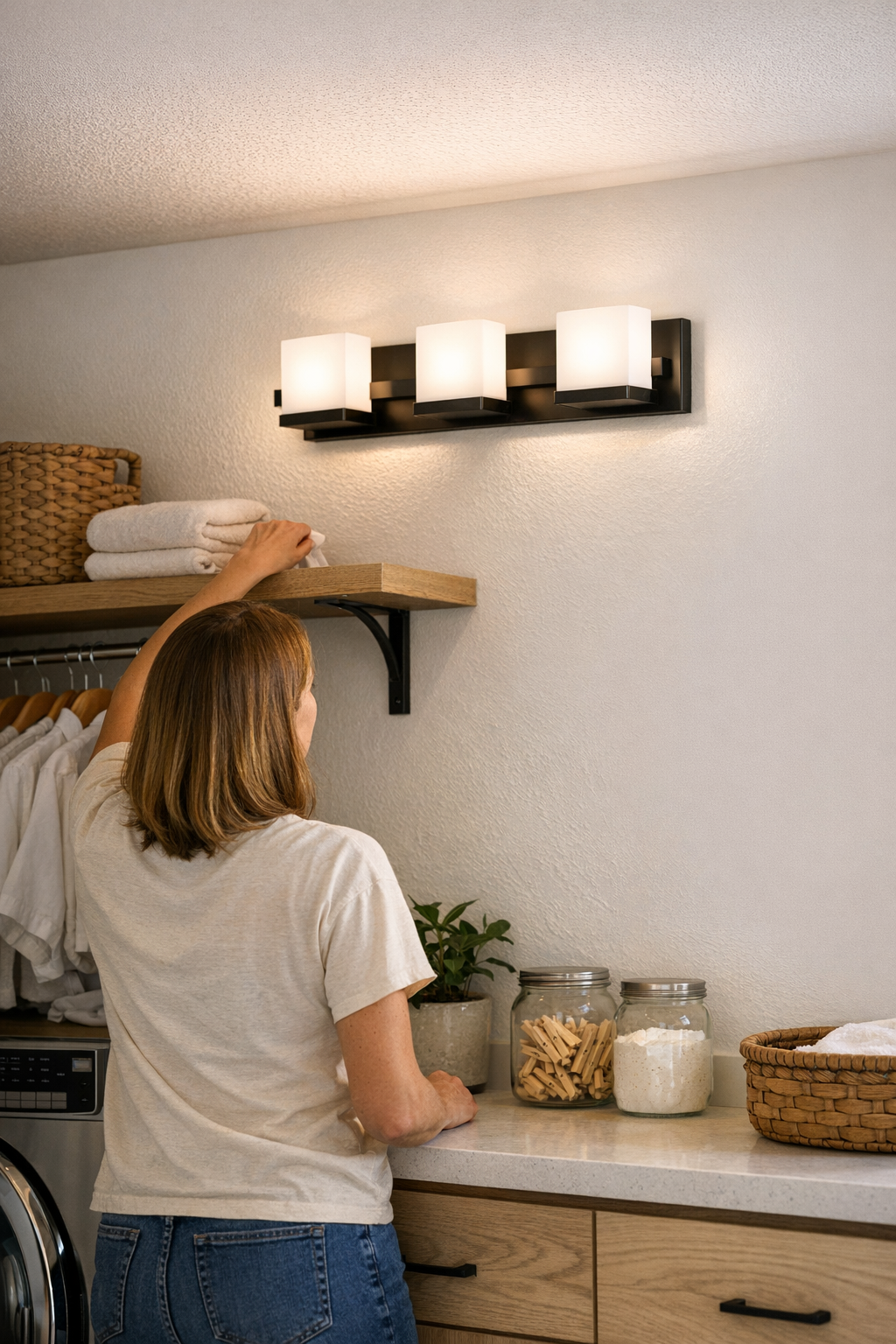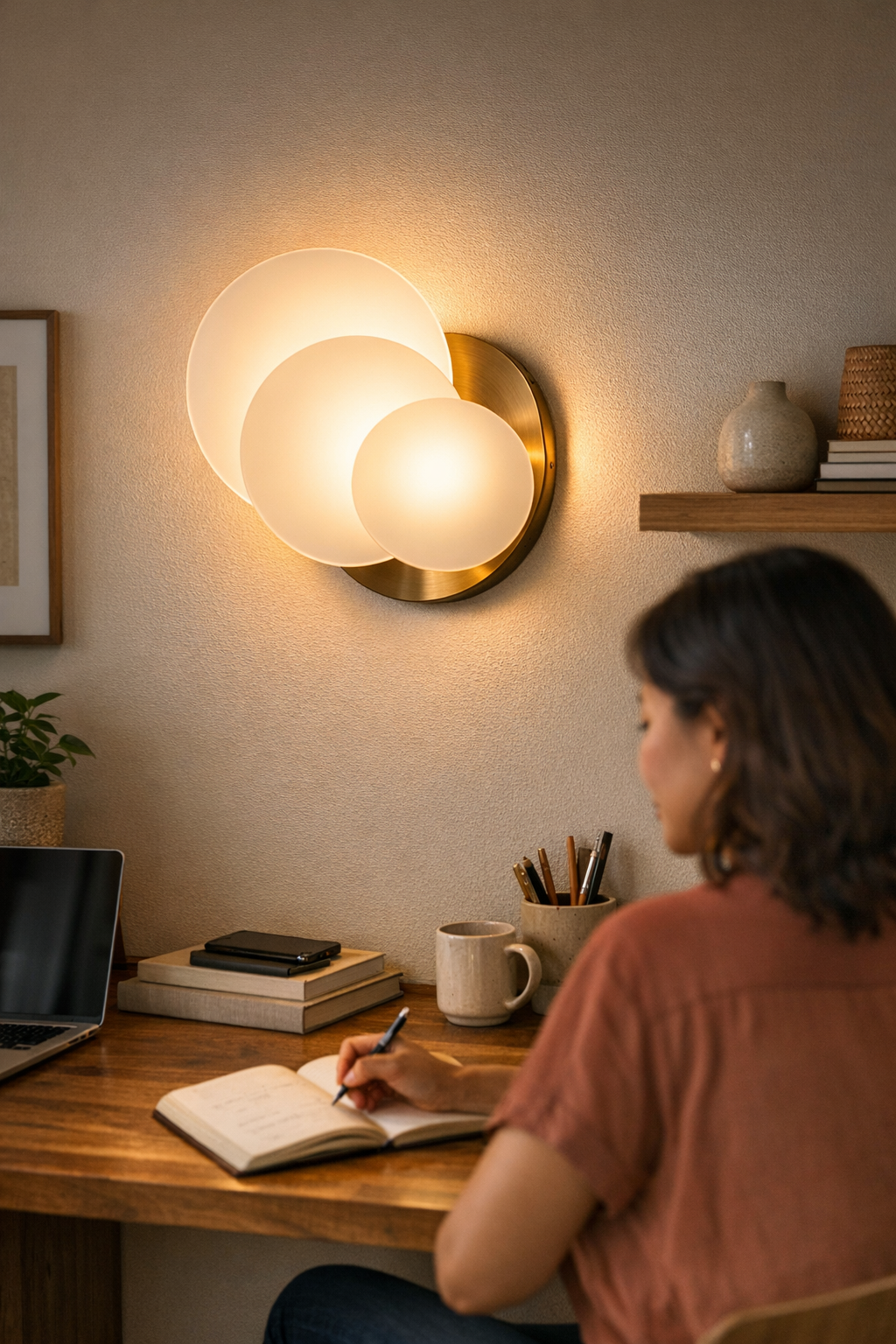
The cleanest-looking lighting setups rarely stay clean once you start actually using the space. On install day, the lines look sharp—no stray wires, invisible brackets, nothing obvious to snag or catch your eye. But it only takes a few hours of real work at your desk for the setup to unravel. You slide a notebook across the surface and the “hidden” cable tugs loose, spilling into view. A chair leg nudges the edge of a bracket that had seemed flush and minimal. By day three, dust builds up along that supposed low-profile support, and you’re constantly re-adjusting a lamp that won’t quite hold its position. What felt calm and invisible in photos now feels busy, unsettled, and increasingly interruptive every time you try to focus. In the world of indoor lighting and supports, the difference between a setup that looks solved and one that actually stays out of your way becomes painfully clear—especially at a compact desk, a cluttered work corner, or anywhere cables cross reach lines.
Why Real Use Brings Hidden Friction to the Surface
In daily indoor life, a “mostly hidden” lighting mount doesn’t stay hidden for long. A cable loop that hugged the back of the desk droops into view after you shift your monitor. The adhesive that felt strong on install day softens after a single cleaning or a humid night, and one lost bracket edge starts collecting dust or crumbs—turning into a visual reminder that something’s off. The plug access that looked clever in a photo makes you pause mid-task when you need to kneel under the desk just to reconnect a charger or light. These aren’t just appearance issues: small breakdowns slow routines and build low-grade annoyance each time you adjust the light or run a different wire. Invisible only means invisible until your habits break the setup’s disguise.
Typical Frustrations—Recognizing the Signals
There’s always a giveaway. That spare lamp cable catches your eye before you even feel for the light switch. An “invisible” bracket edge flashes a reflection during clean-up, or snagged dust lines gather at the very point that was supposed to disappear. At a cluttered or shifting desk, you notice the untidy cable loop before you notice the room itself. By the end of a week, you’re hesitating every time you adjust a light, reach for a USB cable, or wipe down the surface—constantly fussing with a setup that was supposed to fade into the background but now interrupts your workflow in small, regular ways.
The Difference Between “Neat” and “Truly Invisible” Supports
Appearances fall apart where movement and repeated use expose every shortcut. A slim LED bar floats under a shelf until one cable sags free after a minor nudge. Snap-on cord covers make things orderly for a couple of days, but any vibration or new cable can tear that order open again. Two setups that looked identical out of the box start to drift apart in real time: one holds its line, the other slowly frays, droops, or shifts out of sight—then right back into it. At a glance, it’s just a cable in the wrong place. In practice, it’s a creeping frustration that breaks the promise of an “unseen” fixture, especially in spaces you share or work in daily.
Real-World Example: The Desk Shelf That Wouldn’t Stay Quiet
Picture a shared study nook with a low-profile LED strip mounted tight under a shelf. On day one, there’s no trace—brackets disappear, and the cable is routed up, out of reach. But within a week, routine laptop plug-ins and paperwork nudge the power cord down. Suddenly, a loose line dangles into the footwell, bumping your shin and picking up dust. The shelf’s “invisible” mount now becomes a minor irritant, distracting anyone who sits down and turning what should have been a functional upgrade into a daily source of low-level annoyance.
What Separates Strong Mounts from the Ones That Slip
Differentiating factors show up with every routine: lasting invisibility depends on structure more than style. A true out-of-sight setup needs mounts that anchor both light and cable through repeated touch, minor vibration, and even the cleaning rag. This means rigid channels for cable runs—no slack left to escape—mounts that clamp or fit tight enough to resist wall and surface shifts, and adhesive or clips that actually match the brackets and cables being used. Setups that withstand life’s repetition avoid the slow creep of brackets tilting, cords revealing their lines, or shifting supports that throw off the careful balance at the workspace’s edge.
How to Build Stronger, Distraction-Free Lighting Setups
- Follow the shadow lines: Run cables along the deepest recess or natural shadow at the back of a shelf to keep them invisible even as light conditions shift and furniture gets adjusted.
- Match hardware and pathway size: Pick adhesive clips and channels sized exactly to fit the cable and bracket, not just “close enough”—undersized options dip, snag, or fail under routine strain.
- Keep cable slack away from active zones: Fasten all cable runs close to plugs or fixtures instead of letting lines hang loose, where they inevitably swing back into direct sight or finger reach.
- Anticipate routine disruption: Humidity, vibration from typing, adjusting monitors, or even frequent cleaning will test every support. Plan weekly spot checks to nudge cables and brackets back into place—and replace any piece that slips, before the distraction hardens into the new normal.
Daily Use Scenes—Where Supports Earn (or Lose) Their Place
In a small desk zone, every centimeter is a commitment. A barely sagging cable interrupts as soon as you slide papers or devices across the surface. Any bracket edge that dips below the shelf becomes a catch point for dust, a visual nag before your day starts. Add even one extra power or data cable and the best under-shelf lighting setup can quickly fall apart—hidden clips drop into sight, cable runs cross your arm path, and the lamp that was “minimal” now steals attention every morning. On shared tables or mixed-function surfaces, supports that drift out of line after daily movement make every meal, meeting, or clean-up session feel just a bit more awkward. What reads as bad design often comes down to untested, incomplete setup logic exposed by actual living routines.
Small Fixes That Make Real Improvements
Remove all slack from cable runs at the touch-points: if even a few extra centimeters of cord can shift during use, expect them to show up everywhere you don’t want. Choose adhesive mounts or flex brackets that sit absolutely flush—no projecting corners, no dust-catching edges—to make cleaning easier and cut down on bits that grab your attention for the wrong reason. When supports are built to flex with uneven walls or ridges, your lighting holds its line, even as habits and furniture change. The small difference between a cable that stays perfectly routed and one that slides free can determine whether your space stays visually settled or becomes a daily threat to your workflow.
Why Function Matters More Than First Impressions
The test isn’t how hidden a lighting setup seems when you first wire it—it’s whether it stays invisible and off your mind after a week of actual use. A support that doesn’t slip, a cable that doesn’t swing out or snag at the work edge, a bracket that doesn’t tilt or collect debris: these are what turn a lighting fix into a reliably calm background. Overlooking even one exposed end or misplaced bracket lets clutter creep back in as a low-key irritant, making the difference between a workspace that feels like an improvement and one that feels like a compromise you keep correcting.
For more ways to keep lighting supports out of sight and indoor spaces calmer to live with, visit LightSupport.