Category: Lighting & Work Setup

  • Why Plug-In Accessory Placement Transforms Everyday Lighting Use

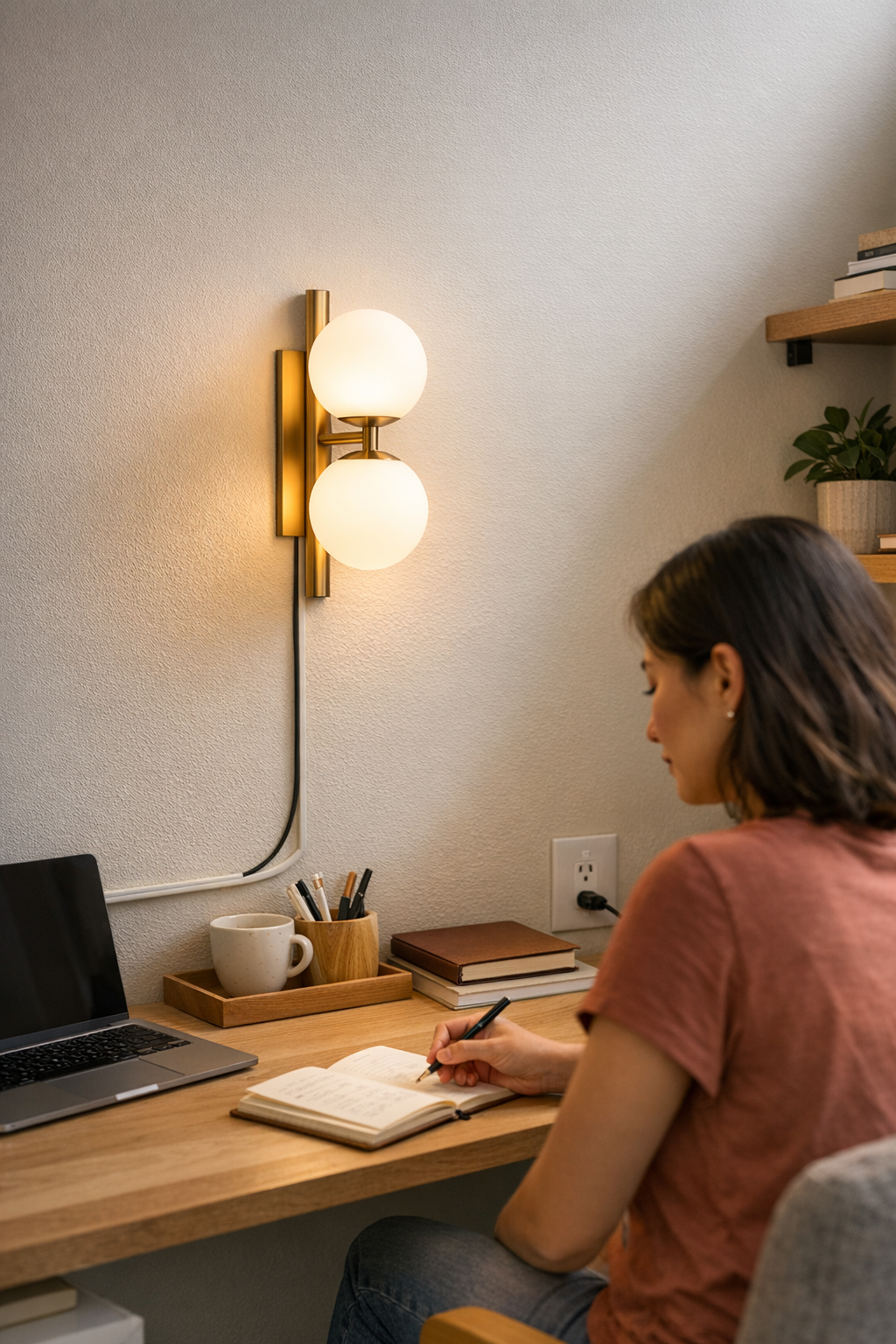
    If you have to twist, dig under a shelf, or reach behind clutter just to turn on a desk lamp or under-cabinet light, you’re not alone. A plug-in switch that looks “minimal” on day one often becomes a daily hassle: misplaced inline controls, low-hanging adapters, or bracketed buttons end up breaking your flow every time you need light. The fix isn’t just cosmetic—a smart lighting setup depends on whether switches, cables, and hardware actually match your routine, not just the furniture edge or wall face they’re meant to tidy up. How your light operates in regular use will show every compromise you made in placing controls and support hardware, for better or worse.

    When Placement Breaks Your Flow

    It’s easy to underestimate the impact of poorly placed lighting controls—until they start getting in your way. Maybe you hid an inline switch behind a row of books, or tucked a power brick out of sight under a shelf. For a brief moment the space looks clean, but soon the routine cracks: you freeze mid-task, nudge aside a pile of notebooks, or hunt behind a printer just to toggle the light. Each reach becomes a small interruption you never planned for.

    This friction isn’t rare. At a crowded desk, on a slim kitchen counter, or with wall-mounted LED strips, nearly everyone tries to banish cables and switches for a cleaner look. But once you start working, the “neat” finish resists the way you actually move—until the setup feels slow and slightly incorrect, day after day.

    Real Examples from Everyday Corners

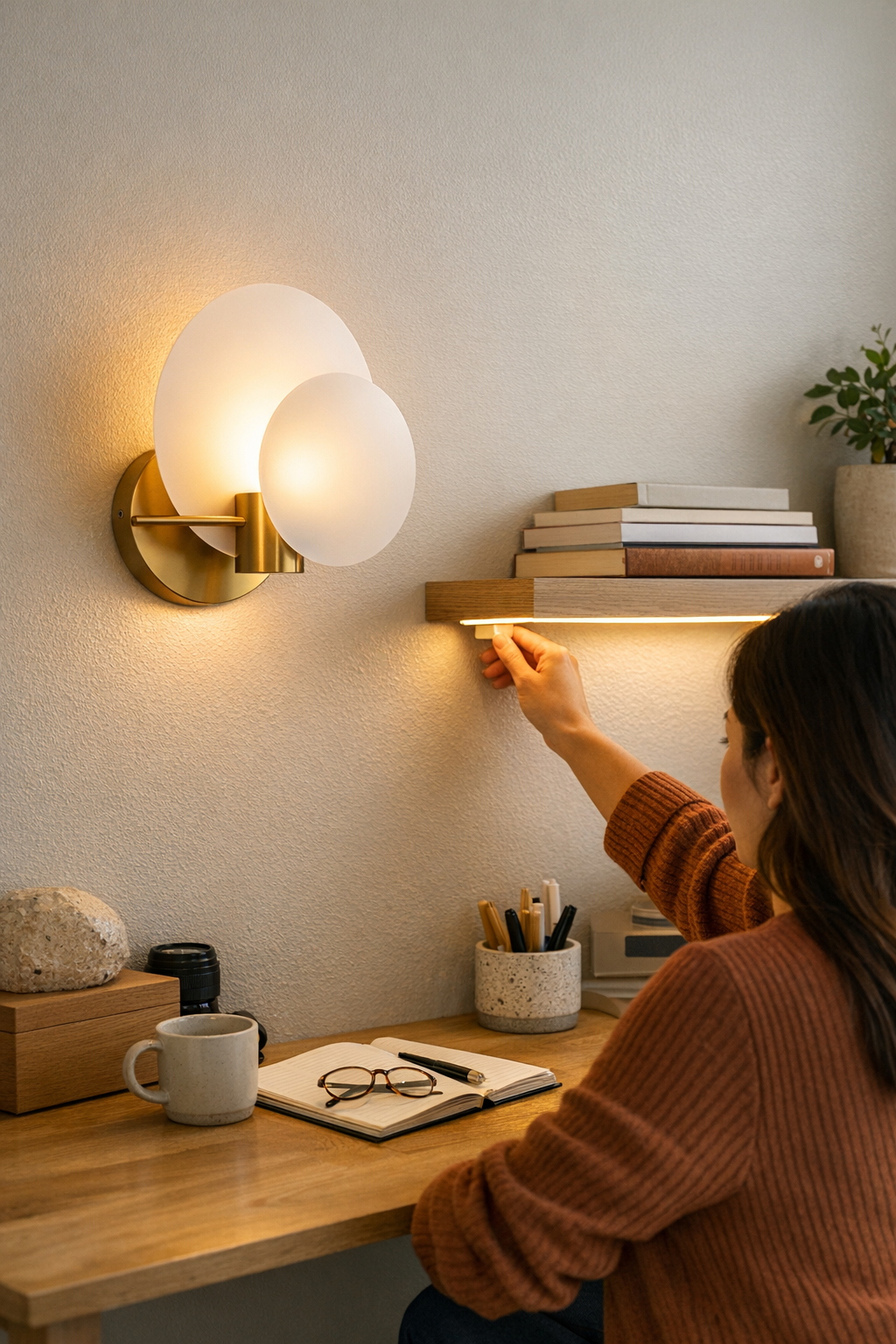
    Take a floating shelf with a low-profile LED strip: you race the cable along the back, stash the controller behind books, and step back to admire a seamless glow. But every morning proves what the setup missed:

    • Turning on the light means shifting books or reaching blind behind the display, risking a loose cord every time.
    • The inline switch dangles off the back edge, often sliding down and vanishing behind the desk. Retrieval becomes its own ritual of tiny annoyance.
    • If more than one person uses the space, the first question becomes “Where’s the switch?”—and the hidden controller forces books, cables, and small objects into constant migration.

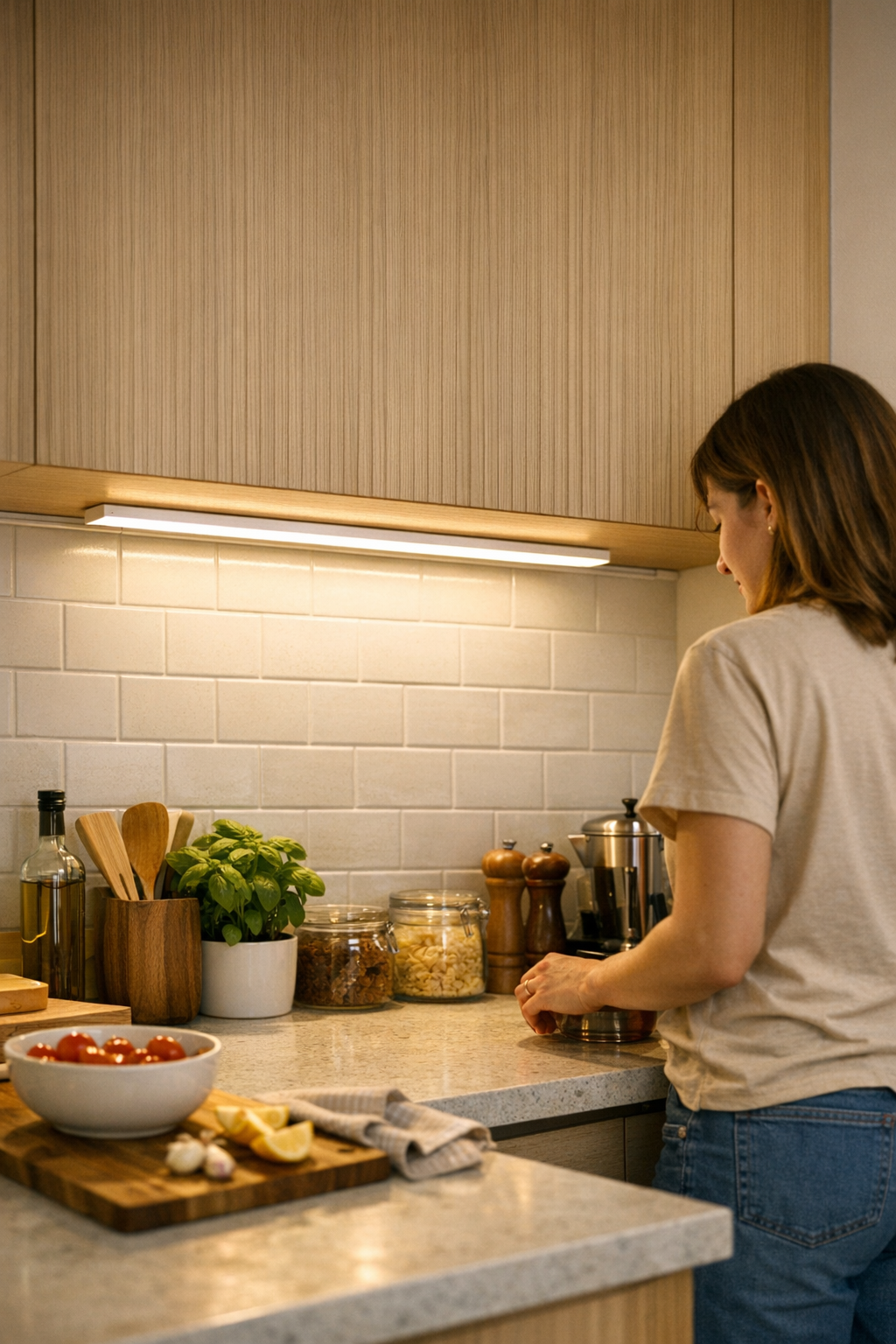
    Or picture under-cabinet kitchen lighting: the bracket hides the cable from view, but each use demands a stretch behind jars and appliances to fumble for a stubborn toggle. What photographs as orderly quickly exposes its weak point—good for looks, clumsy for anything you actually do in the space.

    The Difference One Adjustment Makes

    Now imagine that same controller repositioned right at the forward edge of the shelf, within easy reach—no more moving stacks, no need to trail cables over your workspace. One small move, and the interruption disappears: switching the light becomes automatic, and the cable path finally respects your hand’s real pattern through the day. Suddenly, the setup aligns with how you live, not just how it looks.

    Spotting Setup Friction Beyond First Impressions

    Lighting and cable arrangements that appear neat at first can quietly unravel during actual use. You can spot a non-working setup by its friction:

    • Dragging cables and switches: Lines catch, lift, or scuff every time you shift something nearby, adding repeated stress to both hardware and patience.
    • Awkward reach-zones: Controls dangle or hide in spots that demand bending, twisting, or unnatural stretches—rarely where your hand expects them.
    • Visual clutter returning: Trying to fix the annoyance, you or others start pulling cables back into view or rearranging items, which slowly defeats the original “clean” intent.
    • Routine interruptions: Split-second pauses—just to chase a switch, secure a bracket, or fish out a power supply—add up as the real price of a not-quite-finished solution.

    Each of these was “only a small hassle” at first. But in daily cycles, the inconvenience compounds, making you notice the setup more than the comfort it should bring. A lighting plan that merely looks good isn’t enough if it stumbles every time you need it to just work.

    Better Placement Guidelines for Smoother Daily Use

    So how do you actually make a lighting setup that feels right in repeated use? Start with these patterns:

    • Stay in the action zone: Place every control directly along your natural reach path: the nearest desk edge, the forward lip of a shelf, or within relaxed arm’s length from wherever you sit or prep daily.
    • Keep cables clear of movement lanes: Route cords so they skip visible surfaces and don’t need to move every time you grab something. Avoid cable paths that snag or distract.
    • Test practicality over looks: Set the control position with painter’s tape first and run through your normal routine for a couple days. Your hand will reveal the spot that makes the most sense before you commit with brackets or adhesive.

    Good lighting and support hardware disappear into your workflow not because they’re invisible, but because you never think about them at all—they simply fit. Testing in real time exposes every “visual win” that doesn’t hold up against everyday repetition.

    The Silent Power of Support Accessories

    No lighting setup is stronger than its weakest support part. Switches, power packs, and brackets might seem like afterthoughts, but they decide whether every lamp, desk light, or under-shelf strip works with you or drains your patience. A setup built just for a portfolio photo will always lose to real-life inconvenience—visible cables, stubborn switches, unstable placements, dim task edges, or glare waiting at the wrong height. If the support logic isn’t right, every use feels heavier than it should.

    You don’t need everything hidden—you need it integrated with the way you actually use the surface, wall, or room edge. That’s when lighting goes from decorative to decisive. If your setup still slows you down, chances are it’s not the lamp’s fault—it’s how the little pieces fit the structure and habits you really have.

    For lighting and support solutions that hold up to daily use—not just appearances—explore options at LightSupport.

  • How Under-Desk Cable Management Transforms Chair Movement and Workflow

    A desk can look pristine, yet feel like a trap. You push your chair in, ready to get to work, and suddenly your wheels grind to a halt—caught on a cable you barely noticed before. It’s jarring, not just as a one-off pain, but as a current running through your daily routine: every slide back for a notebook, every shift between keyboard and screen, disrupted by cords that find their way underfoot. This isn’t just annoying; it steals seconds, focus, and trust in your workspace. Even with the right chair and desk organizers, repeated cable drag is a workstation glitch that survives every basic tidy-up.

    Where Cables Turn Movement Into a Problem

    Cable mess isn’t just visual—it’s physical, and it lingers even beneath a clean-looking surface. Rolling chairs are meant to glide, but the moment a cord brushes a caster, you feel resistance: sometimes a tiny stutter as you return from a break, sometimes a full stop that breaks your flow. These aren’t isolated incidents. They accumulate, and the side effects are real:

    • Wheels pick up dust and hair as they drag cables across the floor, making movement worse over time.
    • Your chair’s path drifts or gets blocked, forcing you to drag or reposition instead of simply sliding in.
    • Frustration builds as each interruption compounds, taking a toll during long or focused sessions.

    What starts as a clean setup quickly becomes a zone of micro-collisions—every roll meets an unseen obstacle, every session ends with wheels a little grittier or your routine a little less smooth.

    When Desk Organization Breaks Down Under Repeat Use

    At first glance, a tray or a few cable clips seem to solve it. But daily life uncovers the flaws: when a new charger joins the mix, when you swap a monitor or connect a different laptop for a call, the careful routing unravels. Cables migrate, some dangle in the wrong spot, and soon your “managed” under-desk area becomes a snag zone. It’s the gap between what works at the start of the week and what the space looks like by Thursday afternoon.

    Each time you slide your chair up after plugging in another device, what was out of the way yesterday can be in the direct path today. Too much flexibility and the clutter wins; hide everything and simple tasks—swapping a cord, charging a device—become grudging chores. The worst friction is quiet, gradual: you stop rolling straight in and start angling around cables, or you catch yourself checking under the desk before moving, just to dodge another snag.

    Visual Order Doesn’t Guarantee Usable Flow

    The difference between a desk that looks organized and one that actually supports work is obvious on a crowded or shallow surface. Anyone who’s had to nudge aside a notebook to shift their chair, or reached for a cable only to find it missing—or worse, tangled below—knows the gap. A perfect row of cable clips means nothing if every return to your seat feels like entering an obstacle course you didn’t set up.

    Open Versus Closed: Cable Trays, Catches, and Compromises

    Most setups fall into one of two camps:

    • Open cable paths—edge clips, surface trays—let you change devices quickly. Easy plug and unplug, quick resets. But open means exposed: every extra cord hanging down becomes a new hazard for rolling wheels. As you add chargers, monitor leads, or audio cables, the under-desk area gets crowded, and you find yourself sidestepping clutter daily.
    • Closed under-desk trays, fixed further back, pull all those cords up and out of leg and wheel range. The result is a clear rolling path and smoother movement—the chair finally works as designed. But these setups make cable changes a hassle; getting a new charger or device plugged in means extra steps or awkward reaches, slowing your routine just enough to notice.

    There’s no one-time fix: Open means speed but more mess to dodge; closed means flow at the price of quick access. Each is a tradeoff you feel every day, not just in theory.

    Spotting Repeat Chair Friction—And What Really Fixes It

    The signs never change:

    • You roll in from a break, but instead of gliding, your chair jerks to a halt on a hidden wire.
    • You shift to grab your phone and feel a soft tug—the cord that wasn’t a problem yesterday now blocks your wheels.
    • Your chair starts rolling heavier, or you hear debris crunching because your wheels keep sweeping cable debris along for the ride.

    Every time you nudge, lift, or reroute your chair instead of just moving, it’s a clear signal: surface-level neatness misses hidden cable chaos. And the catch isn’t rare—slowed movement is the norm, not the exception, interrupting your routine every second or third sit-down. It doesn’t force a fix; it just wears you down slowly, sapping the easy fluid motion you expect from your setup.

    What Actually Changed the Game for My Desk

    What finally broke the pattern wasn’t a new chair or yet another round of cable tidying—it was installing a closed under-desk cable tray, placed about two inches behind the front edge. That’s just behind reach, but not so far cables hang down. Main power and data lines go through the tray; nothing touches feet or wheels. The lone charger that gets unplugged often has its own slack, so it’s accessible but not loose on the floor.

    The difference shows up immediately: no more careful chair angles, no more glancing under the desk mid-session. By the end of the week? A routine that doesn’t fight you. It’s not just about being tidy—it’s about cutting out the micro-friction that steals time and energy when you repeat the same shift, roll, and reset hour after hour. The setup finally backs you up, instead of tripping you up.

    Quick FAQ for Cable and Chair Friction

    How do I know if cords are interfering with chair movement?
    Look for the moments where your chair hesitates or wheels feel sticky. Ask yourself if you’re collecting dust or hair around the casters. Kneel down and check: any cord in your rolling lane is a friction trap waiting to happen.

    Should I bundle all cords or leave some flexible?
    If your hardware setup rarely changes, bundling key power and data cables in a tray or sleeve keeps things clear. If you shift devices in and out regularly, leave the essentials flexible—but stay strict about keeping them out of your foot zone, or they’ll end up under your wheels by Friday.

    Is an under-desk tray better than floor cable boxes?
    Under-desk trays remove cords from wheel range entirely. Floor boxes help with trip hazards, but they often leave segments of cable exposed—right where most chairs roll back and forth. If rolling friction is the recurring problem, a tray above floor level is the sharper fix.

    Far More Than Tidy—Why the Setup Choice Matters All Day

    Beyond just looking organized, real cable management is about ending disruption. Every smooth chair movement is time reclaimed—and every missed catch is a hidden tax on focus and flow. No tray or sleeve is perfect; sooner or later, a rogue cord or stray charger will return. But a setup that’s built around your actual work pattern—not just a visual—keeps interruptions rare and lets you roll in, reset, and keep moving without second-guessing your space.

    Next time your chair snags, skip the round of surface tidying. Track where (and how often) small disruptions hit. Functional cable routes, well-placed trays, and a little slack in the right spots aren’t glamour—they’re the difference between a workstation that just looks good and one that actually works better, hour after hour.

    Explore the full WorkBasic collection

  • Rethinking Ceiling Lights to Keep Kids Safe in Busy Hallways

    A ceiling light in a hallway or staircase often seems fine when you first move in—bright, central, out of the way. But use that space for a few weeks, especially with kids darting back and forth, and the flaw emerges: every time a bulb burns out or dust builds up, suddenly all traffic stops while a ladder blocks the only route. One fixture turns a whole stretch of your home into a zone that’s hard to use and awkward to maintain—no matter how good it looked on day one. This isn’t just a style snag. It’s a built-in maintenance headache, right where the family most needs clear, safe movement. LightHelper’s world of ceiling and wall lighting is shaped by these daily practicalities.

    When Ceiling Fixtures Collide With Daily Routines

    Flush and semi-flush ceiling lights promise simplicity, but their placement—almost always dead center—creates long-term maintenance friction in heavy-use passageways. In most homes, hallway and stairwell ceiling fixtures are installed for symmetry, not for reach. The first maintenance day, you drag a stepladder into the narrow strip everyone uses. Suddenly, it’s not just your reach at risk: you’re in the way of school runs, laundry hauls, kids clutching toys, or adults carrying arms full of groceries. Every routine detours through the maintenance obstacle. One “tidy” fixture creates repeated standoffs, not improvements.

    The Unseen Ladder Zone

    Center a ceiling light above a walkway or stairs and you create an invisible hazard zone waiting to happen. For months, the fixture is invisible—until it isn’t. Once a bulb fades or the glass clouds with dust, the only way to fix it is to set up right in the central lane. The main path becomes half corridor, half work site. Kids hear, “Hold on! Don’t run! Wait there!” as you balance, arms overhead, your foot inches from dropped toys and rolling socks. Every ordinary pass down the hall becomes a minor crisis—one more interruption added to the week. And over time, fixes get put off, risk grows, and the ceiling shines less bright, more out-of-reach each month.

    Real-World Example: The Awkward Hallway Change

    Think of the typical narrow hallway—a shiny flush-mount fixture dead center. The light is even, at first. But when the bulb dies, the only repair route means ladder legs straddling laundry baskets or snack trails. Repairs turn into rushed jobs or get delayed “until the weekend.” Cleaning glass diffusers? That task drifts to the bottom of the to-do list. It’s not just annoyance; it’s an ongoing interruption—one more reason to dodge maintenance, or pause the family’s flow.

    Visibility Isn’t Everything—Access Matters

    Overhead fixtures deliver even, central light, but not always where clarity is needed. In tight hallways, the central beam can glare or cast bands of shadow down the wall. On stairs, a bright overhead light often leaves steps or the turning corner in semi-shadow—just where eyes and feet need confidence. When fixing the fixture means blocking the main route, brightness turns into a repeating source of stress and near-misses: chores and daily movement working against each other instead of together. Warnings multiply. Routines lose their smoothness. Lighting stops working as intended—no matter its wattage or style.

    Contrast: Wall-Mounted Lights and Offset Fixtures

    The alternative? Shift the lighting away from where people walk. Wall sconces, side-mounted fixtures, or even linear panels along a hallway edge can transform maintenance and daily use. Cleaning or changing bulbs happens from along the wall, at shoulder height, with a small step stool or sturdy chair—never in the walk zone itself. Suddenly, family traffic flows past without detour. Kids and pets scoot by. The urgency is gone: upkeep turns from a tense disruption to a background chore, barely noticed.

    The Tipping Point: Maintenance Interrupts the Flow

    Many homes reach the tipping point quietly—maintenance postponed once, then again. After a few months, that simple ceiling fixture above the stairs or in the hallway becomes the source of backed-up chores and low-level parental warnings. Pause at the stair turn. Check for toys underfoot. Call out to pause movement—again. The issue isn’t isolated to big jobs; it’s the steady erosion of easy routines that once worked smoothly, now thrown off course by the need to manage ladders and central fixtures again and again.

    What Shifting the Setup Changes

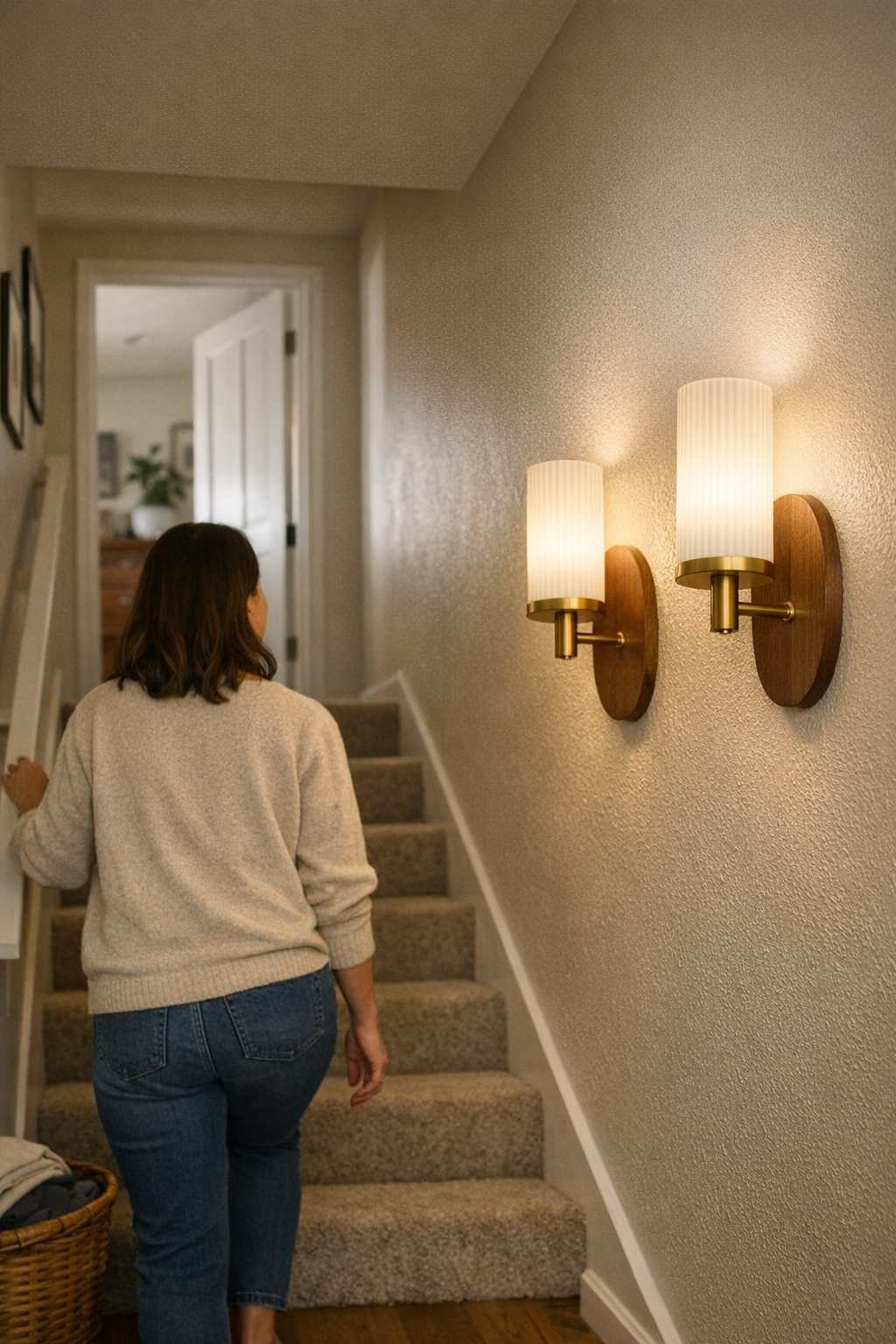
    In one stairway, swapping a flush-mount overhead with paired wall lights along the rail transformed the space. The stairs stayed bright without glare. Maintenance meant dusting or bulb changes from solid footing—no more staged balancing acts, no holding back kids at every trip up or down. The difference didn’t just look better; it felt better each week. The family moved unimpeded. No more hallway stand-offs while maintenance dragged on. The space finally matched its intended use—clear, dependable movement, routines uninterrupted, risk reduced.

    Tips for Recognizing a Problem Fixture Location

    Stand back and see where the ladder must go. Assess each ceiling fixture in your high-traffic corridors or stairways. If changing a bulb or cleaning means parking a ladder where people always walk—especially in kid zones—there’s a future issue brewing.

    • Follow the normal movement path. If a ladder would block stairs or a landing, accidents and hassle are likely, not rare.
    • Notice where shadows and glare actually fall—don’t trust general brightness. Is a hallway corner lost in shadow? Is there an eye-level glare line or bands of uneven light?
    • Consider cleaning realities. Diffusers and glass shades above main routes collect dust and grime shockingly fast, especially near bathrooms or kitchens. If a stepladder is your only cleaning route, risk and avoidance both rise.

    Balanced Lighting Should Keep Routines Smooth

    Lighting isn’t just about avoiding darkness; it’s about removing roadblocks from everyday movement and chores. The wrong fixture, in the wrong spot, makes maintenance dangerous and disrupts daily life, multiplying the risk of shortcuts and sidestepping. Rethinking placement—using wall sconces, offset ceiling fixtures, or combining lower, easier-to-reach lights—restores both habit and safety. It’s about more than looks; it’s about lighting that serves the rush of real life instead of making it harder.

    Explore more practical indoor-lighting solutions at LightHelper.

  • How Plug-In Lighting Accessories Transform Rental Spaces with Practical Support

    Plug-in lighting promises instant freedom—no drilling, no landlord approval, cords out the box and into the wall. But watch what happens in your first week actually using it: cable slack creeps across floorboards, a lamp that looked precise on move-in day keeps drifting, and desk setups that seemed “clean” quickly collect tangled lines and off-angle glare. Plug-in is fast, but fast frays—routine use exposes every shortcut. What looked tidy on Monday becomes a snagged cable, a half-lit work zone, and a scramble for outlets by Friday. If daily friction keeps pulling the room apart, it’s not really flexible, just fragile.

    How a Plug-In Setup Drifts from Neat to Nuisance

    The first time you anchor a desk lamp or sconce with nothing but its cord, the setup feels resolved. Place it. Tuck the cable. Plug in—done. But within days, as you slide your chair, tap for the outlet behind the desk, or swap a charger, the system breaks down. The lamp shifts off-center with casual nudges. Cables slip free, rerouting themselves into sightlines or walk zones. A clamp support sags just enough to angle your light into glare instead of the page. Minor annoyances, but constant—and they multiply fast under real daily pressure.

    • You reach for the lamp and tug a cord hidden under paperwork, or catch it beneath a rolling chair.
    • Focused task lighting migrates—what was a crisp beam on day one now hits your screen, making you dodge reflection just to see the display.
    • The “finished” setup turns into a recurring cleanup: realigning, untangling, or re-securing cords with nearly every session at the desk.

    Common Trouble Spots: Lessons from Real Shared Spaces

    Plug-in lights seem made for flexible workstations—student bedrooms, rented offices, co-working corners. That’s where their weak points show up the fastest. Picture a shared desk: single plug-in lamp, two users, a web of laptop and phone chargers. Everything lines up the first morning. By week’s end:

    • Slack cord loops cross into the walk path, tripped over or wheeled over by accident.
    • Every lamp adjustment leaves the beam slightly wrong, the angle less useful, light spilling away from actual work zones.
    • Frequent movement not only exposes cords, but sometimes unplugs the lamp entirely—just brushing past the outlet is enough to lose light mid-task.

    The core problem isn’t even appearance; it’s interruption. Each adjustment means lost time untangling, resetting, or negotiating clutter. Lighting that’s meant to follow you instead falls apart when exposed to the push and pull of lived-in space—flexibility turns into perpetual distraction.

    Pain Points That Don’t Show Up on Move-In Day

    Plug-in under-cabinet bars or LED strips tempt with their minimal look—cord high and nearly invisible. But in routine kitchen use:

    • Cables slip toward visible prep space, making the counter busier and messier.
    • The lighting’s useful reach shrinks—half of what’s meant for the chopping area now highlights blender cords or unused shelf edge.
    • Every cleaning session, cables shift out of hiding, snaking across the backsplash, spoiling any hope of “out of sight, out of mind.”

    Small Support Choices, Big Ongoing Difference

    The breakthrough rarely comes from upgrading the lamp alone. The fix that matters is how you anchor, route, and discipline those cables and mounts. In one rental desk, adhesive cable troughs placed right along the desk edge locked down what moved most. Maybe a ten-minute tweak—cut, press, snap cable in. Suddenly:

    • Chairs slide as needed; nothing gets yanked loose or dragged into the path.
    • Cords stay put, flat against the desk, even when extra chargers join the mess.
    • The lamp finally holds its angle, the beam covering the keyboard each time instead of the wall or your lap.

    The result is practical—not just visual clarity, but reliable, repeatable action. No emergency fixes mid-meeting, no “where did that cord go?” moments at the end of a long day. Lighting supports your routine, not the other way around.

    Keeping Cords Under Control: Key Principles that Actually Work

    • Use the shortest cord route possible. Any slack is an invitation to drift or tangle. Keep runs direct and concise, from fixture to outlet.
    • Favor fixed, predictable paths. Run cords tight to furniture or along walls—never across walking space. Cord channels, adhesive guides, or shelf lips create natural lines that resist chaos.
    • Stabilize every movable piece. If a lamp or bar light gets touched more than once a week, give it a physical anchor—clip, bracket, or trough—to keep both cable and light direction where you actually need them.
    • Insist on clean removability. All anchoring should pull up cleanly—think adhesive channels, soft clips, removable guides—sparing you residue when it’s time to change rooms or routines.
    • Spot routine weak points early. Under-shelf lights and edge-run cords fail fastest where hands clean, reach, or rearrange. These are first-priority targets for targeted cable control—otherwise friction wins fast.

    Appearance vs. Actual Daily Usability: What Holds Up?

    Anyone can stage a picture-perfect plug-in install—cords hidden for hour one, light caught just right for a photo. But real daily use exposes which setups can actually survive shifting chairs, repeated movement, and device turnover. A “minimal” support isn’t about looks. It’s about a bracket, trough, or clip that takes repeated use and still keeps lighting and cables exactly where the routine demands—never drifting, never doubling maintenance. The setup that holds for weeks, not hours, is the one that was actually structured for friction, not just first impressions.

    Two Small Tips That Make Setup Stick Longer

    • Anchor both ends of every cable. Especially where cleaning, moving, or foot traffic is common—fix the cord both near the fixture and right before the plug. This chokes off slow creep and keeps everything working, even after a month of use.
    • Schedule small check-ins. Every few weeks, set aside two minutes to scan your setup. Spot new slack, support drift, or visible cables before they turn into a mid-meeting emergency or a daily frustration spiral.

    The Long-Term Value of Stable Support

    A plug-in light’s real flexibility is always limited by its support structure. Overlook the friction and your “hack” devolves into clutter and distraction that adds up every day. One well-placed adhesive trough, anchor clip, or bracket makes the difference—no-tools, no-permanent marks, but a lasting fix for cable creep and drifting light. The move is small; the relief is real. Flexible stays flexible only when the support acts like part of the routine, not an afterthought.

    Visit LightSupport for practical lighting solutions and indoor setup support.

  • How Thoughtful Cable Management Enhances Your Daily Desk Workflow

    The real benefit of cable control isn’t aesthetic—it’s practical. Every time your charger slips behind the desk, or your mouse cord drags across your notepad, your workflow takes a hit. A clean-looking desk that forces you to crawl under for a connection, nudge clutter aside to find your phone cable, or untangle wires just to reset for a call doesn’t just lose you seconds; it breaks your focus and steers your daily work into subtle, repeated slowdowns. Cable problems don’t announce themselves as chaos. They show up as constant, tiny interruptions—when a desk organizer blocks a port, a drawer unit hides your USB hub, or a monitor arm is just in the way of a quick swap—and before long, your “organized” setup feels more stressful to reset than it ever did to use messy.

    Why Cable Control Matters Most During Real Work

    Desks that hide every wire look satisfying until you try to connect a device in motion. On a normal workday, friction shows up fast: you finish a call, reach for a charger, and find it has slipped behind the monitor riser. A few incidents per session add up quickly. The friction isn’t just about appearance—it’s in the way your hands detour around drawer units, fish for cables behind under-desk storage, or force you to shift everything just to power a device mid-task.

    Poor cable setups rarely look wrong—but the problem is repetition: moments where you pause, reach, reroute, or hunt, disrupting your real workflow. This gets even more visible with multiple devices, split work surfaces, or if you and others reset the desk frequently. What seems minor once is acute by the fifth interruption in a day.

    Organized By Sight, Awkward By Touch

    It’s common to route cables through boxes, around drawer units, or behind a monitor riser so the surface looks empty. That feels great—until you need to plug in a laptop on a deadline, or hand off a device to a coworker, and have to dismantle part of the structure just to reach the charger. “Clutter-free” layouts are useless if every necessary port is hidden, every phone cable is out of sight but also out of reach, and your next adjustment pulls a lamp cord from its anchored spot.

    Desk order by eyesight rarely lines up with desk order by feel. Every hidden or boxed cable adds a step when you switch devices, change tasks, or move between keyboard and notebook. As your routines pile up—plug, unplug, reset, repeat—the gap between a tidy setup and one you can trust gets wider and harder to ignore.

    Everyday Example: Routine Interrupted

    In the rush between spreadsheet edits and a quick call, you need a headset. The headset charger, neatly run under-desk and behind two clamp lamps, is suddenly a block—meaning you have to reach across, pull out a drawer unit, untangle two surface cords, and now your notepad slides under the keyboard. Ten seconds, every time, but the interruptions grow. These small resets can turn your clean setup into a workspace that’s slow to recover and perpetually off-balance—especially with more devices, shifting roles, or shared hands at the desk.

    What Actually Changed My Cable Routine

    Adding yet another box didn’t fix it. The break came from guiding my handful of essential cables—charger, mouse backup, headset—directly along the rear edge with a single anchored sleeve and a few low-profile clips. Now, my main charger sits right at the surface edge, always within an easy reach. Device swap? Clear the main space, and all core cables are still there, instead of dropping under a file organizer or tangling beneath storage.

    This upgrade was visible in use—not just in looks: resets at the end of the day got simpler, the same workspace stayed orderly through the week, and routine device changes stopped leading to cable hunts or awkward resets on the fly.

    Spot Checks: Is Your Cable Control Slowing You Down?

    Most desk friction becomes invisible with habit. Consider:

    • Do you or anyone else need to move organizers, lamp bases, or a monitor arm every day just to connect a device?
    • Does your “order” require a full reset—untangling, route repairs, or hidden-cable fishing—at the end or start of every session?
    • Are you forced to reach, stretch, or disturb your main work tools for a basic charging or connection move?

    If you hit “yes,” cable friction is eating away at your speed and stealing attention—far more than any visual clutter ever could.

    Hybrid Control: Anchored, But Accessible

    Don’t chase full concealment—few setups survive the test of busy, repeated action with every wire out of sight. Instead, hybrid cable management—anchored but always accessible—outperforms total hiding every time. Clips, cable trays, or sleeves along the usable desk edge keep your main cords close, stable, and always reachable, whether for sharing, swapping, or direct resets. If your setup is shared, color-coding or endpoint tags let others plug in without detouring through your cable maze or disconnecting everything else.

    Making Cable Fixes Stick (And Why It Matters)

    A cable fix doesn’t work unless it stays out of the way and in position through chaotic work cycles, midday resets, and actual use by different users. Anchoring essential cables at the points you actually use them—not just where they look good—keeps the reset easy, the desk stable, and the small friction out of every repeated move. That’s what makes one setup feel reliable while another becomes a daily struggle—even if both look neat in a photo.

    Quick FAQ: Cables and Everyday Workflow

    How do you know cables are slowing your workflow?
    If you keep pushing objects aside, detouring around a drawer, or pausing to retrieve a cable even once per work session, you’re losing time and momentum to cable drag—however neat your surface appears.

    Should you hide or show your cables?
    Hide the cables for devices you almost never move. For anything you plug in or charge regularly—chargers, USB hubs, headsets—a visible, managed path beats a fully hidden route. Don’t measure by neatness; measure by how quickly you can connect in the middle of a task.

    Easiest fix for shared-desk cable chaos?
    Anchor a cable sleeve or a set of clips along the main desk edge. Each person reaches what they need without upending someone else’s setup. Tagging endpoints keeps the system clear and stops clutter from returning after every reset.

    The Lasting Value: Fewer Interruptions, More Usable Desk

    Cable clutter rarely triggers a single bad workday—but let it drag out, and you’ll feel your desk’s reliability erode week by week. True cable control means every repeated action stays smooth, not just that the setup looks neat. When you can power, share, or reset at speed, your workflow keeps its rhythm, your desk trusts you back—and you finally stop chasing “organizing” as a daily chore. That’s a setup worth returning to—and a difference you feel every time you sit down to actually work.

    Explore the full WorkBasic collection

  • Choosing Dust-Resistant Lighting Fixtures for Safer Indoor Spaces

    Most indoor lighting problems don’t show up when the fixture is new or the room is empty—they reveal themselves after months of daily use. Dust builds up where you can’t reach. Light bounces off slick surfaces, turning a bright fixture into scattered glare. One week you’re ignoring it, the next you’re on a ladder, scrubbing haze off a mirror sconce or wiping lint from a hallway ceiling light that never seems clean for long. If walking under a fixture means dodging shadows, pausing at a stair turn to check your footing, or tolerating uneven light over a bathroom sink, you’re not alone—these are common signals that the fixture’s design doesn’t stand up to real life.

    The Hidden Price of “Visually Interesting” Fixtures

    Where does lighting become a hassle most often? Bathrooms clouded by steam, hallways that always look dingy near the floor, stair landings where one step is never fully clear, or laundry corners packed with dust and lint. Decorative fixtures with exposed bulbs or deep grooves promise character but collect dust, steal time, and project shadows along every edge. Each ornamental seam traps more debris, each glass globe shows fresh grime, and glare becomes a constant distraction. A fixture chosen for style quickly turns into a maintenance job—never quite clean, always letting its flaws show first during the routines you rely on.

    Real Friction in Repeated Use

    Take the hallway by a busy laundry nook: three loads in, lint clings to every exposed lamp, roughening shadow lines across the floor. At the stair’s twist, your foot hesitates as the bottom step blends into gloom—unlit, thanks to a fixture that throws its light sideways instead of down. In front of the bathroom mirror, you tilt your head, chasing a clean reflection through streaky shadows—the result of a sconce whose “open” look just means more places for fog and dust to settle. What started as design now feels like an obstacle, week after week.

    The Quiet Value of Sealed and Flush Fixtures

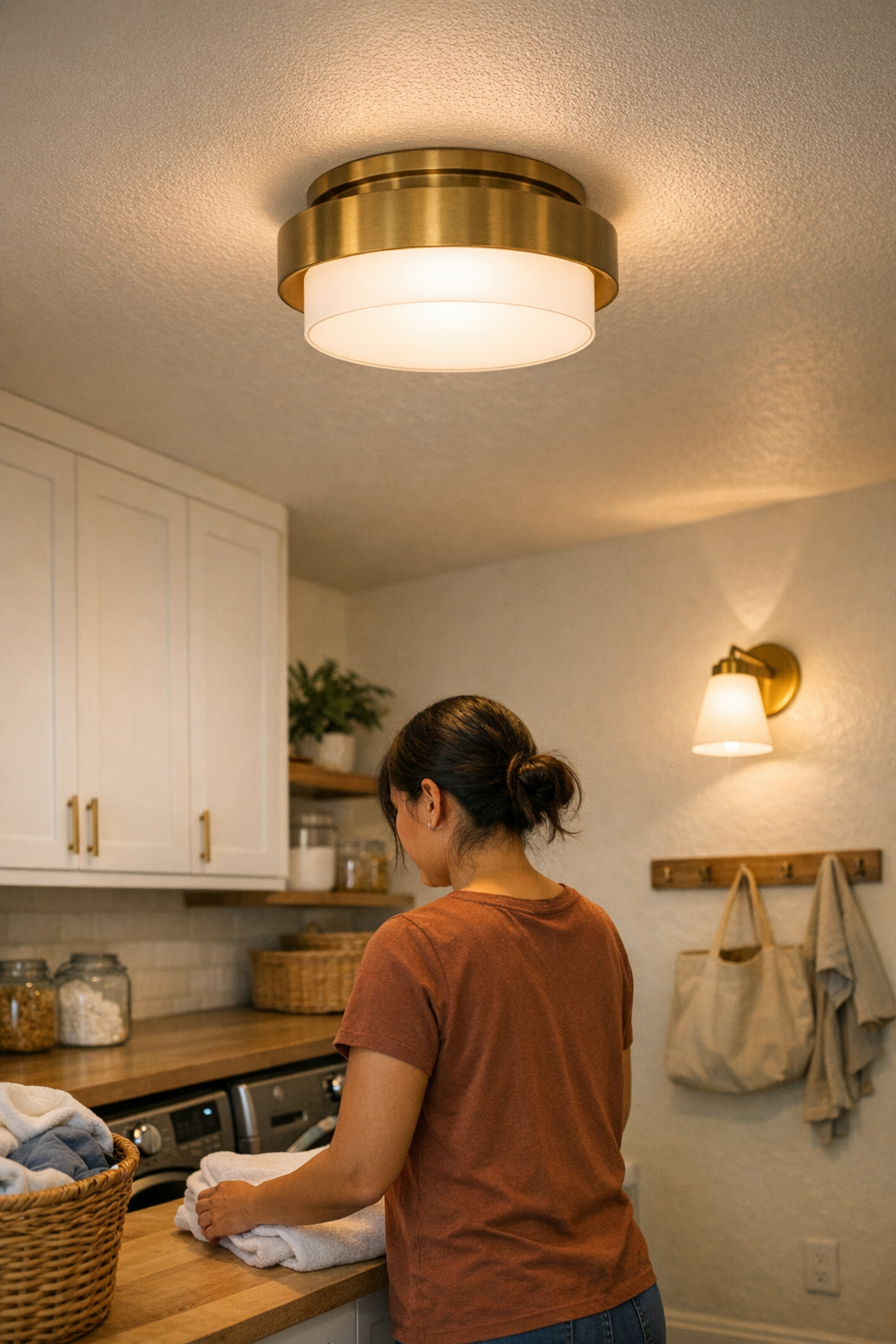
    The most reliable fixtures don’t call attention to themselves—they disappear into your routine. A flush mount or sealed, damp-rated light may look plain at first, but after a few months, its advantages become obvious. No exposed hardware means nowhere for dust to cling. Smooth edges shed lint with a single wipe. The old pattern of chasing grime or dodging stray glare lines vanishes, replaced by light that’s level across the space—even after steam, spills, or busy weeks. Suddenly, the mirror is always readable, the counter edge stays visible, and the next deep clean slips further into the calendar.

    When Cleaning Stops Being a Project

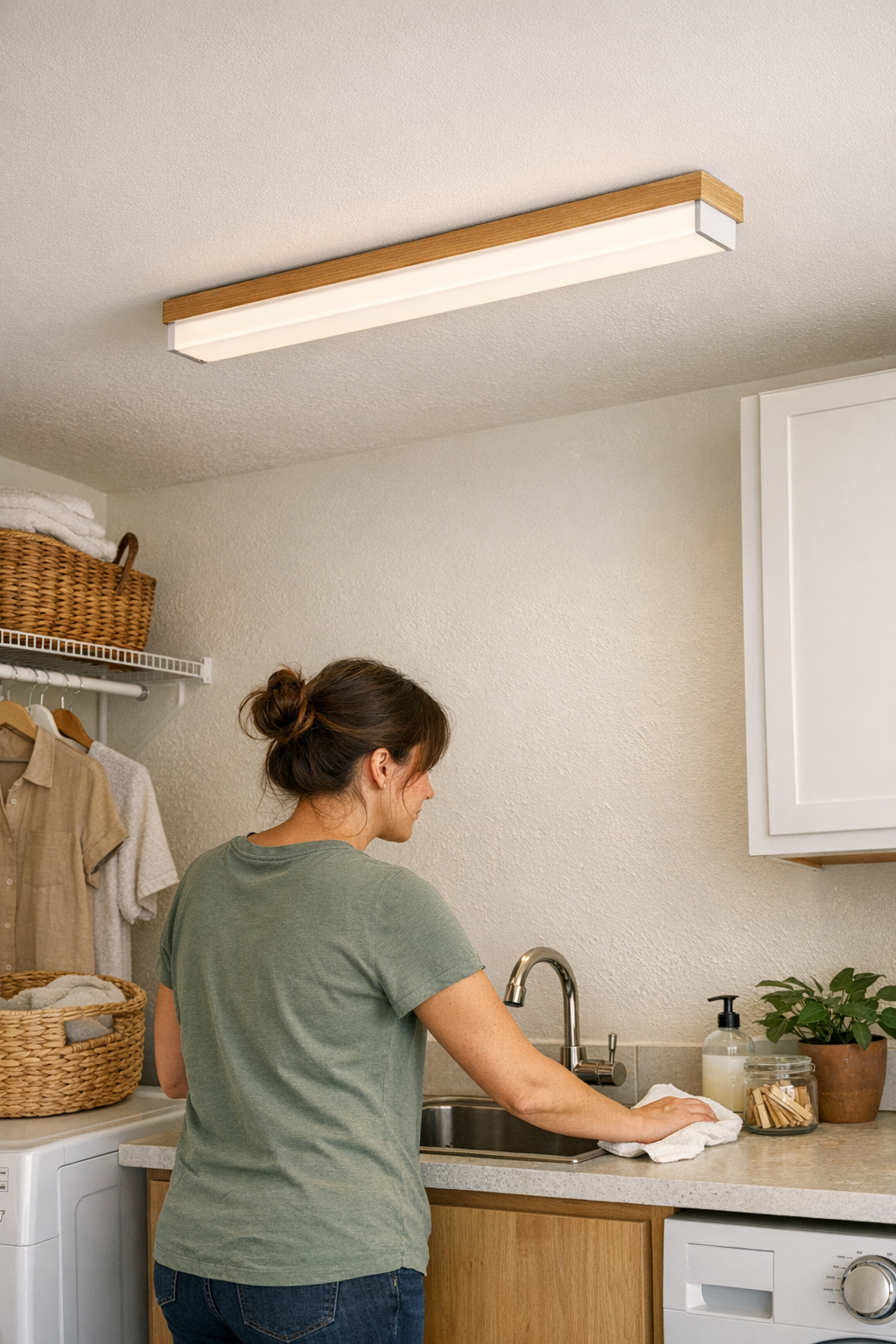
    Imagine swapping an ornate, semi-flush light over your utility counter for a closed, flush mount. Suddenly, shadows flatten out—no more missed drips or stray streaks hiding at the edge. Instead of making a mental note to deep-clean “when there’s time,” you pass a wet cloth over a seamless surface and it’s done. No awkward reaching; no invisible dust waiting for morning sun to expose it. The counter is just there, clearly lit and quick to check. Day after day, the small annoyances that used to slow you down simply stop showing up.

    The Way Dust Changes Light (and Movement)

    Every bit of dust, every patch of foggy residue, does more than look dirty—it’s a physical obstacle, warping and scattering the light itself. Dust on a fixture sends beams off-course, breaking up a steady spread into dim pockets and sudden hot spots that pull your attention or distort your next step. Here’s how this shows up:

    • Above sinks: Critical lighting breaks into uneven zones, creating dark spots just where you need precision—for shaving, washing, or checking skin.
    • Stair landings: Glare bursts off a dusty bulb while corners are lost to shadow, making each step less certain, especially when moving quickly or with arms full.
    • Mirrors: Glass films reflect light unpredictably so a clear view can turn into a guessing game, forcing you to lean in or reposition just to get even lighting on your face.

    Week by week, these small defects build up. A room that looked “bright” with its fresh fixture now undermines what matters most: steady movement and reliable sightlines, especially where floors change or hands are busy.

    Matching Fixture to Routine: What to Consider

    Lighting that feels right on day one can reveal weak spots with every routine. The true test is whether it stands up to moisture, dust, and the constant churn of daily activity. For:

    • Laundry closets and mudrooms, select enclosed, simple designs that can shed lint and outlast humidity. Fewer grooves mean less for dust to grip.
    • Bathrooms—ceilings or mirrors, pick bathroom-rated or damp-rated fixtures with fully sealed domes. These keep out steam and stray particles, preventing haze and stray shadows from ever forming.
    • Hallways and stairs, use flush or semi-flush ceiling lights aimed to blanket the full width. Place them to eliminate both dark zones on the floor and glare at eye level—so every step is predictable, not guesswork.

    These aren’t just little “upgrades”—they remove routine obstacles entirely. In steamy, dusty, or high-traffic spaces, a truly easy-to-clean fixture shrinks cleaning jobs and restores real clarity where you walk, work, and check the details.

    Two Quick Routine-Savers

    • Avoid placing fixtures directly in the path of steam or lint release. Even the best-sealed model stays cleaner longer if it’s not fighting every burst from a showerhead or dryer vent.
    • Choose smooth, closed fixtures for any ceiling or wall light that’s awkward to reach. Over stairs, counters, and narrow passageways, every reduction in dust and grime makes every future cleaning easier—especially when a ladder is a hassle.

    The Long Game: Lighting That Fades Into the Routine

    The best indoor lighting slips out of sight—never blinding, never leaving you in the dark, never demanding more cleaning or attention the longer you live with it. You notice the difference when you stop pausing in shadowy hallways, never hesitate on stairs, or realize you’ve gone weeks without wiping haze from a bathroom fixture. Real improvement isn’t flash; it’s the absence of repeated trouble. Visibility is smoother, movement is confident, and the fixtures just support daily life—silently making routines less demanding.

    Every step through a busy space is a reminder that lighting structure isn’t just style—it’s how easily you move, see details, and trust your spaces to work as expected. The right fixture unmakes old problems, and the frustration of dust, glare, or shadow simply fades. For high-use spots, silent strength and easy upkeep end up mattering most.

    LightHelper Indoor Lighting

  • Why Proper Cable Management Transforms Your Lighting Setup

    A room that looks “finished” in photos rarely survives a week of real use without one flaw showing up first: the exposed lighting cable. Maybe it’s a black cord dangling from a wall light, a white line tracing the side of a floating shelf, or a thin wire sagging under a kitchen counter—whatever the type, the story is the same. The moment daily movement begins, that cable pulls every eye and most routines off course. It gathers dust, snags under the wheel of your desk chair, or hangs just close enough that you start working around it. The difference is immediate: lighting that looked smart in setup now interrupts every reach, wipe, or rearrangement. If you catch yourself adjusting the cable more than using the light, you’re living with the most common indoor lighting breakdown there is.

    When a Tidy Space Fails the Real-Use Test

    Lighting setups seem perfect right after install, when shelves sit empty and no device has been charged. But the first time you slide a chair, plug in a laptop, or clean under a fixture, friction starts. A cable that was “tucked” in photos slips into daily view, getting moved, bent, or brushed aside every time the room is actually used. This isn’t just visual noise—it drags down the room’s function in dozens of small, stubborn moments. Cable management quickly shifts from afterthought to the silent breaker of order, efficiency, and comfort. Miss it, and you’ll repeat the same frustrations every day.

    As soon as the cable, not the light, grabs your attention, productivity drops. In compact desks, narrow kitchen counters, or crowded workstations, cord chaos is often the first symptom of a setup failing real use. Cables won’t stay flush, catch crumbs and dust, push objects out of position, or get unplugged by a careless sleeve—each one making the setup feel less finished and more stressful. The problem never fixes itself; instead, it deepens until the cable becomes a permanent, grimy detour in your everyday path.

    Surface Perfection vs. Everyday Movement

    The gap between “looks resolved” and “works day-to-day” is simple:

    • True Hidden Support Holds: Where raceways or cable channels run wall-tight right up to the fixture, cables vanish from experience—even after a week’s worth of spilled coffee, shifting chairs, or new chargers plugged in and out.
    • Half Measures Break Down: Cables looped behind desks or loosely clipped under a shelf always creep forward. Within days, they sag, slip, and snag on anything moving past. The visual order collapses the instant the routine resumes.

    Picture an under-cabinet LED: With its cable coiled along the open edge, every item—box, bowl, or cleaning hand—nudges it further out, leaving smudges in the wire’s path and tempting every spill or crumb to cluster there. You soon find yourself dodging the sagging cable, wiping twice, and never quite restoring the surface the way you expected.

    Cable Frustration in Shared and Work Spaces

    Lighting in work areas rarely sits untouched. Every time someone shifts a chair, reaches back for a cord, or drops a backpack on the floor, any exposed or half-secured cable becomes the next source of distraction, accident, or slow repair. A wall lamp’s cord left loose will tug at its connection, catch on bags, or cause the fixture to shift out of level. Over days, the routine slips: cleaning gets slower, small accidents repeat, and your workspace feels more fragile, not less.

    Recognizing the Repeated Annoyances

    • Chair back or bag loop catching on a cable end you thought was tucked away
    • Dust lines tracing the path of every exposed cord under shelves and against walls
    • A desktop or work zone that slips from crisp to cluttered in days, always beginning with cable drift

    Anchoring: The Small Move That Makes the Difference

    Solving these ongoing issues rarely means a total overhaul—or ripping out old wiring. Nearly always, the right move is sharper and subtler: secure every visible cable with purpose-built support exactly where the wear happens. Use adhesive raceways, cable tracks, or snap-in channels that run flush along backs of shelves, under edge lips, or down unobtrusive wall lines. When each length is anchored directly to the surface, object collisions and accidental snags disappear. Cleaning feels faster, shelves stay clear, and the cable stops being a daily reset point. Five uses later, you aren’t reminded of the wiring at all—it just doesn’t interfere.

    The real win isn’t invisible cables—it’s cables you never touch or notice, even after a full week of use. A support part that works removes friction without calling attention to itself. If the cable channel or stay is doing its job, you won’t have to adjust or see it with every routine pass. Your light becomes as easy to live with as it looked when installed.

    Questions from Real Setup Friction

    Which Cable Management Works for LED and Under-Cabinet Lighting?

    For linear fixtures and under-cabinet LED runs, adhesive or snap-in cable channels that fully cover and control the line are best. Choose a track deep enough so the cord doesn’t bulge below tight shelves. Always match the path to the real cable length—don’t force bends around corners or cover outlets just for tidiness. Access is as important as appearance, and the best channels disappear into daily use, not just initial setup.

    Is Cable Clutter Still a Problem If the Room Looks Clean?

    Yes—cable clutter is often the first sign a room is sliding back toward disorder, no matter how tidy the rest looks. Every time you swipe a countertop, shift a chair, or reach for a charger, a loose cord drags on the experience. Only cables so well managed you forget to check them actually keep a space feeling finished. Anything less becomes a distraction the first time you return to it.

    What About Safety Concerns from Unmanaged Lighting Cables?

    Unanchored cords aren’t just untidy: in busy or shared areas, they’re a tripping hazard, a source of stray yanks that unplug devices, and a risk for wear or even damage at hard bends or fixture joints. The more people or actions a surface sees, the more critical it is to keep lighting cables properly routed and stable. Untamed wiring doesn’t just look out of place—it makes accidents more likely, cleaning more awkward, and the whole system less durable by design.

    Lighting That Actually Stays Organized Week After Week

    Any lighting—no matter how clean and low-profile at first—will degrade into constant micro-adjustments if its cables aren’t anchored and protected where they’re exposed. Real comfort isn’t the tidy look at install, but the absence of cable irritation on day ten when the surface is full, the chairs are in use, and devices come and go. A setup only becomes dependable when there’s nothing left to drift, snag, or distract you from real tasks.

    Lighting only looks “done” if it stays that way after a week of normal use. The small parts—raceways, tracks, clips, and cable stays—are what separate rooms that merely look settled from rooms that let you live and work in peace. Every cable kept tight and out of your path is one less daily reset, and one more quiet reason your space works smoothly.

    Find practical cable management, mounting, and lighting support tools at LightSupport.

  • How a Rotating Monitor Arm Transforms Collaborative Workflows Effortlessly

    If your job means fielding questions or sharing your screen several times a day, it doesn’t take long to spot the desk setup flaws that eat away at your rhythm. The typical “clean” monitor stand looks organized—until real work begins. You need to show a colleague something and end up trying to nudge the entire base, shift your chair sideways, and dodge the spill zone around that carefully placed pen cup. Suddenly, order turns into repeated micro-collisions: where to rest your arm, how to keep a loose notebook from sliding, why the mouse cable just snagged under the monitor. That’s when a tidy surface exposes its first real weakness in daily workflow.

    The Subtle Sabotage of a Fixed Monitor Stand

    Fixed monitor stands deliver the illusion of control: everything lines up, cables duck through a desk grommet, the surface looks clear—so long as you’re working alone. As soon as you bring in a collaborator, the friction starts. You grab for the corner of the monitor, careful not to drag your notebook off the edge, fumble past a tripped USB cable, and maneuver a rigid base to an angle that’s still a compromise. The guest leans in awkwardly; you both stare slightly sideways at the display, neither at ease.

    • Your hand stretches across the keyboard, trying not to scatter sticky notes as you pull the monitor.
    • Cables resist, tugging the mouse or pulling the charger taut—sometimes yanking a plug just enough to lose connection.
    • The monitor angle never feels right for both; you alternate between craning and slouching as the session rolls on.

    None of these interruptions ruin a meeting outright, but over a week, the fatigue stacks up. The desk presents itself as efficient, yet every team session triggers a choreography of clearing space, rotating, and awkward reshuffling—underlining how quickly “organize” turns to “obstacle” in active use.

    How a Rotating Monitor Arm Changes Daily Flow

    Installing a rotating monitor arm seems like a minor tweak—but the relief it brings, especially for shared workspaces, registers immediately. Stop moving your chair, stop clearing items: now you use one hand to pivot the screen, leaving everything else—your mug, your notes, your keyboard—undisturbed. Cables no longer pull you into a tug-of-war. There’s no accidental pen spill, no bumping into the edge of a drawer unit that used to block your path. Instead, the monitor floats into place, faces your guest, and returns in seconds. The improvement is doubly apparent in cramped setups, where shuffling the whole workstation isn’t even an option. A few extra inches of screen swing can separate smooth workflow from yet another desk reset or spilled water glass.

    Real Work Scenes Where Rotation Solves Routine Interruptions

    • You field three back-to-back questions during a team review and simply rotate the screen to show your Gantt chart—no pile shuffling needed.
    • Someone brings a printout; you swing the display to compare changes, both of you keeping natural posture and catching details in one glance.
    • You bounce between note-taking and checking reference material, quickly pivoting for angle or glare without breaking your own work stance.

    The flow difference is more than just saving a few seconds—your setup now adapts in real time, turning interruptions into quick pivots, not mini-resets. The rest of the desk stays busy; your routine keeps moving.

    Where Setup Details Make or Break the Improvement

    But not every upgrade delivers equally. Repeated-use friction often shifts rather than disappears if you skip the fine points:

    • Cable slack: Cables cut to length for a fixed stand become your enemy on an arm—snagging, tugging, quietly resisting every pivot. Installing just 6–8 inches of controlled slack in a cable clip or tray turns rigid resistance into smooth travel instead of jerks and accidental unplugging.
    • Desk depth: On shallow desks, the wall—or a stacked drawer unit—can block full arm travel. Measure the pivot path before you install; double-check that you have elbow room behind instead of discovering a hard stop mid-pivot.
    • Obstacles and reach zone: It’s easy to forget how gear piles up: another display, a fan, a random charging dock. If anything encroaches on the monitor’s swing path, your upgrade devolves into a workaround again. Best is to keep the rotation path above the desk’s day-to-day clutter line—static below, moving only where the screen lives.

    Miss one of these, and you trade one flavor of inconvenience for another. Overly neat cable routing looks good but locks the monitor in place. Too little swing space, and you bump into walls, drawers, or other gear—new versions of the old reach struggle. Desk organization isn’t just about hiding clutter; it’s about removing what interrupts the work pattern.

    The Smallest Habit That Made the Biggest Difference

    The unexpected game-changer isn’t the arm—it’s cable management. After a few days of fighting HDMI tugs and charger snap-backs, rerouting each cable in a loose arc and anchoring them near the mount eliminated most interruptions. The difference: no more cable recoil, no half-detached plugs, and no fearing a sudden disconnect as you rotate the monitor mid-discussion. For this setup, adding intentional slack turned the arm from “looks better” to “actually works better.”

    FAQ: Rotating Monitor Arms in Real Use

    Does a monitor arm free up space on a compact desk?

    In almost all cases, yes. Raising the screen lifts it clear of the desk, opening up room for organizers or even just arm movement. The key caveat is space behind the desk: full rotation needs clearance beyond just the clamp or mount—don’t ignore how wall distance or deep drawer units block that swing.

    Will thick or inflexible cables limit the benefits?

    Absolutely. Heavy HDMI cables, oversized power bricks, or rigid sleeves slow the pivot and eat up any ergonomic gain. Swapping inflexible cables for thinner, more flexible versions—or routing all wires through internal arm guides—restores full range and freedom.

    How stable is a rotational arm with frequent use?

    With a proper clamp or grommet mount, a single arm remains solid after hundreds of pivots. Unlike pushing a big, fixed stand, you avoid jarring everything else on the desk. But the real-world stability depends on desk surface quality and lateral force—tricky desks and lightweight tables may transmit more play over time.

    When Setup Looks Tidy but Still Slows You Down

    Plenty of workstations look clean but stall the second you start real tasks. Cable trays hide the mess, but cords still yank when you move a screen. Centered monitors look perfect from the hallway, yet force you into odd posture whenever it’s time to share. A drawer unit swallows clutter but juts into the only usable leg space. These choices create the image of control—but when you cycle through multiple shares, edits, or meetings, you feel the clutter push back in new forms. The “finished” look might even slow down your most basic routine.

    Rotating monitor arms don’t just tidy up the view—they rewrite the ways you hand off, review, or talk through work. Their impact is obvious once your desk becomes a checkpoint for active collaboration. The right setup makes movement easy, reduces reach stretch, and means one less reason to interrupt your focus or reset your space after every project handoff. Order matters, but usable order wins every time you put your routine to the test.

    Swapping out a fixed base for a rotation arm won’t revolutionize your workflow overnight, but it will quietly remove the headaches you keep bumping into each day—reach awkwardness, reset slowdowns, cable drag, and repeated interruptions that never show up in the “after” photos. That difference becomes the reason the desk works for you, not against you.

    Explore the full WorkBasic collection

  • How Low-Glare Lighting Transforms Everyday Utility Spaces for Comfort

    Most homes look bright enough—until you actually use the space. By the third week of laundry, you’re still squinting at care labels under the flush-mount ceiling light. In the bathroom, your reflection turns patchy, forcing you to squint, lean sideways, or angle your chin. Working at the kitchen counter? You have to chase circles of shadow, blocking glare with your forearm just to find the cutting board’s edge. The ceiling may look fully lit, but daily routines reveal the same flaw: output poured everywhere, with visibility and comfort left behind.

    When “Brighter” Doesn’t Mean “Better”: Subtle Frustrations Add Up

    It’s easy to believe a single overhead can handle the whole room—flush mounts, modern panels, a dramatic fixture in the hallway. But every routine exposes what that ceiling light misses. Machine controls in the laundry room glare unreadably, especially on cool metal tops. Kitchen counters go from gleaming to divided: one half is over-bright, the other shaded. After another squeeze on the stair landing, you blink reflexively, mapping out your next step by feel, not sight.

    Discomfort isn’t dramatic. It creeps in: you rub your eyes, nudge paperwork under the brightest patch, turn your head to dodge a flash in the mirror. Corners in the utility room stay unrested. Glare bounces mercilessly off tile on damp mornings. Instead of fixing the imbalance, you compensate—avoiding certain spots, adjusting your path, or simply living with routine annoyance that stacks up over time and slows even simple tasks.

    How Overhead Fixtures Create Invisible Obstacles

    Overhead lights claim to “fill the room,” but their weaknesses show when you have to move, read, or look closely. Everyday use puts the failures in sharp relief:

    • Stairway handrails glare back at you on the landing, right where certainty should be highest—forcing caution where movement should be fluid.
    • Bathroom mirrors offer a clear face—until you step in close, when a bolt of direct glare makes you look away, blurring detail when you need it most.
    • Kitchen and laundry counters end up split in two: one side in shadow, the other reflecting overhead light straight into your eyes, pushing you to awkward angles and disrupting the routine.
    • Hallways look fine up high, but the path ahead blurs, with one flank darkening and the other glaring, making every walk feel off-balance.

    If you find yourself shifting, squinting, or hesitating in a “well-lit” area, the lighting isn’t just an aesthetic failure—it’s a daily obstacle, leading to missed steps, misread labels, or constant micro-adjustments that sap time and comfort.

    The Limitation of Single Fixtures: Shadows and Glare No Matter the Wattage

    Turning up the brightness or installing a more powerful panel rarely solves the problem. Instead, it trades one kind of discomfort for another: new shadows on the wall, cutting glare across surfaces, or leaving corners as dim as before. Every exaggerated hot spot is a reminder that spread matters more than raw output. The result: ordinary tasks feel disrupted, not just underwhelming.

    Adding more light without direction just pushes the friction around the room. Streaks of light dance across folded laundry or slice the bathroom mirror, and “improvements” in one task zone create shadows or reflection zones somewhere else. It builds into a loop—each new bulb or brighter fixture leaves a new blind spot, especially noticeable during repetitive tasks: hunting for that product label, carrying groceries, leaning in for a closer look, or walking the same darkened path night after night.

    Real-World Scenes: Where Lighting Frictions Repeat

    Stairways and Landings: Navigating Shadows, Not Just Brightness

    Picture a steep stairwell, lit only by an overhead bulb. You take the turn, hand on the rail, and harsh light leaps off the surface, making the next step fuzzier, not clearer. On a damp morning, reflections build, requiring you to step with extra care. Over time, you shift your weight defensively and look away from the “lit” step—subconsciously confirming that the space may look bright, but doesn’t actually guide safe movement.

    Mirror Zones and Bathroom Sinks: Uneven Lighting Where Clarity Matters

    Main ceiling lights face the mirror directly, but their glare splits your reflection down the middle. Attempting to shave or apply makeup, you find each side of your face unevenly lit, one flashed to white, the other falling away. Frustration follows as you sidestep, lean, or even cup your hand to block the strongest beam, proving that more overhead light doesn’t equal clarity or comfort for daily routines.

    Work Surfaces and Counters: The Shadow Keeps Coming Back

    Overhead lighting sets up counter work for failure. You reach for detergent or chop vegetables and end up chasing “good” lighting across a glossy surface. A single flush mount leaves an unmistakable stripe down the middle—a distracting stripe of glare edged with shadow. Tasks slow down as you shift everything (and yourself) to avoid the least usable spots. “Full brightness” at the ceiling, but the real work surface is still unpredictable.

    Practical Fixes: It’s About Direction and Diffusion, Not Just Output

    Routine discomfort doesn’t fade with a brighter bulb. The breakthrough is using fixtures that shape and direct the light, not just flood the space. A frosted panel in the stairwell quiets the reflections and weakens shadow bands. Add a low-glare wall sconce at the stair turn: suddenly, every step is outlined, the handrail is visible rather than blinding, and you move naturally without hesitation. These aren’t visual upgrades—they’re functional corrections.

    Wall sconces, hardwired task lighting, and well-placed under-cabinet strips don’t layer on luxury; they clear repetitive obstacles. The right light at the mirror, the landing, or above the laundry counter means you stop working around the fixture and start working in the space. Shadow edges smooth out, reflections stay muted, and glare no longer dictates your route or pace.

    Layering, Not Multiplying: A Smarter Approach to Everyday Lighting

    “Just add more lights” is a trap. Layered lighting—soft overhead for the whole room, wall-mounted or under-cabinet for surfaces and faces—actually reduces hotspots and makes every area more predictable to use. Doubling up on overheads multiplies glare. The real solutions use lower-output fixtures, aimed to break up shadow and deliver visibility right where your eyes need it. Work counters, walking paths, and mirrors all stay equally accessible—without trading one problem for another.

    Use this quick test: If you routinely squint, reposition, or adapt your whole task around a stripe of shadow or a reflected flash, your setup isn’t serving you. Real upgrades mean matching fixture type and placement to repeated trouble spots, not ceiling voids. Frosted panels for damp rooms, directional sconces for stair turns, and diffused under-cabinet strips for counters tame the friction fast—without overloading the space.

    The Difference You Feel After Changing the Lighting

    Shifting from glare-heavy overheads to layered, diffused fixtures changes how you use every room—quietly but repeatedly. You move through stairways and halls without pausing or glancing away. Faces in mirrors appear evenly and naturally, making routines faster and less strained. Counters are simply usable, not battlegrounds for shadow versus glare. The most visible difference? Fewer stalls, squints, or detours in the middle of habits that ought to be simple. Good lighting leaves a space feeling clear, routine-friendly—and no longer something you have to work around.

    Track your lighting setbacks: wherever you change your behavior or hesitate in a supposedly “bright” space, that’s where a smarter fixture or better position will actually make a difference—every single day.

    Find practical indoor lighting that makes daily use more comfortable and reliable at LightHelper.

  • Effective Cable Management Solutions for Clutter-Free Lighting Setups

    Every tidy lighting setup feels deliberate at first: lamp, light strip, or wall fixture perfectly placed, surface clear, cables tucked—until the small drags begin. By the end of the first week, the clean desk lamp cable is catching your sleeve, the LED strip’s cord has slid forward to dangle where your knee knocks it, and the sconce’s line is coiling dust behind the chair. The setup looked minimal; what you actually notice, day after day, is the return of cables into your hands, feet, and sightlines. Even the lowest-profile lighting turns into source of friction when unmanaged cords keep shifting, snagging, or trailing into places you have to work around.

    When Cords Stop Being Invisible—and Start Slowing You Down

    Cable clutter rarely arrives all at once. You start by nudging your desk lamp to cut monitor glare; the cord tugs at a stack of notes or drags the charging cable with it. Another day, you add a phone charger to the cluster below your work surface. By Friday, untying a knot at your feet has become part of your shutdown ritual. Each friction—a chair catching, a wire blocking a drawer, bumping a cable every time you stand—doesn’t just break the visual order. It slows movement, snaps your focus, and steadily reminds you that the space won’t stay “done” on looks alone.

    Visual Clutter Becomes a Physical Drag

    Loose lighting cables don’t only clutter up the view—they interrupt the way you actually use a room. A power line running the wrong way across a shared table catches a coffee mug or snags on the edge. Every lamp repositioned is a chance to scrape the wire or expose slack you’ll later nudge back into place. Shared home offices multiply the mess: lamp cords, chargers, and USB lines tangle and overlap, cables shifting with every person who plugs in, leaving a new small problem under every elbow or heel. A seemingly organized setup asks for constant adjustment simply to keep it working.

    A Setup That Looks “Done”—But Feels Awkward Under Routine Use

    Spaces built to look resolved—cables clipped, lines hidden—don’t always survive real routines. Adhesive guides last until you shift a lamp to chase glare, or lean under to swap a light plug and dislodge the whole fix. Cords work themselves out of their channels, spill toward the edge of the surface, or slacken out of reach. Cleaning becomes a project: wires need unhooking, piles of slack attract dust, and finding the right charger means pausing to untangle and trace lines that were supposed to stay separate. What looked controlled now interrupts each simple use.

    Real-World Friction: Shared Spaces, Repeated Interruptions

    In a shared workspace—one desk, two users—the difference between temporary and lasting fixes shows quickly. The first person plugs in a task light, the next needs the ambient strip near the wall. Between them, cables creep out of order, chargers tangle, lamp cords pull loose or block a needed outlet. Chairs drag cables sideways. Each time a new device comes or goes, micro-knots and minor snags accumulate, prompting another round of hunting, untangling, and re-routing. The entire setup, however clean it looked after install, starts bleeding time and attention out of every small task.

    How Effective Cable Management Changes the Routine

    A committed cable path resets the rhythm of the room instantly. Clip a raceway under the back edge of your desk: lamp cords and strip wires vanish from top view, show up only at the outlet. Actions shift—move a light, slide a chair, wipe down surfaces—without tracing or bumping into errant cables. You clean without pausing. You shift a lamp and no longer feel a tug or risk a sudden slip halfway through a call. The space not only looks better, but the drag of small, constant corrections disappears. Over weeks, the desk or shelf starts to feel genuinely usable, not just good in photos.

    Setting Up Cable Paths That Hold Up—Not Just Look Good

    Lasting cable management is structural, not decorative. It’s about eliminating places where snags, tangles, and reroutes keep returning. The details matter:

    • Anchor early, guide along the whole run: Mount a cable channel or adhesive guide under every active surface—desk, shelf, rear wall—so cords are contained from plug to light, never given a chance to pool into a nest. Each shift of a lamp or swap of a charger keeps cables in line, never letting drift start.
    • Use anchor points, not a single clamp: Instead of gathering everything at the outlet, secure cables at intervals along their path, preserving just enough slack for movement but never letting them strip loose into the workspace or loop out beyond reach.
    • Address neglected lighting roles: Under-cabinet LEDs and wall sconces accumulate chaos too—cords dangle down shelf backs or coil along wall trimming, especially if lights must shift for cleaning or bulb changes. Guiding their cords to a fixed, out-of-the-way path means these setups require less recovery work each time you use the space.

    One Small Adjustment, Repeated Benefits

    Install even a single cable raceway beneath a cluttered work edge and the routine shifts: cords stay put, cleaning is distracted by nothing, and adjustments happen without planning the next workaround. You notice what’s on the desk, not what snakes behind it. Weeks pass and the room requires less correction, not more—a shift from “how do I keep this tidy?” to a setup you forget the moment after it works.

    Weak Points Revisited—and Fixed for Good

    The real evidence of a solid lighting support setup? You stop having to double-check, pause, or untangle. The old routine of tracing power lines, sorting which plug belongs to which light, or bending to clear cable chaos is gone. The setup you once fussed over simply runs as intended—lamp, strip, shelf light, and charger ready in sequence, no detours. Maybe it never looks like an untouched showroom, but it works: cords fall out of sight, and daily friction falls away with them. Each clean, direct adjustment—without a pause to fix a snag—signals the difference between a setup that only looks right and one that finally acts right.

    For setups that need less clutter, less friction, and more predictable comfort, thoughtful cable paths are as important as the lighting itself. Find the fittings and accessories you need at LightSupport.