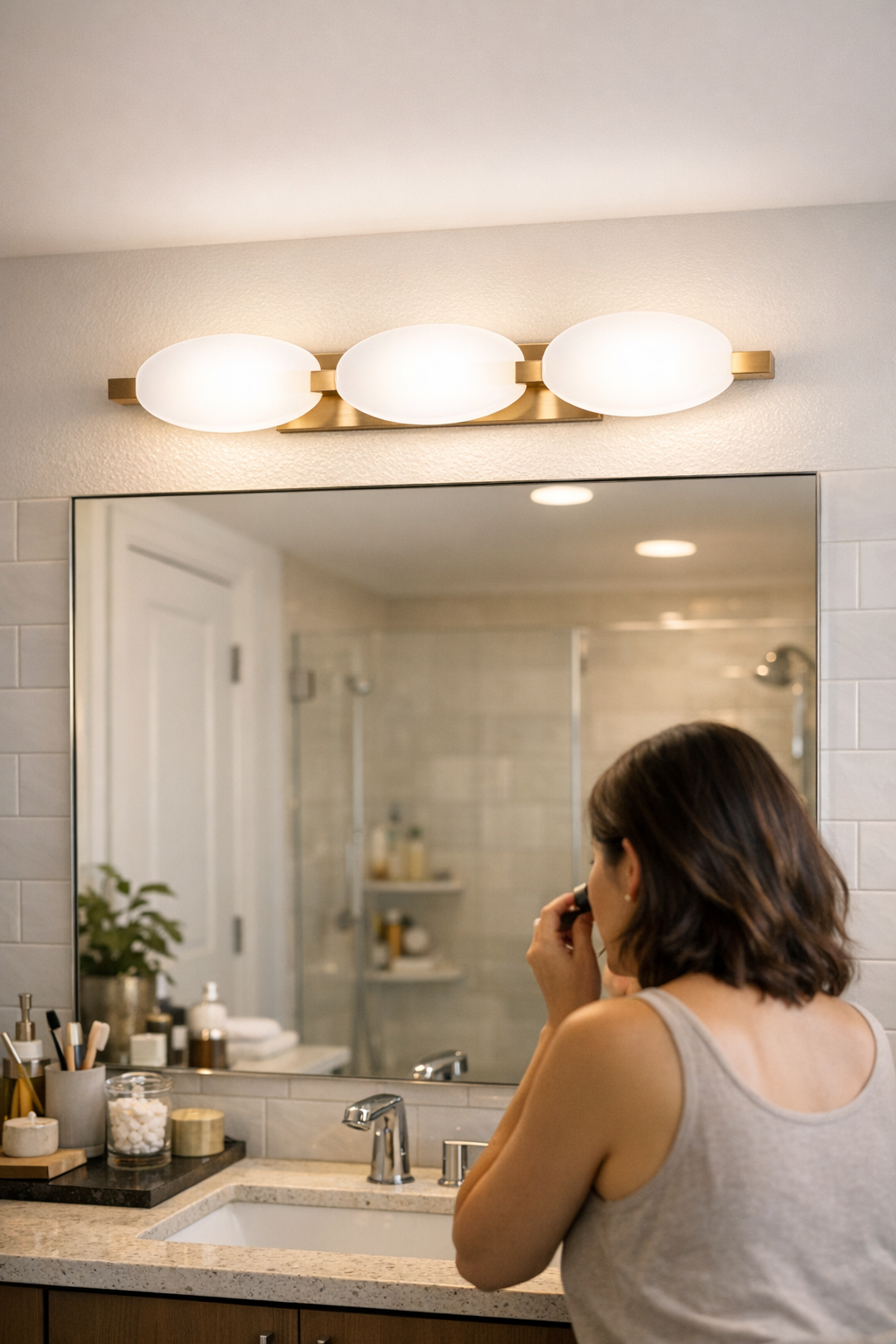
The promise of a “clean” lighting setup rarely survives a week of real use. That crisply mounted under-cabinet or slim shelf light looks perfect the day the cables disappear and the fixture hides behind trim—but friction quickly returns. Every time you chop vegetables or reach for supplies along the rear edge, you’re chasing shadow lines, glaring at the cabinet face, or stretching awkwardly to catch what the lighting missed. The setup that seemed finished now interrupts your routine, and the surface that looked resolved by mid-afternoon snaps back to frustrating reality by nightfall.
Why Clean Looks Don’t Always Translate to Clear Working Light
Minimal lighting installs—tight under-cabinet strips, flush LED bars, slick linear fixtures—are sold for their vanishing act. Wires vanish. Brackets recede. The counter or shelf glows evenly—until you actually start using the surface. That’s when the real issues appear: glare thrown off shiny trims, shadows swallowing the back edge, and core work zones left frustratingly out of reach. The crucial strip of workspace—where you set down a mug, review a manual, or hunt for a missing part—fades into gray.
Lighting fixed high and hidden solves visual clutter but creates new obstacles. Reach under a low cabinet or deep shelf, and the front half is overexposed while the far side recedes into shadow. A setup praised for its seamless look reveals its limits the first time you have to adjust your position just to read a box label or grab a tool without guessing.
Shadow Lines and Dim Corners: Where Streamlined Installations Fall Short
The problem shows up in the same way, every day: hands cast dense shadows onto the space you need most, while the well-lit foreground distracts from what’s actually missing. In a kitchen, the place you rest a spoon or line up spices never feels fully visible. On a workbench or shared desk, small hardware and paper piles blur into the dim rear, forcing repeated shifting and squinting. Lighting that scores on looks stumbles on use—especially where routines keep circling the rear corners, not just the clear center stripe.
These are not one-time annoyances. A week in, you’re adjusting your angle, dragging in another lamp, or leaning closer against the cabinet edge—proof that a setup considered “minimal” doesn’t always keep up with real-world movement or reach. The discomfort isn’t glaring, but it’s persistent: a subtle design flaw that keeps inviting workaround after workaround.
Lowering the Fixture: The Simple Adjustment That Brings Real Clarity
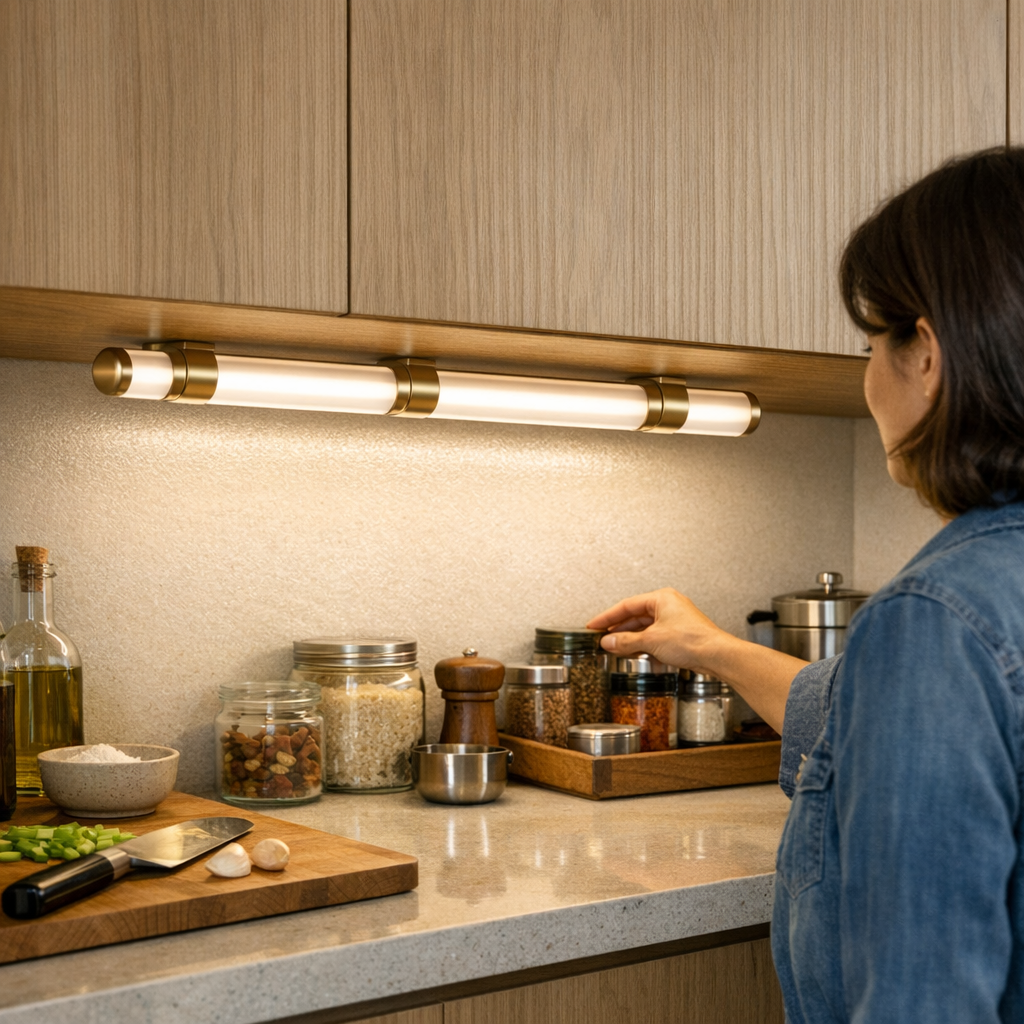
There’s a small, specific fix: Lower the under-cabinet or shelf-mounted light just 4–5 centimeters below the surface lip. This one shift releases the beam’s reach, pushing the light field all the way to the back wall or inner shelf edge—filling the shadow zone where hands, labels, and tools actually land. Suddenly, detail returns where it matters. The contrast between front glare and rear murk fades; the space behind jars, bins, or devices emerges as naturally usable.
This isn’t about amp-ing up brightness or flooding surfaces. It’s about beam direction—preventing a fixture designed for stealth from robbing the very clarity it’s meant to deliver. Lowering the light doesn’t sabotage neatness; it corrects the balance between invisible hardware and visible function. The difference is tangible from the first meal prep or project night—no more faked minimalism that quietly drains productivity.
Real-World Scene: Where the Lighting Position Pays Off
Picture this in use: By day three, you’re prepping dinner under a flush-mount strip. Each time you slide a tray or scan for a label, your wrist blocks the light, forcing mid-task reads and guesswork at the back. You start angling yourself sideways or switching on a phone light. Drop that strip a modest notch—and now the far row of bottles, the onion skin, and even scattered crumbs fall plainly into view. Labels are legible without head-tilts. There’s no more moving twice to finish one task. The light covers the job, not just the décor.
Shared Desks and Work Surfaces: Where Minimal Looks Can Slow You Down
Kitchens aren’t the only danger zone. On workshop shelves, classroom desks, or shared counters, the same tight-mount setups leave half the surface ambiguous. Lowering a fixture turns a row of shadowed bins or half-lit paperwork into a clearly visible workspace—the near edge ready for fast grabs, the rear edge free of lurking details. It also fixes the annoying problem of partners or colleagues repeatedly shifting the lamp or hunting for what they can’t quite see. The area now matches intention: work moves forward instead of circling lost in half-light, without the pause to chase every shadow with a flashlight.
It’s easy to credit a surface for looking less cluttered. It’s more convincing to count how much less you have to adjust after a fixture drops into its effective zone—quiet measurable difference, not just visual promise.
Slim LEDs and Cable Placement: Balancing Neatness and Performance
Some setups resist adjustment out of fear of cable mess or “visible” lighting. But slim LED bars and smart cable routes make this concern smaller than the headaches of living with half-lit surfaces. Pin cables tight along seams and supports; they fade from awareness faster than the persistent strain of missing screws or misread labels. A fixture that sits slightly lower does become more physically present, but in daily use, what stands out is the absence of friction: no more leaning, no more compensating, no mental note to “fix the light someday.”
A visually minimal bracket or cable that fails in routine use is less “clean” than a slightly visible support that keeps your workflow seamless. Practicality wins—within days, the truly invisible element is the annoyance you’re no longer working around.
How Small Adjustments Turn Into Lasting Routine Improvements
Lighting setups that look perfect at install often turn into silent routine traps by week’s end. The easiest fix—lowering a mount—turns a kitchen, study, or work zone from “picture-ready” to genuinely usable. Glare softens. Blind corners fill in. Cables, if routed correctly, recede alongside brackets into the room’s structure. The best lighting support helps not by staying unseen, but by putting every label, handle, and edge within easy reach—cutting the lag between setup and fluent everyday motion.
Minimal never means invisible at the price of comfort. The small, visible shift—a light dropped to the right level, a cable tucked clean but not buried—changes the room without ever getting in your way again. Most routines don’t need perfection; they need light that moves with them. That’s the difference between “perfect look” and real support.
Find more practical lighting and support solutions for real indoor routines at LightSupport.