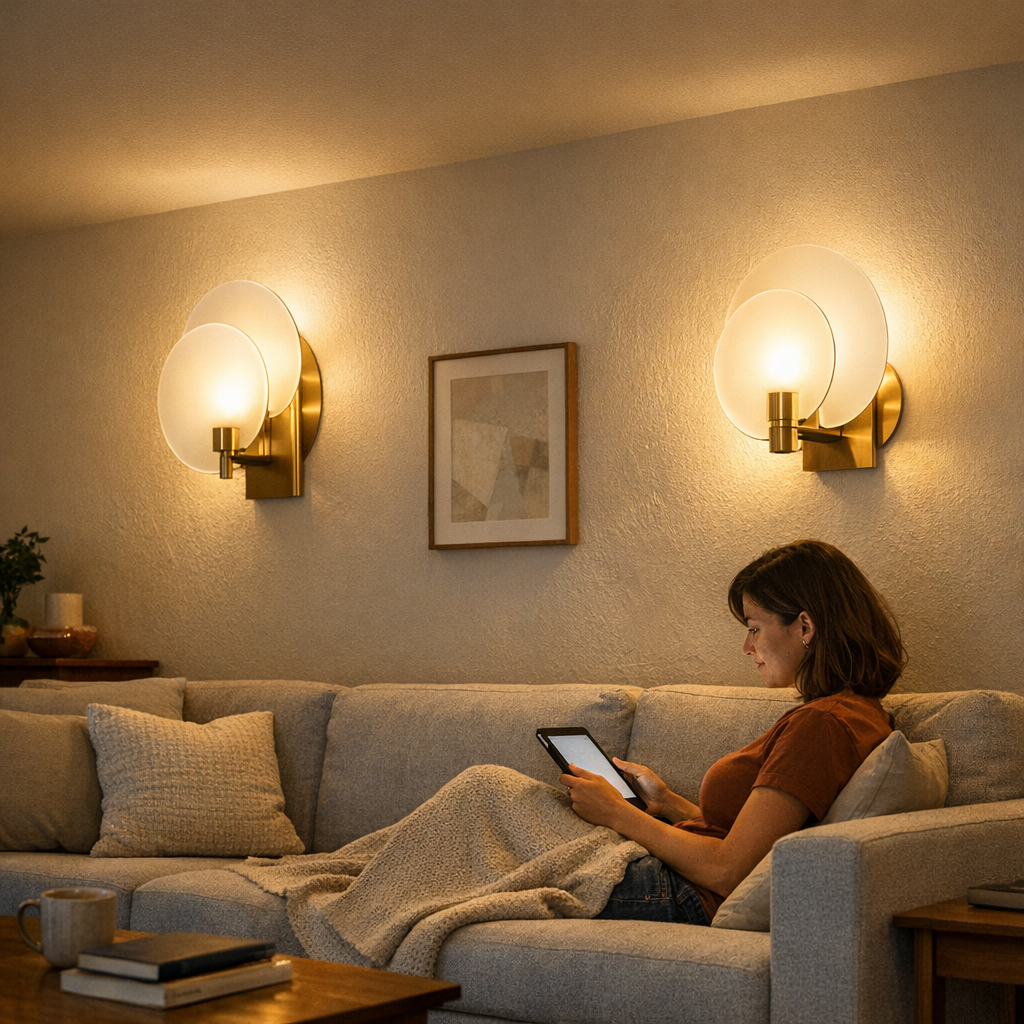
Shared room lighting looks solved until it hits real use after dark. That “clean blend” of ceiling fixture and desk lamp, perfect at noon or just after tidying, barely lasts one real evening routine. Once people start sitting down—reading, working, relaxing—the surface order unravels fast. Glare jumps straight off tablet screens and glossy pages, stings the eyes, or lands on a mug, making one seat unusable. Corners that seemed inviting by day turn into shadow pockets. Lamps dragged closer for comfort pull their cables back into view and threaten the room’s calm with every nightly adjustment. The more routines stress the setup, the more the cracks show: awkward glare, dim spots, cables loosening, and a tidy-looking plan that keeps interrupting comfort instead of supporting it.
How Glare and Shadows Take Over Real-World Rooms
Most living rooms start with one ceiling fixture overhead and table lamps scattered for tasks. Visually, that’s plenty. But under repeated use, the failings stack up immediately. Ceiling light floods everything equally—blunt, broad, and often useless in practice: too strong on the table, never enough in alcoves, and always bouncing hot off screens or shiny covers. The desk lamp saves one reader but casts fresh shadows for everyone else. People end up in a cycle:
- Shifting seats whenever a thought is broken by a harsh, misdirected beam
- Craning or hunched to escape a slice of glare
- Chasing outlets as lamps are moved, cords trailing visibly every evening
- Watching one half of the sofa become a dead zone just because the light doesn’t reach
These aren’t rare problems—they’re baked into how weak setups quietly control the way a space gets used.
Why Simple Setups Don’t Hold Up Under Repeated Use
The promise of a minimal scheme—one fixture plus a smart desk light—dies fast in a genuine shared zone. The moment two people actually use the space together, friction replaces appearance. One person claims the lamp, the other endures uneven light, or fights to adjust the shade and cord yet again. “Tidy” vanishes as soon as lamps get re-angled, piles shift to shade the beam, or cables snake back over clean surfaces. Minor tweaks become nightly routine: stacking a book as a makeshift barrier, flipping a pillow upright to block the hot spot, or giving up on half the setup after a long day. Tasks that should be simple get interrupted by glare, poor coverage, or exposed hardware—every single night.
Nighttime Friction: Small Problems That Add Up
Lighting that measured up during a store demo rarely survives the test of real, repeated use. Instead, familiar problems quietly multiply:
- Targeted glare shining off a tea mug or a photo frame where you want calm
- Shadow traps swamping half the table, forcing everyone to adapt to leftover light
- Cords on the move, always showing up after a quick adjustment or new device charge
- Zones that seem composed but get skipped every night—unused, subtly avoided
No matter how tidy the plan looked at 5pm, the late routine is always full of makeshift fixes and imperfect workarounds. The difference? Weak support lighting means adjusting your habits instead of the room ever working for you.
The Shared Sofa Test: Lighting Mismatches in Plain Sight
Picture a real setup: a corner sofa where one person reads and another scrolls on a tablet every night. Overhead, a basic flushmount erases nuance, flooding the space and missing all useful edges. Set a table lamp nearby—one person’s set. The other person leans forward or squints in a dim patch. Each night exposes the mismatch a little more:
- A cushion is propped upright, not for comfort but as a glare shield
- The person further from the lamp tilts, stretches, or gives up on reading
- Lamps migrate to the floor, shift tables, and leave fresh cable tangles in their wake
- Eventually, a whole section of sofa is abandoned after dusk—an area designed to be used, now resigned to darkness
Every detail—lamp, cable, seat—is quietly shaped by lighting that looks neat but fails living-room reality during actual routines.
What Wall Sconces Actually Change
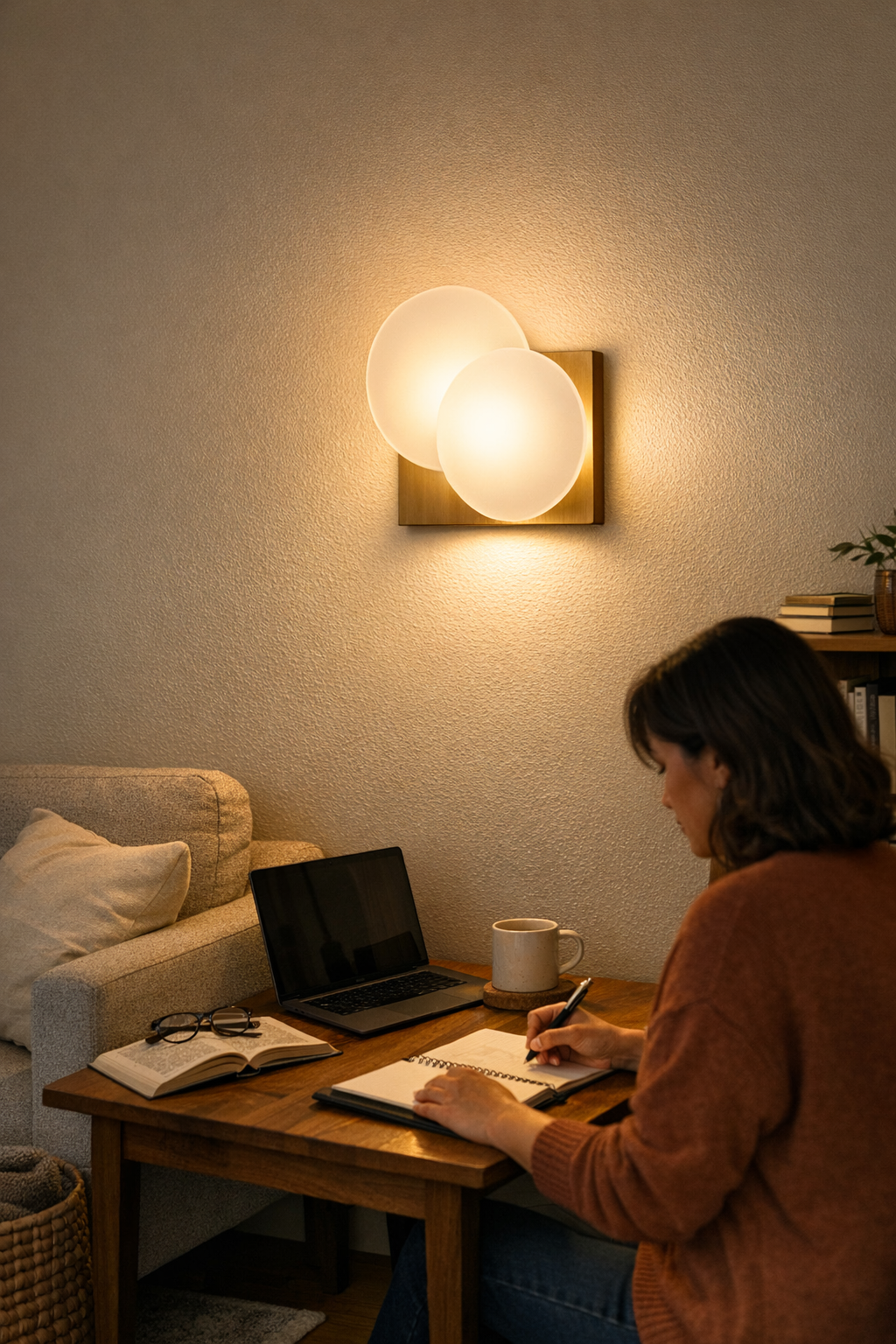
Wall sconces aren’t a decorative afterthought—they’re how shared rooms stop falling apart from glare and cable overload every night. Mounted high and offset to the sides, sconces target the real zone: above and behind where people actually settle in. Unlike overheads or freestanding lamps, they throw indirect, usable light at the right angle—enough for both comfort and focus, without blinding beams or cable clutter underfoot.
After weeks of shifting lamps around, mounting a pair of wall sconces just above shoulder height on each side of a sofa changes the math instantly. Suddenly:
- The entire sofa becomes usable—no more dividing the good seat from the ghost zone
- Glare on book pages stops, and tablet screens are comfortably readable without forced adjustments
- No need to move cords or hardware—the lights stay fixed, the space stays open
- No seat is claimed or lost; the setup finally supports two people equally, every night
The room doesn’t look dramatically remodeled. It simply lets routines run without friction or daily sacrifices—making “shared” real instead of theoretical.
Tip: Use Sconces with Soft Diffusers
If possible, pick sconces with fabric or frosted glass diffusers. These soften and scatter the light, eliminating eye-level hot spots and reducing the risk of direct glare. Focused tasks and relaxed evenings both go smoother when no one’s fighting the beam or adapting awkwardly to the lighting.
Signals That Your Room Needs Better Support Lighting
The warnings show up in your routine before you ever admit a problem: seats skipped after dark, cables always drifting out, people stacking objects to redirect a beam, constant squinting or shifting away from glare, or surfaces that look “done” but invite frustration or avoidance every night.
- Chairs that always sit empty in the evening
- Lamps switched and re-switched, cords unraveling
- Makeshift barriers cropping up: books, pillows, upturned baskets
- People turning, stooping, or shifting—not for comfort, but to deal with routine lighting failure
- Areas with permanent organization, but zero genuine comfort after 7pm
These are the signs—daytime solutions that don’t withstand repeated use, setups that don’t scale to real life, and frustration that resets every evening. In most mixed-use rooms, wall sconces do more than update the look—they unlock the space you intended to use together, with no major overhaul or exposed hardware required. Lighting support isn’t about more brightness; it’s about the right structure in the right spots, finally making evening routines effortless instead of a ritual of compromise.