
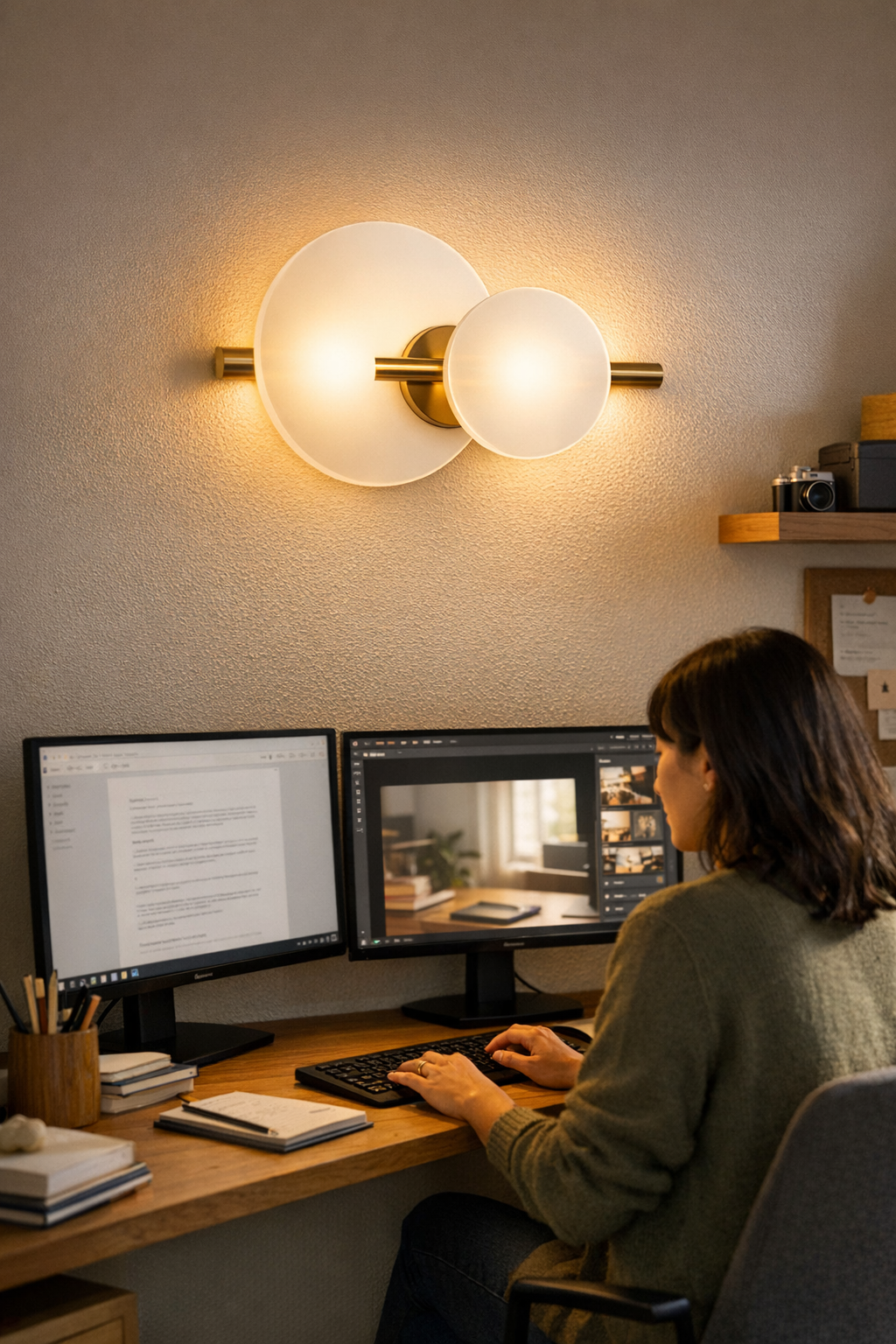
Almost every “finished” desk—overhead light on, lamp in place—fails the second real work starts. Bright ceiling fixtures and a polished table may look sharp in morning photos, but as soon as you settle in, the gaps show. Glare crawls across your monitor, cables snake into sightlines no matter how often you tuck them, and shifting in your chair becomes routine just to dodge a stray reflection. The desk looks ready, yet every work session drags into a quiet negotiation with your lighting: you’re constantly tilting screens, inching notepads closer to the edge, or squinting at document highlights that fade into shadow. It’s not a simple issue of brightness or bulb choice—it’s about how support and light combine in the actual zone where work happens, and what goes wrong when they don’t fit.
Where Glare Sneaks In: Real-World Screens, Real Annoyances
Even when a room feels “fully lit,” routine desk work quickly reveals lighting patterns that undermine focus. Familiar friction points show up fast:
- Glare bands crawling across the monitor whenever you move your head or tap the keyboard
- Task shadows pooling right where you need to annotate, mark up, or actually see what’s in front of you
- Exposed cable runs crossing the visual field—reminders that the last fix didn’t solve the daily tangle
These aren’t minor annoyances. Adjust your chair once, then again. Pinch the bridge of your nose after an hour lost in spreadsheets. Watch as half your desk effectively disappears—the line between light and shadow splits your usable workspace, making it hard to find the right spot for any task. Over time, this drag accumulates: more fatigue, shorter focus, productivity quietly slipping as each day turns into another round of lighting acrobatics.
Overhead Lights and Desk Lamps: Why They Miss Where It Matters Most
Standard overhead lights and center-set desk lamps chase the illusion of order, but rarely help in repeated-use trouble spots. Ceiling fixtures flood the room but fire down at steep angles—good for filling space, bad for anything with a screen. Glaring bands cut through the top edge of your display, or flare in the background whenever you look up. Instead of clarity, you get a parade of white streaks and faint ghosting that keeps moving as you try to work.
It isn’t just computer displays. Glossy surfaces—whiteboards, metal edges, glass table tops—catch and bounce light, turning every practical corner into a guessing game. The space snaps a nice photo, but after one hour you’re shifting between hot spots, defending against annoying side-shadows, or just avoiding whole stretches of your own desk because the lighting always makes those zones a strain.
Shared Spaces, Shared Frustration: When Lighting Multiplies Distraction
Grouped desks and flexible setups magnify the gap between “looks complete” and “actually workable.” Picture two people at a long shared table—overhead lighting and matching lamps look perfect, but when both start working, sharp glare bands find every screen. One leans over to avoid a reflection. The other nudges their lamp, and the cord slips into full view, trailing over shared work zones. Midweek, frustration wins; someone decamps to a corner table just to avoid the relentless pattern of glare. To visitors, there’s no obvious flaw, but anyone using the space feels the silent divide between visual finish and genuine, lasting comfort.
Under-Shelf Lighting: Subtle Placement, Noticeable Comfort
A forward-facing under-shelf LED strip sidesteps these recurring problems with quiet precision. Instead of light blazing straight down, the fixture tucks 15–18 cm behind the shelf edge, running parallel to the work surface. Suddenly, the light lands where your notebook, keys, and hands actually go—leaving monitors free from flare and keeping the area you use most consistently visible.
The difference isn’t just comfort, it’s a reduction in clutter: cables route invisibly along the bracket, and the strip’s beam forms a working zone without washing over your screens or throwing harsh edges onto nearby tools. No dramatic reveal—just a daily lack of distraction as markups remain visible, handwritten notes sharpen, and browser tabs resist the usual noon dimness, hour after hour.
Tip: For cable control, use adhesive cable clips or a flush cord cover behind the shelf bracket—this hides stray lines, keeps the desk edge clean, and snuffs out the last visual reminders of drag-and-drop fixes.
Small Fixes, Lasting Impact: Repeated Use Sets the Standard
Desk setups solve nothing if they only perform in a single snapshot. What counts is whether the layout quietly outlasts a full week of shifting routines, keyboard sprints, and late-night work. Add a low-profile LED or shelf-mounted strip: suddenly, you stop losing half your focus to shadow edges, cable clusters, or the quiet battle to keep your screen readable at 4 pm. The change creeps in with less eye strain, no more fighting for the one well-lit patch, and the background frustrations slowly fading from daily rituals.
The setups that last aren’t flawless—they’re just less demanding. Fewer posture tweaks, less glare-diving, more time spent using the desk instead of negotiating its limits. Over a month, you’ll see fewer notes written in angled corners, screens that finally hold their clarity, and a noticeable drop in the low-grade annoyances that quietly drain your best work time.
When to Rethink Your Setup
If glare, bright shadow bands, or the shifting white lines of reflected light haunt your work as the sun moves—or every time you shift your chair—the heart of the problem isn’t the screen, but how the light is aimed and supported. Shuffling lamps, pinning paper diffusers, or taping cable guides might stall the issue, but none fix the basic misalignment that comes from having the wrong lighting angle or a messy cord path in the first place.
Search instead for targeted, low-profile fixtures—ideally under-shelf or bracket-mounted strips with flexible placement. Focus on mounting positions that route cables behind brackets, keep the source above hands and not screens, and let you tweak location as work patterns change.
Lighting and Support: The Overlooked Partnership in Everyday Clarity
Most setups promise tidiness but leave daily friction untouched: cords that tangle into sight, shaky bracket placement, or fixtures that shoot light everywhere but the real work surface. Just swapping one overhead panel for a bracketed LED strip and a clean cable run out of sight transforms both function and focus. With the right pairing—support that stays out of the way, light that takes aim at your actual work zone—you lose the visual clutter and gain a setup that adapts quietly to shifting routines.
Lighting and mounting that responds to how you actually use a space—not just how the room is drawn out on paper—erases the daily stress points that linger in even the most finished-looking room. The payoff isn’t just tidier appearance; it’s subtle, everyday clarity and a space you’re less likely to abandon for some better-lit corner.
Improve the actual usability of your lighting and support, not just the surface impression: LightSupport