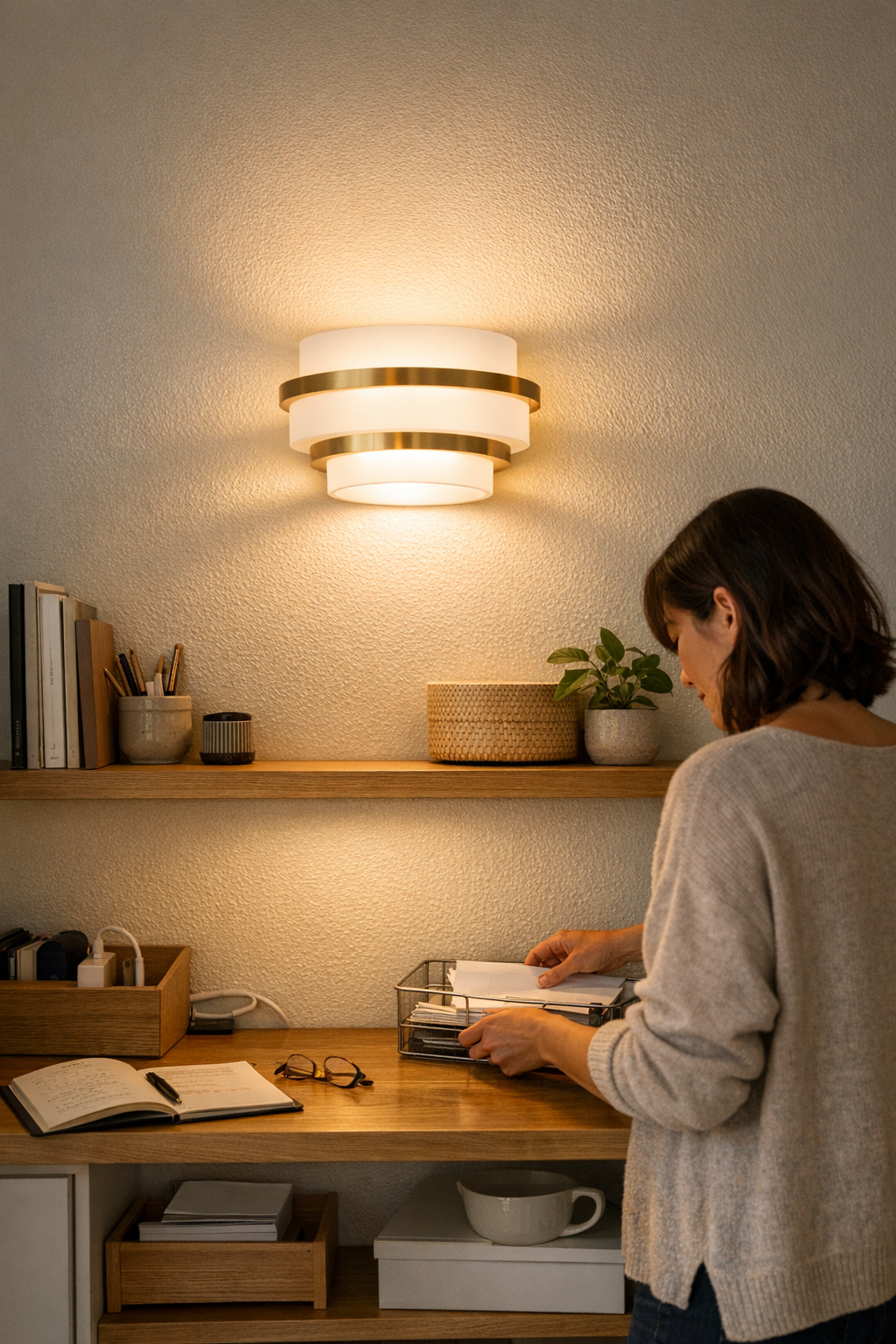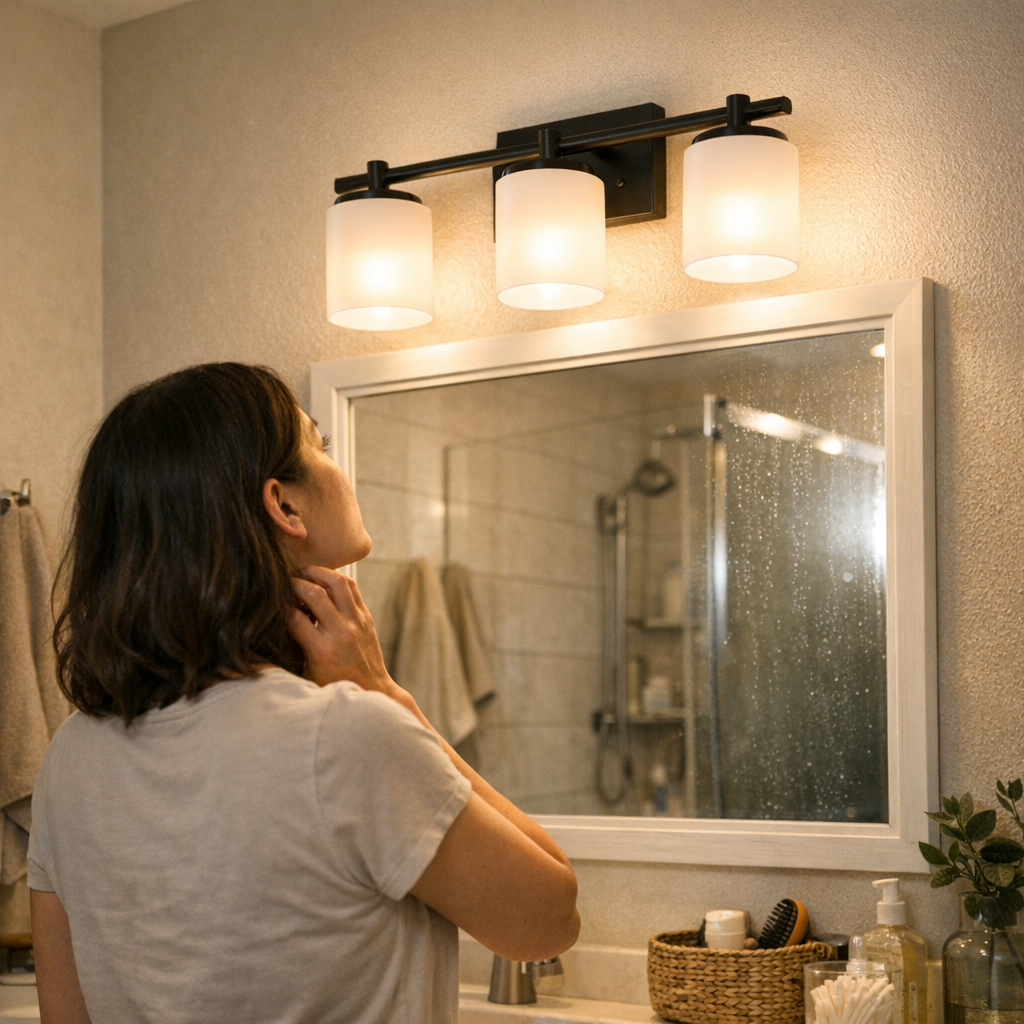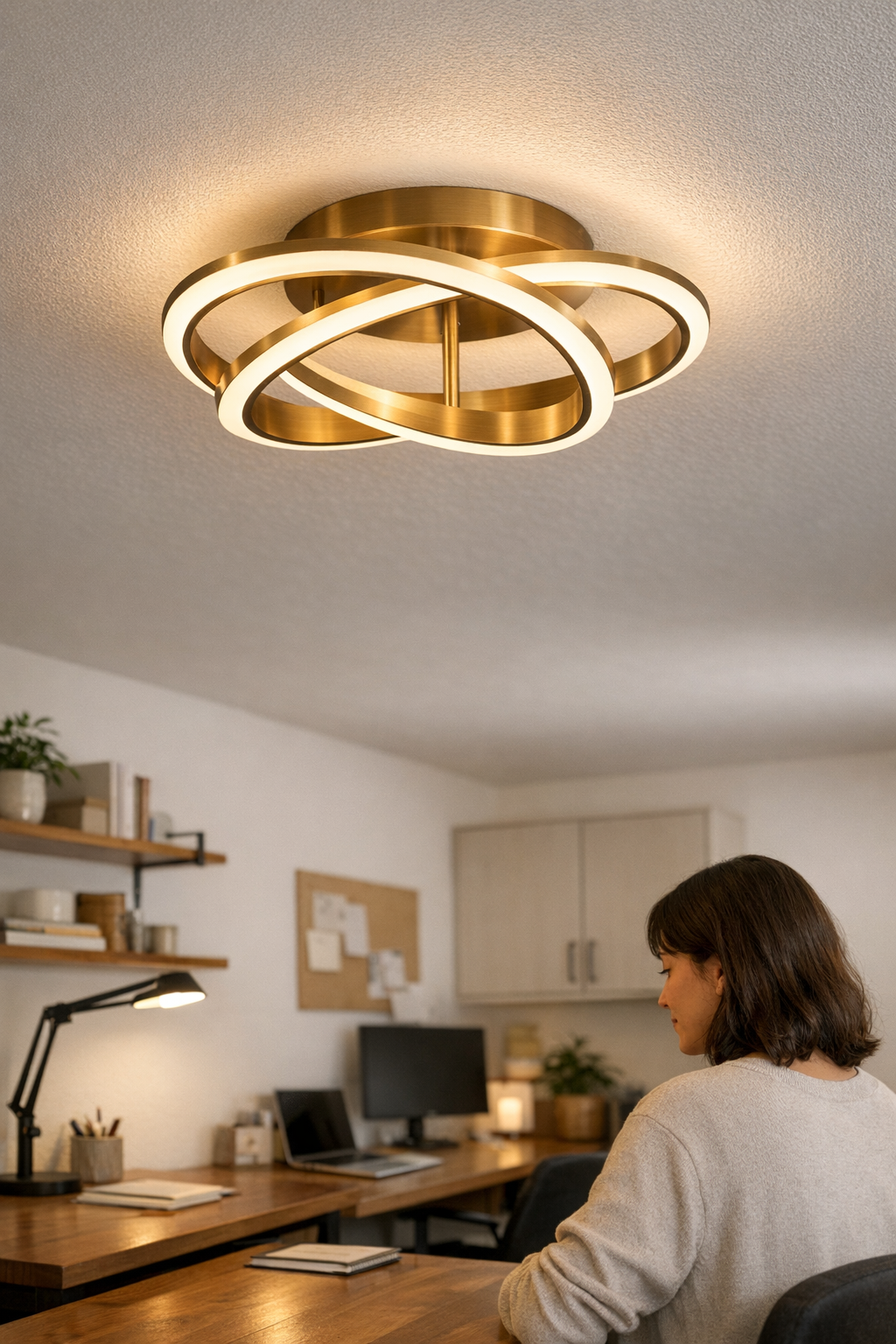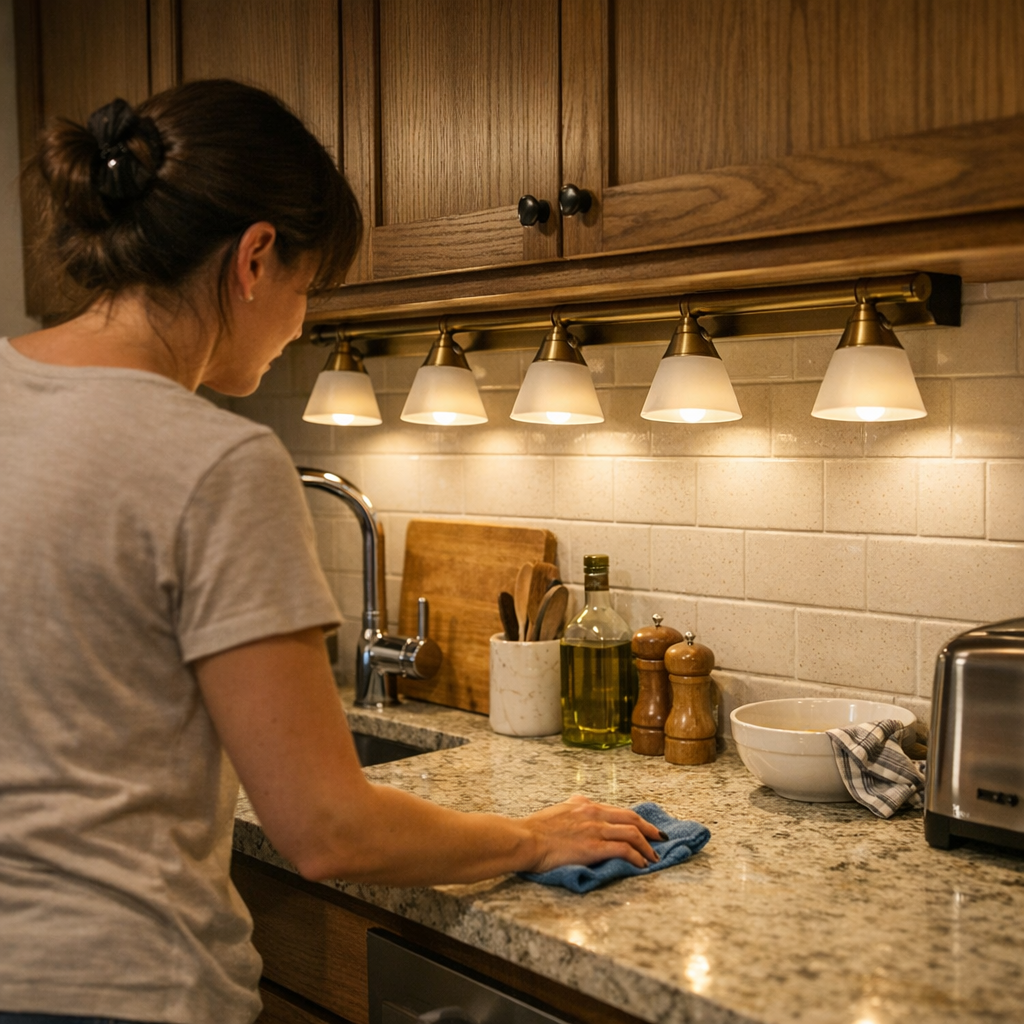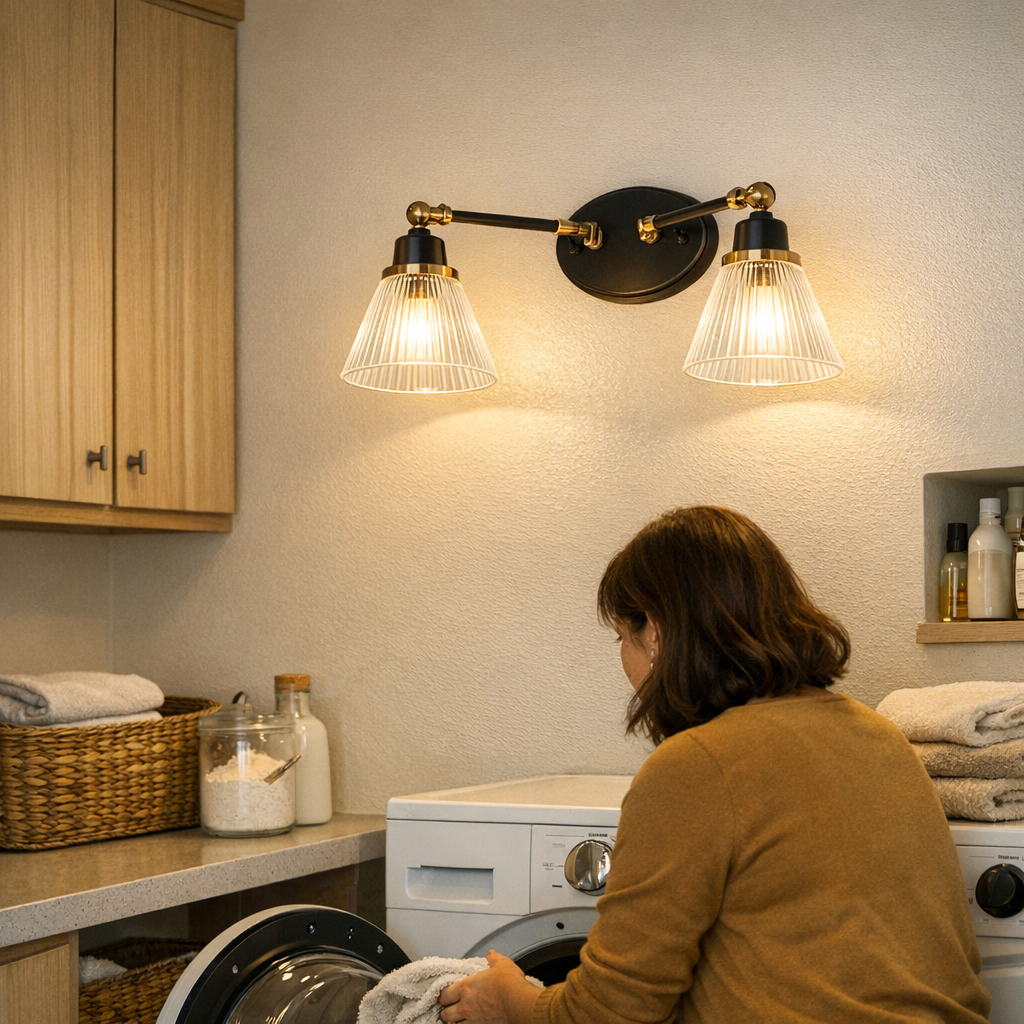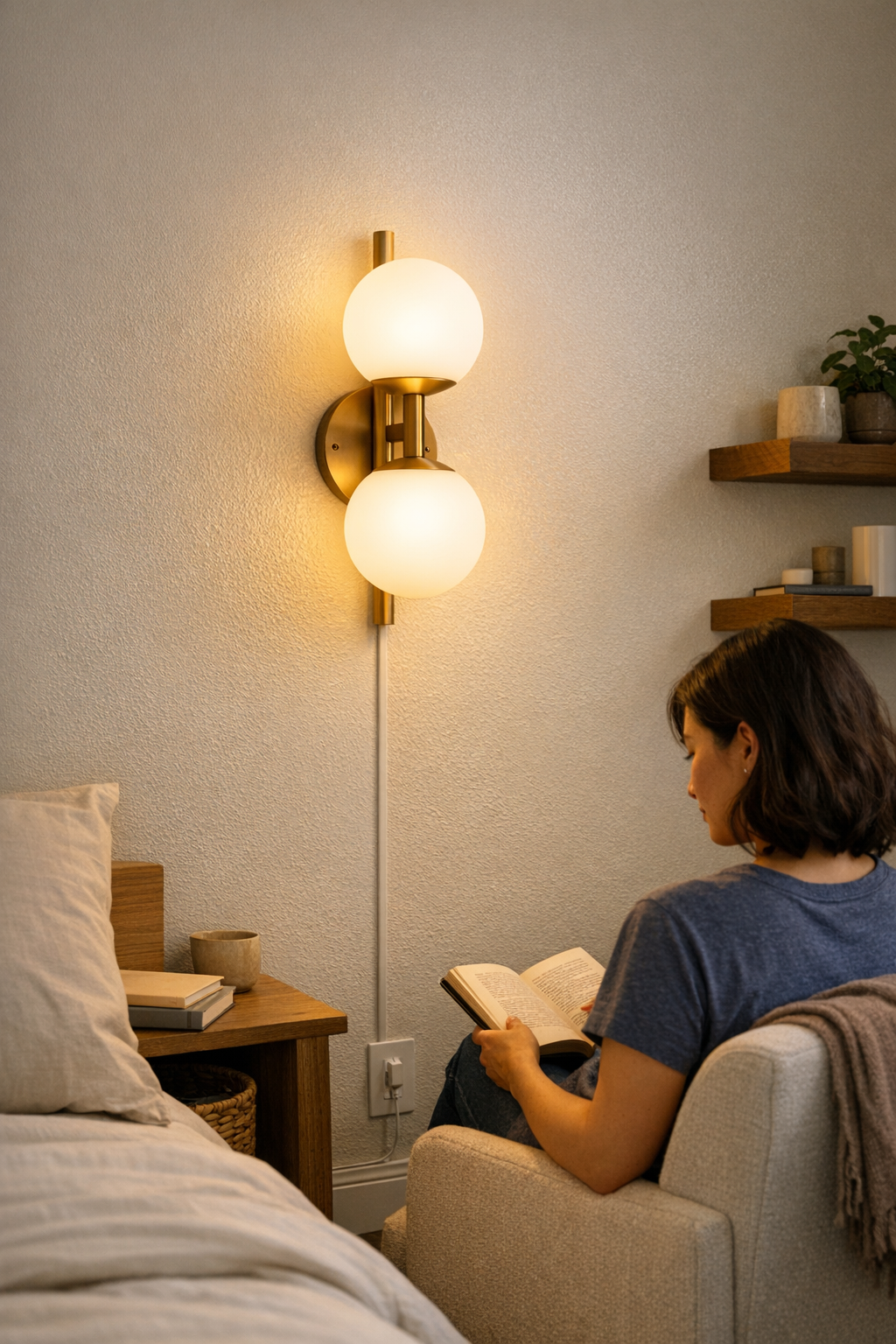
Exposed sconce cables don’t just disrupt aesthetics—they sabotage the function of nearly every space they cross. What looks clean on install—glow above a reading chair, neat symmetry beside a bed—is undercut by a cable that drops down the wall, undermining both the mood and the routine. Suddenly, every day brings new friction: dust grabs every centimeter, cords snag on chair legs or sleeves, and your eye is pulled back to the jumble long before you enjoy the light. This isn’t a rare annoyance; it’s a routine problem wherever wall-mounted lights meet real-life use, especially in rooms that demand more from their lighting than just staying put.
Where Exposed Cables Slip into Daily Life
The slide from minimal to messy quietly accelerates with each small move. Desk corners, bed edges, and high-traffic walkways turn loose sconce cords into obstacles. Shift a desk or reach for a charger, and the cord slips off its anchor. Vacuum too close or bump the headboard, and the line that was flush collapses into awkward bends or sags, instantly visible from across the room. You find yourself not just re-tucking—a task that never lasts—but placing furniture less freely, hesitating to clean properly, and distracted by the cable long after the novelty of your “clean” lighting install fades.
Consider the first week after mounting a wall sconce above a desk: the cable initially hugs the wall. Midweek, papers are shuffled and the chair gets pulled out—now the cord is tugged off its track, curling against the wall or making an awkward loop at the baseboard. In a bedroom, the same cycle resumes each night as you shift a pillow, drag the lamp cord, or budge the bedside table; the cable subtly untethers itself, becoming a new catch point for dust and distraction. Over and over, tight corners, shelves, and multipurpose walls expose the limits of any “placed, not managed” light, each routine tug compounding the disorder.
“Installed” vs. “Placed”: What the Cable Tells You After a Week
That fresh “finished” look fails quickly when the cable isn’t anchored for real life. An installed light should mean the cable stays almost invisible, the plug remains solid, and no amount of cleaning or rearranging causes a shift. Placed lights, with floating lines or barely-stuck clips, betray themselves: cables dip, accumulate dust, or get yanked sideways as people or furniture inevitably test the system. Especially in compact rooms—where outlets are in high demand and surfaces serve multiple roles—slack and sagging force you to repeat the same cable rescue routine: pushing in plugs, brushing away dust, nudging cords back behind corners, never quite restoring the original clean look you tried to achieve.
Each week, these minor snags multiply. Shared workspaces or walkways see more elbows, more shifting legs, more erratic furniture edging into cable territory. The result isn’t just visual: moving the couch or shelf isn’t about refreshing the space anymore—it’s about chasing and concealing a line that refuses to stay put.
The Clean-Looking Setup That Doesn’t Hold Up
Pinning a cable in a dead-straight line or painting it to blend with the wall might look resolved for a day or two. But ordinary movement undoes decorative fixes fast. A sliding chair, a stray mop, or a restless night will scroll that cable back into view. The spot behind a desk or under a floating shelf collects slack and dust stripes—never truly invisible, just transiently disguised. Over time, these points become visual interruptions you adjust for every week: pushing a cord flush, nudging furniture to hide it, or cleaning around an awkward bulge you never planned for.
Instead of staying streamlined, the “finished” effect deteriorates into something obviously incomplete—a cable that interrupts both how the surface works and how the room feels to live in. What began as a hidden line grows into a repeat annoyance, and every tidy-up is quickly unspooled by normal habits.
How Proper Cable Management Changes Daily Use
Upgrading to rigid cable channels or positive-locking clips—ideally, low-profile types with paint-matched finishes—re-aligns the entire setup. The cable drops vertically from the sconce into a fixed route: no more creeping slack, no more semi-visible bulges detouring around table legs or along floors. No more plugging things back in by hand, no more vacuuming around an exposed cord, and no more habit of glancing back to check if the setup survived another routine day.
Cleaning turns straightforward: vacuums pass without tugging, brooms don’t snag stray lines, and the surrounding floor and baseboard keep their clarity. Furniture can press up against the wall without shifting the cable out of alignment. You stop fixing and start forgetting—the managed cable just stays put, and your sconce or lamp does what it’s supposed to do: provide light, not extra work.
Months in, that channel or snap-in guide is still holding the path cleanly; no new dust gathers in awkward lines, and the cable route looks nearly new. There’s a functional calm at the room’s edge, one you only notice after moving, cleaning, or rearranging without finding the lamp cable in your way.
Choosing the Most Reliable Fix
Rigid surface channels and click-in guides solve what tape and sticky pads can’t: they clamp the cord securely, stand up to gravity and busy hands, and don’t slip out of place. A channel just wide enough—around 12mm, properly matched to the surface—lets the cord vanish visually but keeps it locked in, week after week. Unlike drilling brackets or staples, surface channels can be removed and patched easily, protecting both rented walls and future rearrangement. No permanent holes, less hassle if you decide to swap or move a fixture.
Mistakes That Keep the Mess Coming Back
Looping a cable behind a table or letting it drape between obstacles might hide it for a day, but slack and debris appear almost instantly. Every unconstrained cable draws lint, creates cleaning headaches, and invites another cycle of straightening and frustration. A “placed, not guided” sconce is never finished—it slips, shifts, and bumps its way into becoming the part of the room you fix most often.
The pattern is predictable: the vacuum sticks, the dust lines grow, plugs loosen, and each catch pulls your attention away from the space itself. Instead of enjoying the lighting, you inventory the ways it interrupts the room.
Why the “Installed” Difference Matters Most Where You Live
The real payoff of proper cable management isn’t a prettier fixture—it’s a room that works without compromise. In rooms that blend rest and work, in corners where surfaces overlap and furniture shifts often, an anchored light keeps its place and keeps your routine running. The difference shows up in months of not noticing the cable, in never needing to re-tuck or un-snag, in finding both the light and the wall ready for whatever you need next.
Resolving stray cables means fewer daily interruptions and a routine that stays smooth no matter how often you rearrange, clean, or simply live in the space. Done right, cable management isn’t just appearance—it’s the shift from constantly adjusting to finally using the room as you meant to.
Explore practical cable channels, mounting options, and support accessories at LightSupport.