
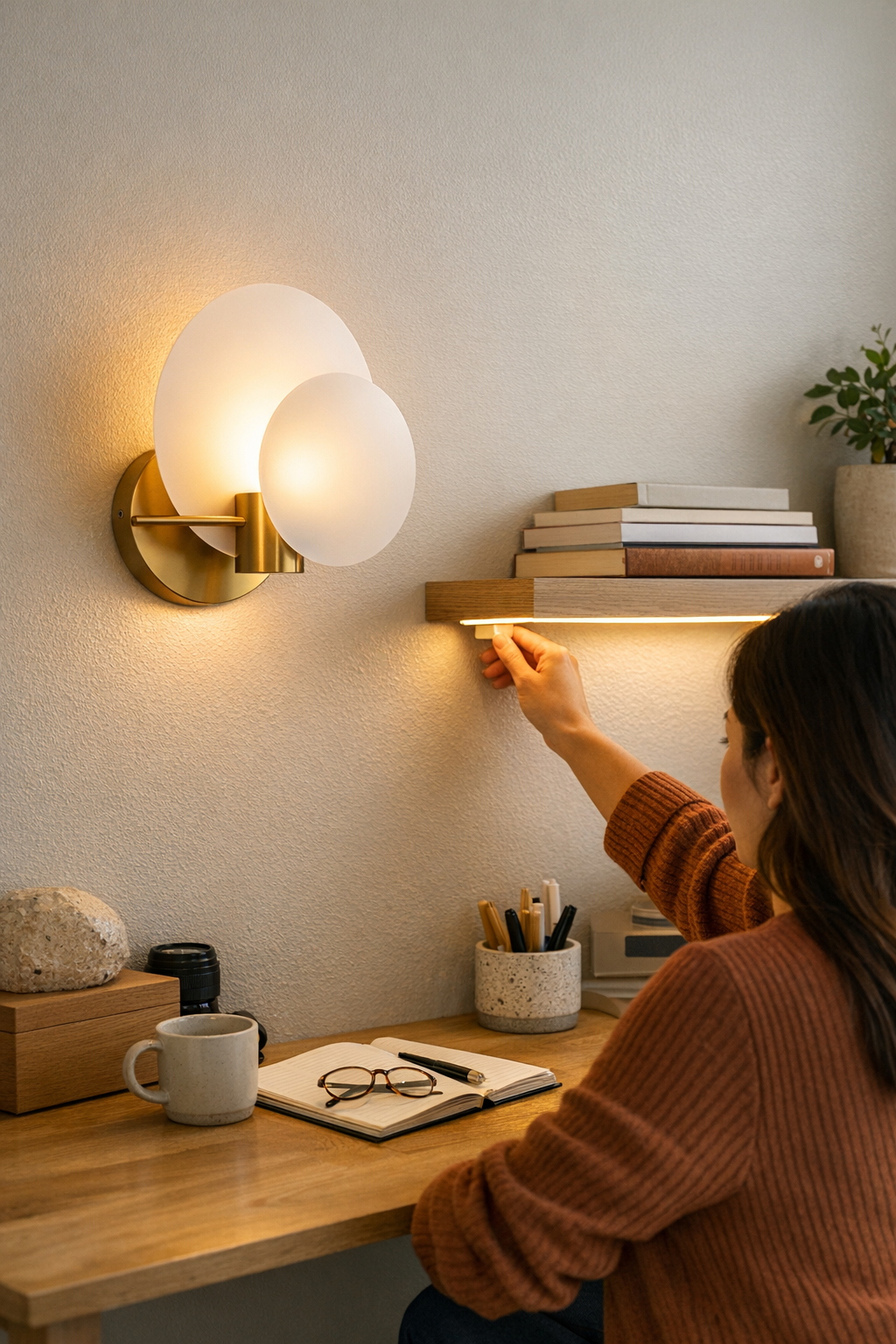
If you have to twist, dig under a shelf, or reach behind clutter just to turn on a desk lamp or under-cabinet light, you’re not alone. A plug-in switch that looks “minimal” on day one often becomes a daily hassle: misplaced inline controls, low-hanging adapters, or bracketed buttons end up breaking your flow every time you need light. The fix isn’t just cosmetic—a smart lighting setup depends on whether switches, cables, and hardware actually match your routine, not just the furniture edge or wall face they’re meant to tidy up. How your light operates in regular use will show every compromise you made in placing controls and support hardware, for better or worse.
When Placement Breaks Your Flow
It’s easy to underestimate the impact of poorly placed lighting controls—until they start getting in your way. Maybe you hid an inline switch behind a row of books, or tucked a power brick out of sight under a shelf. For a brief moment the space looks clean, but soon the routine cracks: you freeze mid-task, nudge aside a pile of notebooks, or hunt behind a printer just to toggle the light. Each reach becomes a small interruption you never planned for.
This friction isn’t rare. At a crowded desk, on a slim kitchen counter, or with wall-mounted LED strips, nearly everyone tries to banish cables and switches for a cleaner look. But once you start working, the “neat” finish resists the way you actually move—until the setup feels slow and slightly incorrect, day after day.
Real Examples from Everyday Corners
Take a floating shelf with a low-profile LED strip: you race the cable along the back, stash the controller behind books, and step back to admire a seamless glow. But every morning proves what the setup missed:
- Turning on the light means shifting books or reaching blind behind the display, risking a loose cord every time.
- The inline switch dangles off the back edge, often sliding down and vanishing behind the desk. Retrieval becomes its own ritual of tiny annoyance.
- If more than one person uses the space, the first question becomes “Where’s the switch?”—and the hidden controller forces books, cables, and small objects into constant migration.
Or picture under-cabinet kitchen lighting: the bracket hides the cable from view, but each use demands a stretch behind jars and appliances to fumble for a stubborn toggle. What photographs as orderly quickly exposes its weak point—good for looks, clumsy for anything you actually do in the space.
The Difference One Adjustment Makes
Now imagine that same controller repositioned right at the forward edge of the shelf, within easy reach—no more moving stacks, no need to trail cables over your workspace. One small move, and the interruption disappears: switching the light becomes automatic, and the cable path finally respects your hand’s real pattern through the day. Suddenly, the setup aligns with how you live, not just how it looks.
Spotting Setup Friction Beyond First Impressions
Lighting and cable arrangements that appear neat at first can quietly unravel during actual use. You can spot a non-working setup by its friction:
- Dragging cables and switches: Lines catch, lift, or scuff every time you shift something nearby, adding repeated stress to both hardware and patience.
- Awkward reach-zones: Controls dangle or hide in spots that demand bending, twisting, or unnatural stretches—rarely where your hand expects them.
- Visual clutter returning: Trying to fix the annoyance, you or others start pulling cables back into view or rearranging items, which slowly defeats the original “clean” intent.
- Routine interruptions: Split-second pauses—just to chase a switch, secure a bracket, or fish out a power supply—add up as the real price of a not-quite-finished solution.
Each of these was “only a small hassle” at first. But in daily cycles, the inconvenience compounds, making you notice the setup more than the comfort it should bring. A lighting plan that merely looks good isn’t enough if it stumbles every time you need it to just work.
Better Placement Guidelines for Smoother Daily Use
So how do you actually make a lighting setup that feels right in repeated use? Start with these patterns:
- Stay in the action zone: Place every control directly along your natural reach path: the nearest desk edge, the forward lip of a shelf, or within relaxed arm’s length from wherever you sit or prep daily.
- Keep cables clear of movement lanes: Route cords so they skip visible surfaces and don’t need to move every time you grab something. Avoid cable paths that snag or distract.
- Test practicality over looks: Set the control position with painter’s tape first and run through your normal routine for a couple days. Your hand will reveal the spot that makes the most sense before you commit with brackets or adhesive.
Good lighting and support hardware disappear into your workflow not because they’re invisible, but because you never think about them at all—they simply fit. Testing in real time exposes every “visual win” that doesn’t hold up against everyday repetition.
The Silent Power of Support Accessories
No lighting setup is stronger than its weakest support part. Switches, power packs, and brackets might seem like afterthoughts, but they decide whether every lamp, desk light, or under-shelf strip works with you or drains your patience. A setup built just for a portfolio photo will always lose to real-life inconvenience—visible cables, stubborn switches, unstable placements, dim task edges, or glare waiting at the wrong height. If the support logic isn’t right, every use feels heavier than it should.
You don’t need everything hidden—you need it integrated with the way you actually use the surface, wall, or room edge. That’s when lighting goes from decorative to decisive. If your setup still slows you down, chances are it’s not the lamp’s fault—it’s how the little pieces fit the structure and habits you really have.
For lighting and support solutions that hold up to daily use—not just appearances—explore options at LightSupport.