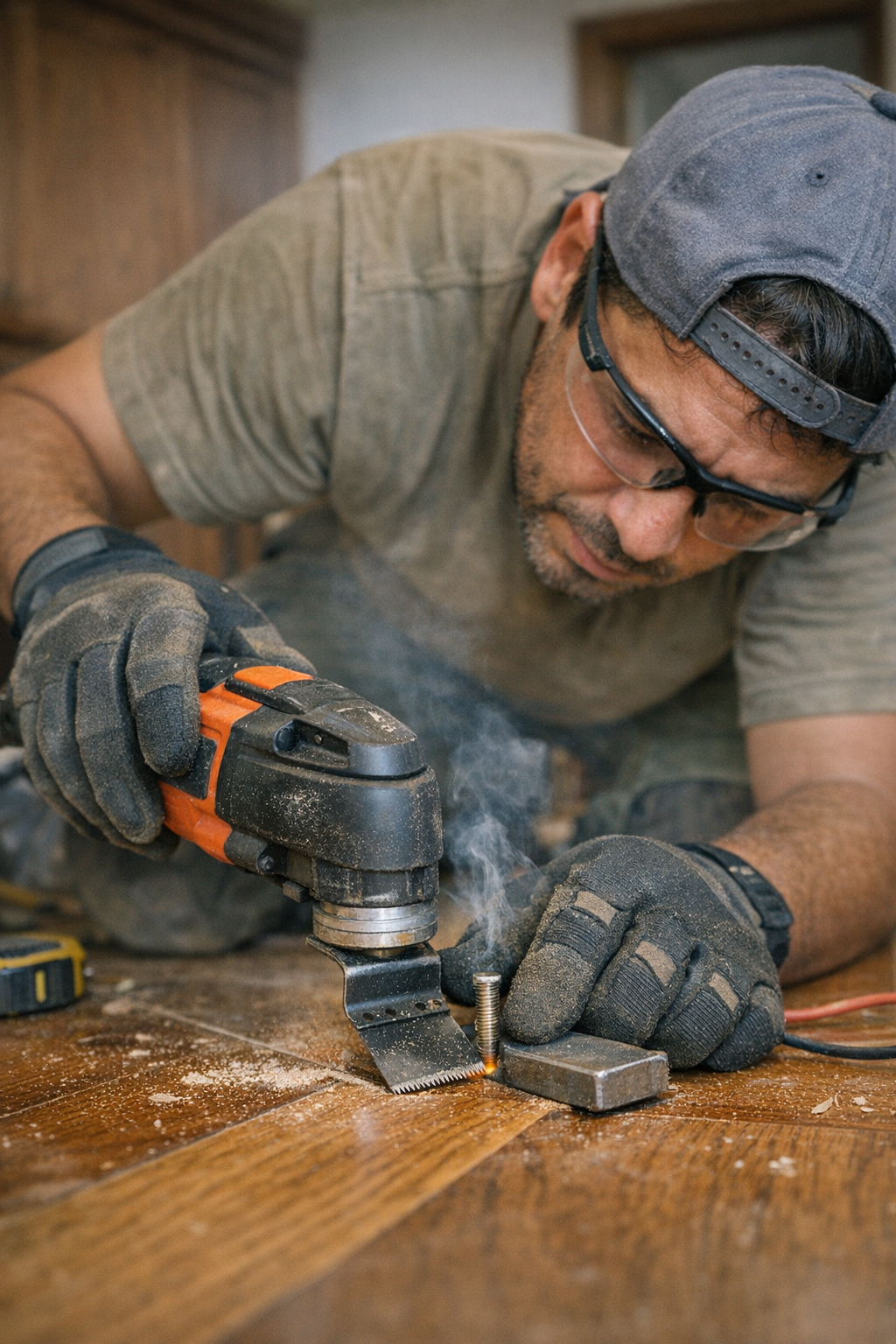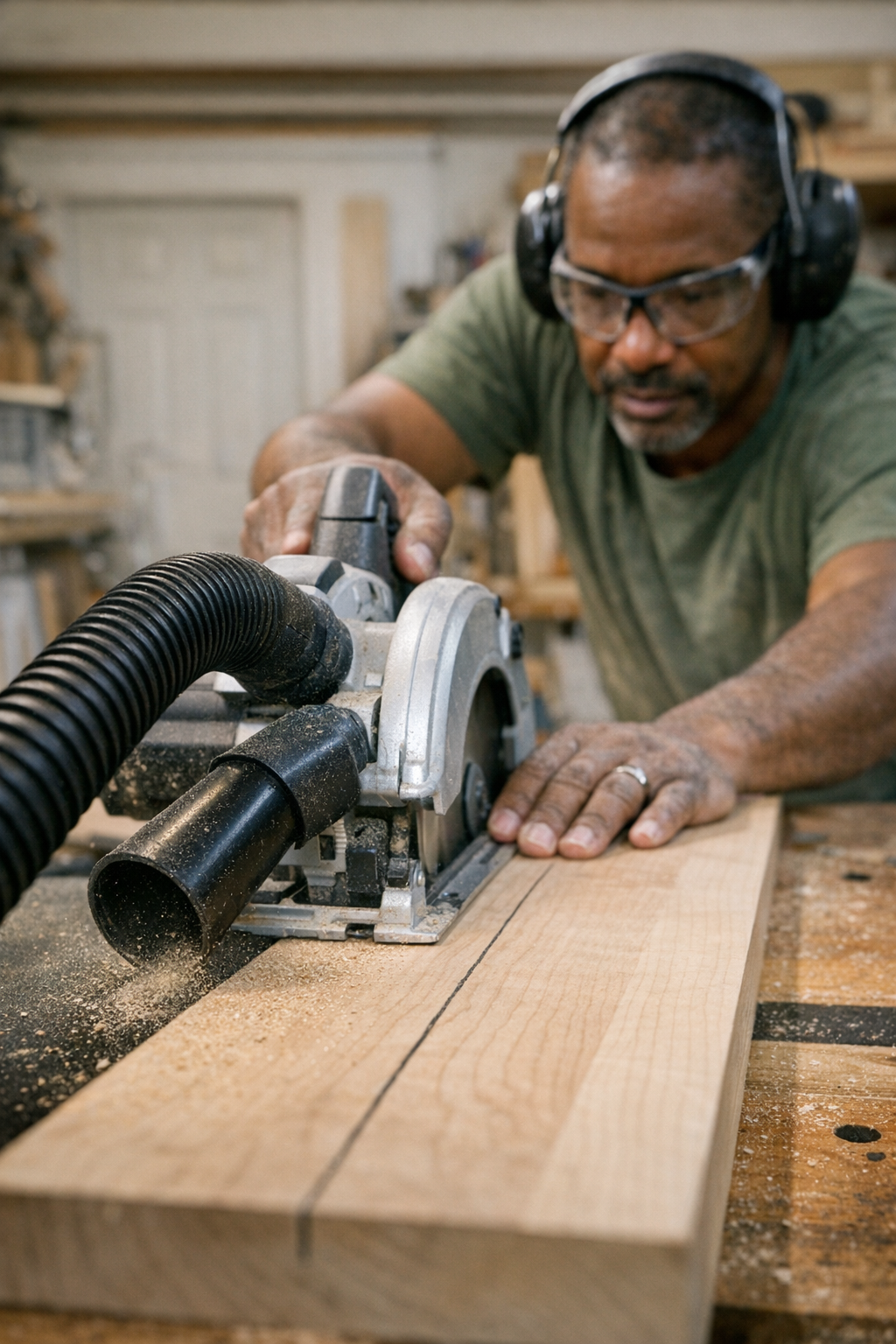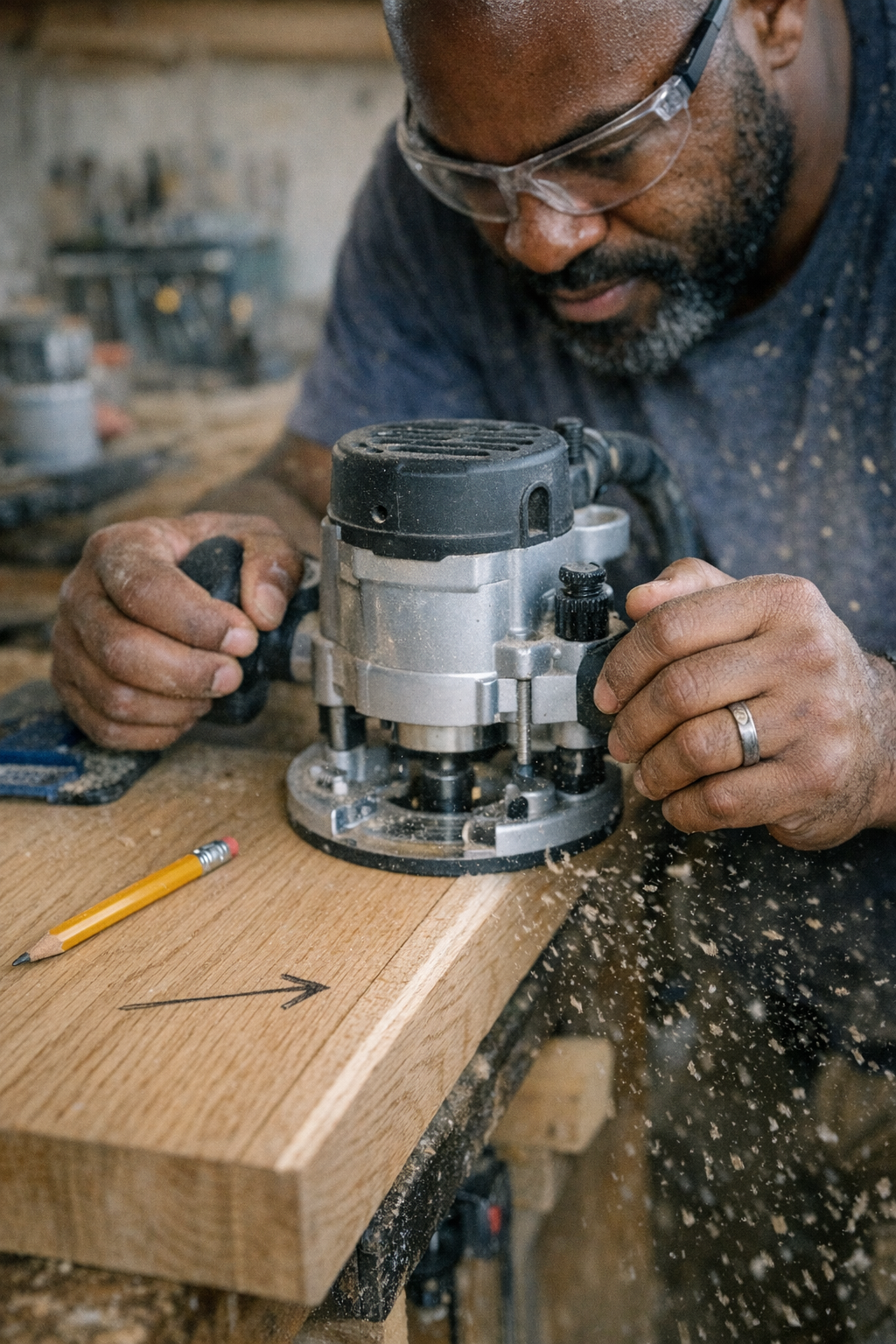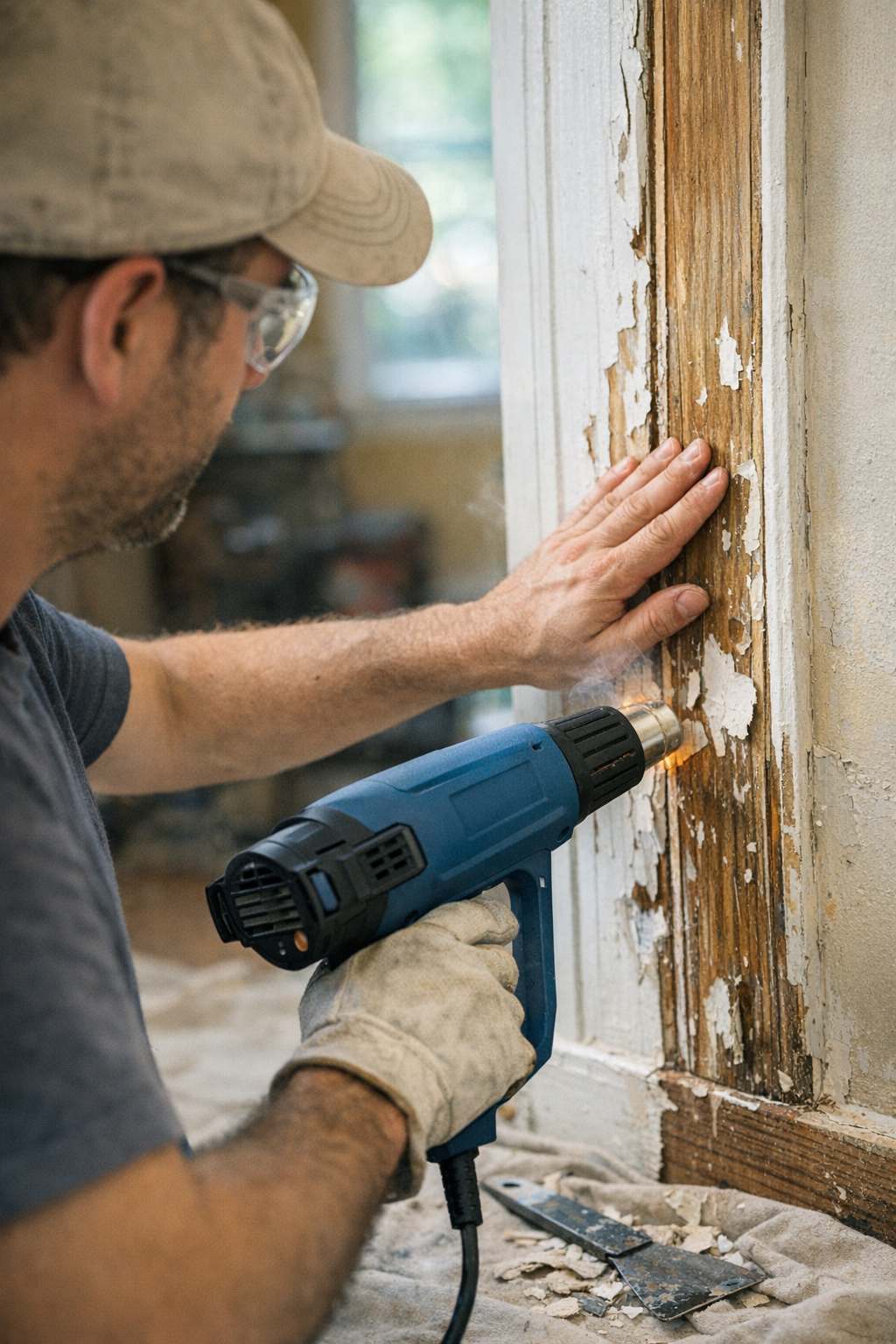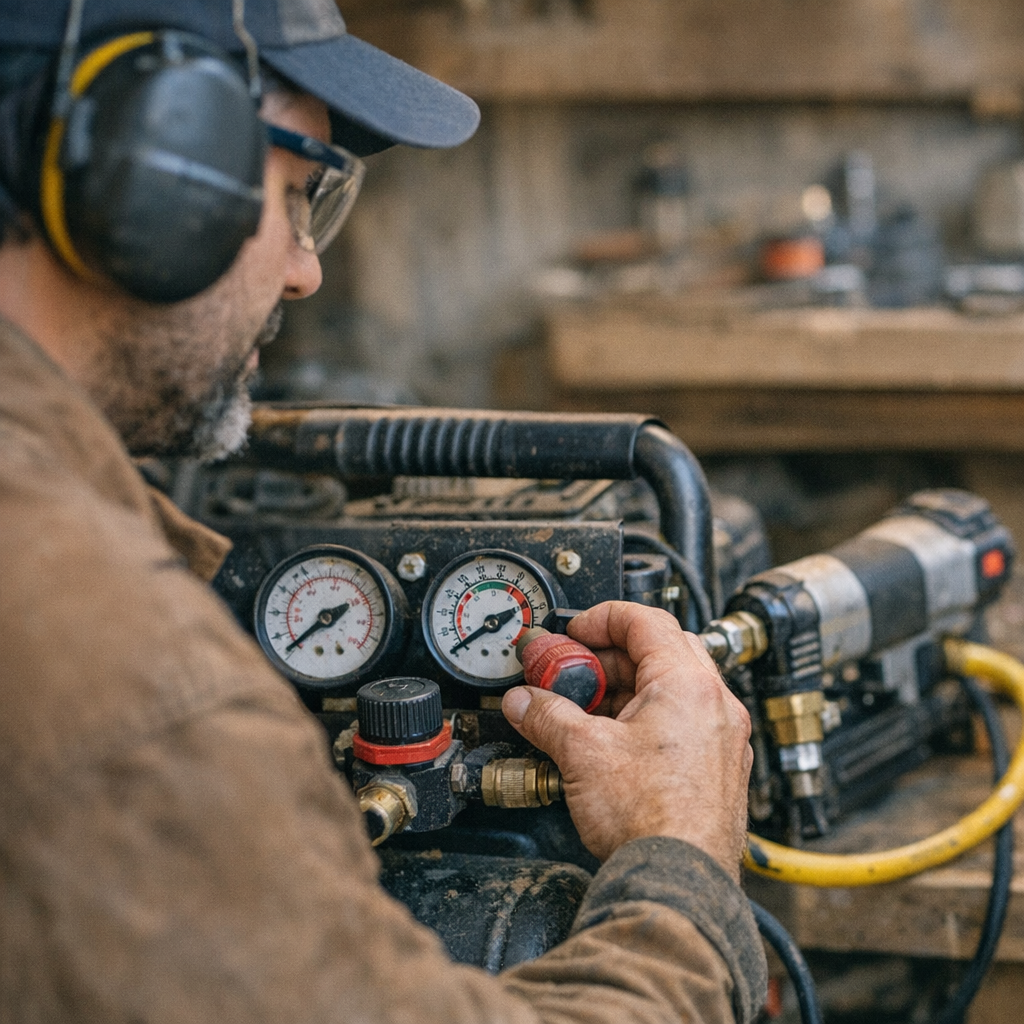
There’s a quiet moment in every garage or workshop when the air compressor kicks on, filling the space with its steady hum and promise of power. For many, it’s just background noise. But for anyone serious about pneumatic tools, that sound signals the start of something crucial: the right PSI setting.
Why PSI Matters More Than You Think
PSI, or pounds per square inch, measures the force of air your compressor delivers. It might seem like a basic number to adjust—just crank it up for more power. However, every air tool has an optimal PSI range, often listed on the tool itself or in the manual. Exceeding that range isn’t just unnecessary; it can damage your tool and ruin your work.
For years, I believed a higher PSI meant better performance. I pushed my impact wrench to break loose stubborn bolts and my nail gun to fire nails with authority. What I ended up with were jammed tools, leaky hoses, nails punched through wood, and costly repairs. The hidden cost was the accelerated wear on seals and moving parts inside my tools, shortening their lifespan.
Understanding the PSI Sweet Spot for Your Tools
Different pneumatic tools require different pressures:
- Finish nailers: Usually 60–100 PSI
- Spray guns: Often 40–60 PSI
Setting a tool rated for 60 PSI at 100 PSI not only risks internal damage but can cause performance issues such as blown-out trim or inconsistent finishes.
Match PSI to Your Tool’s Needs
It’s a simple rule: set your compressor’s regulator to the lowest pressure requirement of the tool you’re using at that moment. If you switch between a spray gun needing 45 PSI and an impact wrench that prefers 90 PSI, adjust the regulator accordingly for each task. This step might feel like an inconvenience, but it’s vital for long-lasting tools and quality work.
Real-World Example: When Lower PSI Made a Big Difference
Last winter, I was replacing baseboard trim using my old air nailer. Out of habit, I ran my compressor at 100 PSI. By midday, the nails were tearing through the trim heads, and the nailer began leaking air. I reduced the regulator to the recommended 60 PSI, and immediately the nails set flush, air leaks stopped, and the compressor ran quietly without constant cycling. The tool felt like new again, delivering reliable performance.
Common PSI Mistakes to Avoid
A frequent error, especially among newcomers, is running all tools at tank pressure, typically 120 PSI or more. This can cause soft-seal components to wear prematurely, resulting in seal blowouts, valve failures, and early replacements.
How Excessive PSI Harms Your Tools Internally
Each pneumatic tool relies on seals, o-rings, and internal valves to harness bursts of compressed air effectively. When run above the recommended PSI:
- Seals and o-rings wear out faster due to excess force
- Valves become gummed up, reducing performance
- Tools lose efficiency and eventually fail prematurely
By dialing back the pressure to the tool’s ideal range, you reduce strain and let your equipment perform as designed, lasting longer and working more precisely.
Practical Tips for Managing Your Air Compressor PSI
Check Regulators and Tools Before Every Job
When setting up, notice that most compressors have two gauges: tank pressure and regulated output. Focus on the regulated output gauge—it shows the air pressure delivered to your tool.
Adjusting PSI Step-by-Step
- Turn on the compressor and let it reach full tank pressure.
- Attach your tool and hose.
- Turn the regulator dial until the output gauge reads at or just below the tool’s recommended PSI.
- Start at the low end of the range and increase pressure incrementally if needed.
- Test tool performance and adjust accordingly, but never exceed manufacturer recommendations.
Label and Color-Code Air Lines
If you operate multiple tools requiring various PSI, consider color-coding hoses or labeling quick couplers with their pressure ranges. This precaution prevents accidental damage from overpressurization.
A Refreshing Perspective: Slow Down to Save Time
It’s tempting to rush through your setup and dive into work. However, taking an extra minute to verify and fine-tune your PSI settings pays off. Tools aren’t indestructible; they need the right environment to succeed. By slowing down and respecting each tool’s pressure requirements, you actually save time by avoiding repairs and subpar finishes.
Also, when switching tools, allow the compressor a moment to stabilize—gauges can lag, especially on older models. This simple habit ensures you’re delivering the right pressure consistently.
Conclusion: Consistency Is Key to Tool Health
Your air compressor is a powerful ally but demands attention. Giving your tools exactly the pressure they need—not more, not less—extends their lifespan and improves your work quality. Before every job, check the PSI, adjust the regulator carefully, and maintain your hoses and fittings.
Protecting your investment isn’t about hovering over every part—it’s about creating the right conditions for reliable performance. The next time you start your compressor, ask yourself: have I set the correct PSI today? A small adjustment could add years of service to your tools and leave your work looking sharper.

 It always starts with packing. A few hours before my flight, I settle in and start folding clothes, the quiet outside broken only by traffic in the distance. There’s always a little anticipation as I drop in each T-shirt or book—knowing these choices will shape the days ahead. But at some point, I pause and ask myself: what do I need on hand, right away? Boarding pass, passport, headphones, maybe some gum. They end up scattered at first and then organized into one spot. Back in the day, I’d just jam everything into random pockets or the outer flap of an old backpack, only to fumble through everything at security.